Guide to Best Health Features in Smartwatches
n I wore one for “just a week” to test it for an article… and never took it off.
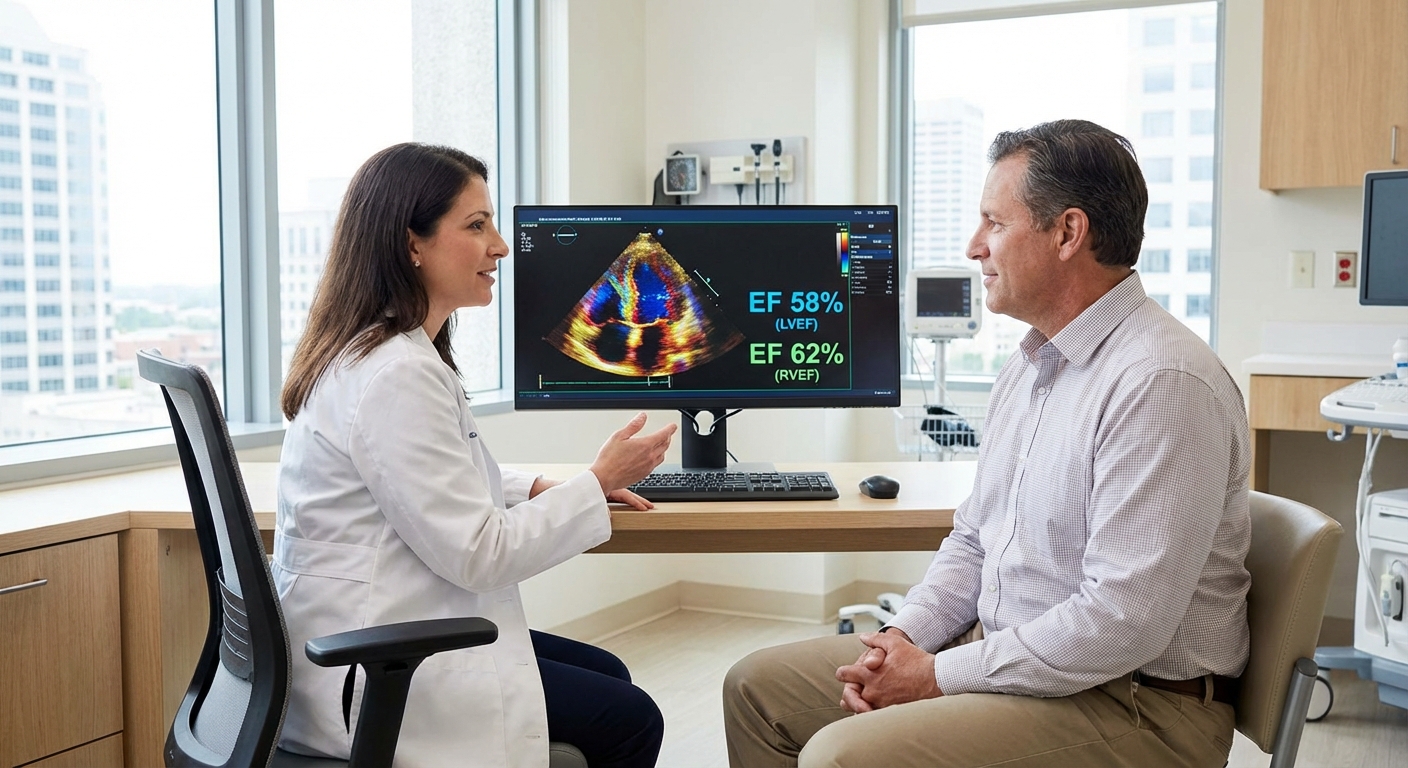
Over the last few years I’ve tested Apple Watch, Garmin, Fitbit, Samsung, and a couple of quirky niche brands. I’ve worn them while training for a 10K, during a nasty bout of insomnia, and even at a cardiologist’s office (awkward moment: my watch buzzed about a high heart rate while I was literally sitting in front of the cardiologist).
This is the guide I wish I’d had at the start: what the best health features in smartwatches actually do, what’s marketing fluff, and what can realistically help you stay healthier.
Heart Rate Monitoring: The Foundation of Everything
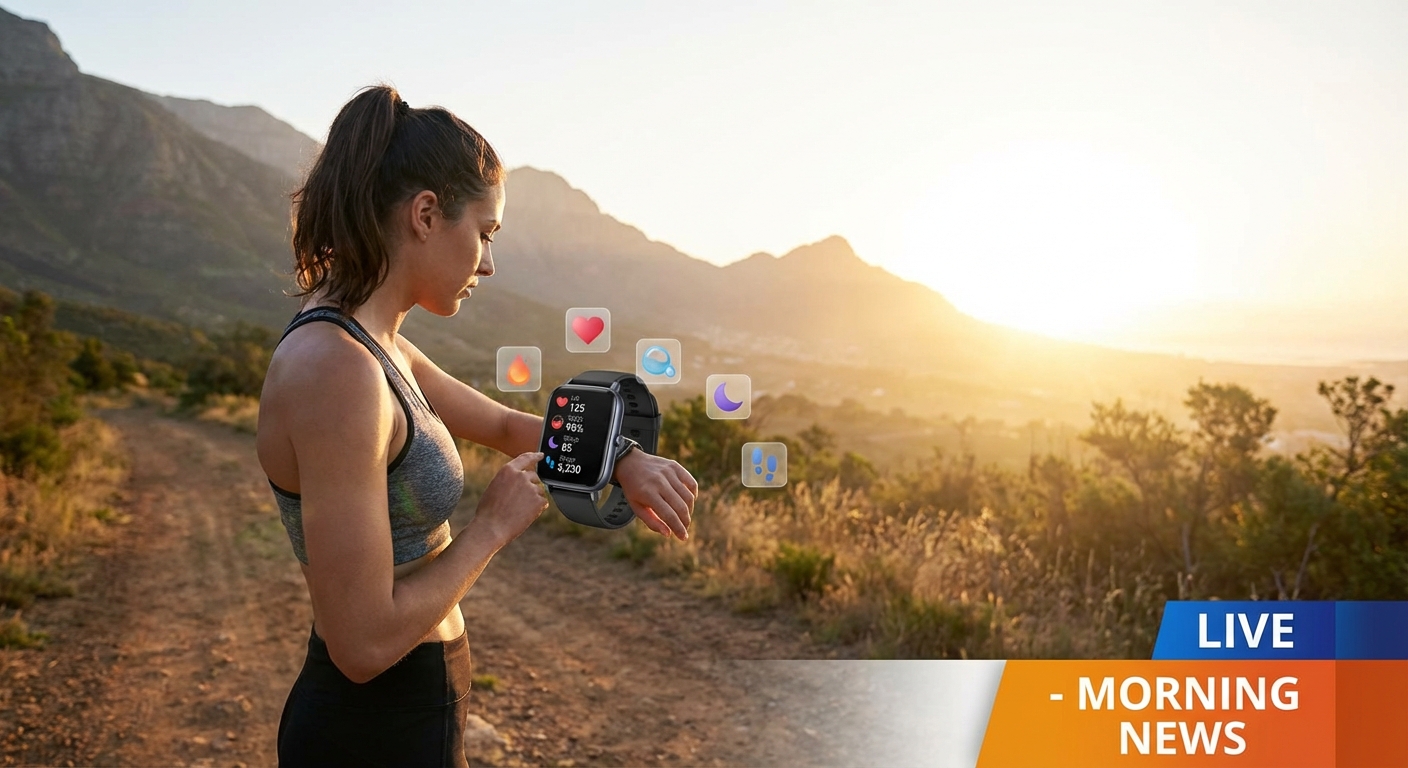
When I tested my first smartwatch with continuous heart-rate tracking, I assumed it’d be another random number to ignore. Instead, it quietly became one of the most useful health tools I own.
Modern watches use PPG (photoplethysmography) sensors—those tiny green or red lights shining into your wrist—to measure blood volume changes. From that, they estimate your heart rate all day and night.
Why it matters:- You can spot patterns: my resting heart rate creeps up when I’m getting sick or stressed.
- You can train smarter: staying in specific heart rate zones radically changed my running. No more sprinting every workout like a maniac.
There’s real science behind this. A 2020 review in JAMA Cardiology found consumer wearables can measure heart rate with reasonable accuracy at rest and light activity, though they struggle a bit at very high intensity.
- Great for tracking trends over weeks and months
- Helpful early flag for overtraining, illness, or chronic stress
- Works quietly in the background
- Not as accurate as a chest strap during intense workouts
- Tattoos, loose fit, or very dark skin + poor sensor design can affect readings
If heart tracking is your main priority, I’ve consistently had the best accuracy with Apple Watch and Garmin in my own testing, with Fitbit close behind.
ECG on Your Wrist: Cool Gadget or Real Lifesaver?
When I first tried the ECG (electrocardiogram) feature on an Apple Watch, I’ll be honest—I did it purely because it felt sci‑fi. You touch the crown, hold still, and 30 seconds later you see an ECG trace of your heart rhythm.
But this isn’t just a party trick. Apple, Samsung, and a few others have FDA-cleared ECG apps that can detect signs of atrial fibrillation (AFib), a common heart rhythm disorder that significantly increases stroke risk.
A major study, the Apple Heart Study (Stanford, 2019), followed over 400,000 participants. It found that irregular pulse notifications from the Apple Watch had a positive predictive value of 84% for AFib when confirmed with a proper ECG patch.
Where ECG on a smartwatch shines
- If you sometimes feel heart palpitations, you can capture an episode in the moment and show your doctor.
- For people at higher risk of AFib, it’s a useful extra layer of monitoring.
Where it falls short
- It’s not a full 12‑lead medical ECG.
- It can miss other serious arrhythmias.
- It can also cause anxiety if you check it 20 times a day.
In my experience, ECG on a watch is a fantastic screening and documentation tool, not a replacement for medical care. I’ve had cardiologists tell me they love when patients bring clear, timestamped ECG screenshots rather than vague “I felt weird last Tuesday.”
Sleep Tracking: The Feature That Quietly Changed My Habits
I used to think I was “bad at mornings.” Then I strapped several watches on and realized I was just sleep-deprived and wildly inconsistent.
Most modern smartwatches use heart rate, motion, and sometimes temperature data to guess:
- When you fell asleep and woke up
- How long you spent in light, deep, and REM sleep
- Your overall sleep efficiency (time actually asleep vs time in bed)
When I tested this seriously for a month, a few things smacked me in the face:
- My “quick email before bed” habit was quietly shaving off 45–60 minutes of sleep.
- Alcohol—even a single glass of wine—wrecked my deep sleep and spiked my resting heart rate.
- On nights I did a late intense workout, my sleep quality tanked.
Research backs up that this data is directionally helpful. A 2019 paper in Sleep found consumer trackers are reasonably good at spotting sleep vs wake, but not perfect at sleep stages. That matches my own experience: I trust total sleep time trends, but I don’t obsess over whether I got 18% vs 21% REM.
What actually helped me:- Setting a bedtime reminder on my watch 45 minutes before I want to sleep
- Watching weekly averages instead of freaking out over one bad night
- Linking bad mood or low energy days to actual sleep data
- Sleep stage breakdown isn’t medically precise
- Wearing a watch to bed can be annoying if it’s bulky
If you go in expecting trends, not lab‑grade measurement, sleep tracking becomes one of the most powerful health features on your wrist.
Blood Oxygen (SpO₂) and Stress Tracking: Nice to Have, With Caveats
When blood oxygen sensors started appearing on watches, I was skeptical. After testing them during flights, long hikes, and one nasty respiratory infection, my verdict is: useful, but not magic.
SpO₂ sensors use red and infrared light to estimate how saturated your blood is with oxygen. Healthy people at sea level are usually 95–100%. Values consistently under that, especially with symptoms, are a red flag.
A few real-world uses I’ve found:
- Spotting potential altitude issues while hiking
- Noticing slightly lower values when I was sick and short of breath
- Tracking how my breathing improved as I recovered
But: the FDA hasn’t cleared most smartwatch SpO₂ features for medical diagnosis, and studies show variable accuracy compared with medical‑grade pulse oximeters.
Stress and HRV
Some watches (Garmin, Fitbit, Samsung) combine heart rate variability (HRV) and breathing patterns into a “stress score.” When I tested this during a brutal deadline week, my watch basically screamed at me all day.
The interesting part: on days when my stress score was high, my sleep, resting heart rate, and workout performance usually backed it up. So while the absolute numbers might not be perfect, the relative changes told a useful story.
Where stress tracking actually helped me:
- Reminding me to take short breathing breaks (yes, I rolled my eyes at first… then noticed it helped)
- Nudging me to dial back workouts during high-stress weeks
Just don’t turn it into another thing to obsess over. If your watch tells you you’re stressed and that stresses you out further… that’s not a win.
Fitness, VO₂ Max, and Recovery: Training Like an Athlete (Sort Of)
The most unexpectedly addictive feature for me has been VO₂ max estimation—a measure of your maximum oxygen uptake and a strong marker of cardiovascular fitness.
Garmin, Apple, and others estimate VO₂ max based on your heart rate and pace during outdoor walks or runs. A 2021 study in JMIR mHealth and uHealth showed Apple Watch VO₂ max estimates are reasonably close to lab testing for many users.
Why I like this feature:
- It gives you a single number you can try to improve over months.
- It correlates strongly with long-term health and mortality risk.
Combine that with:
- Step count & active minutes: surprisingly motivating when you start streaks
- Workout detection: nice when your watch auto-logs a brisk walk you didn’t plan as “exercise”
- Recovery metrics (Garmin Body Battery, training readiness, etc.): helpful for not overdoing it
In my experience, recovery metrics are directionally right but occasionally dramatic. I’ve had days where Garmin said I was “overreaching,” but I felt fantastic and the run went great—and vice versa.
So I treat those features as a coach’s suggestion, not a dictator.
Safety Features That Quietly Matter
One feature I underestimated until I actually needed it: fall detection and emergency SOS.
During a trail run last year, I tripped, went down hard, and my watch buzzed asking if I was okay. If I hadn’t moved, it would’ve texted my emergency contacts with my GPS location.
That gave my family a lot more peace of mind than my “I’ll be fine” speech.
For older adults, people who live alone, or anyone with a history of fainting or seizures, this feature can be far more important than step counts or fancy sleep graphs.
How to Choose the Right Health Features for You
After testing more watches than I care to admit, here’s the pattern I’ve seen: the best health smartwatch isn’t the one with the longest spec sheet—it’s the one whose features you’ll actually use consistently.
Here’s how I’d think about it:
- If you care about heart health & medical-ish features: look for ECG, irregular rhythm alerts, strong heart-rate accuracy (Apple, Samsung, some Fitbits).
- If you’re focused on sports and training: prioritize GPS accuracy, VO₂ max, recovery tools (Garmin, Coros, Apple for casual to intermediate athletes).
- If sleep and stress are your pain points: pick a device with comfortable overnight wear, clear sleep insights, and usable stress tools (Fitbit, Oura, Garmin, Apple).
And yes, sometimes the best choice is: the one that works with your phone and doesn’t look ridiculous on your wrist.
What Smartwatches Can’t Do (Yet)
I love wearables, but I’ve also seen people over-trust them. So, quick reality check based on my own use and the research:
- They can’t diagnose medical conditions definitively.
- Their metrics (calories, sleep stages, SpO₂) are estimates, not lab tests.
- They’re better for trends over time than single-day precision.
Where they shine is behavior change:
- Nudge you to move more
- Help you notice patterns (stress, sleep, workouts)
- Provide data you can discuss with your doctor
My personal rule: if a watch reading concerns me for more than a day or two—or if I feel off in a way that doesn’t match the data—I talk to a real human healthcare professional.
The Bottom Line: A Tiny Coach on Your Wrist
When I started testing smartwatches, I thought I was reviewing gadgets. Somewhere between my first AFib research deep dive, my third month of sleep tracking, and that nasty fall on the trail, I realized something: these things are quietly becoming health companions.
Not perfect. Not doctors. But surprisingly powerful when you:
- Focus on the few features that matter most to you
- Look at trends, not single scary numbers
- Use the data to change habits, not just to collect graphs
If you treat your smartwatch like a slightly nerdy friend who nudges you to take care of yourself—rather than a strict overlord—it can be one of the most useful health tools you own.
Sources
- Apple Heart Study Identifies AFib Via Apple Watch (Stanford Medicine) - Overview of the 2019 Apple Heart Study on AFib detection
- Consumer Wearable Devices in Cardiovascular Medicine (JAMA Cardiology) - Review of accuracy and clinical use of wearables for heart metrics
- How Accurate Are Wearable Sleep Trackers? (Harvard Medical School) - Discussion of strengths and limits of sleep tracking
- VO₂ Max, Fitness, and Health (American Heart Association) - Explanation of VO₂ max and its health relevance
- Pulse Oximeter Accuracy and Limitations (U.S. FDA) - FDA guidance on SpO₂ measurement accuracy and caveats