Guide to Using Smartwatches for Health Insights
e alert while I was asleep.
That one alert sent me down a rabbit hole of cardiology appointments, sleep experiments, and more health data than I'd ever seen about my own body. Since then, I’ve tested Apple Watch, Garmin, Fitbit, and a couple of cheaper trackers to see what’s actually useful—and what’s just marketing glitter.
This is the guide I wish I’d had before I spent all that money and time.
What Smartwatches Are Actually Good At (From My Wrist to Yours)
When I tested different smartwatches side by side, there were four health areas where they consistently gave me meaningful insights:
- Heart health (resting heart rate, irregular rhythm notifications, HRV)
- Activity and fitness (steps, exercise minutes, VO₂ max estimates)
- Sleep + recovery (sleep stages, sleep debt, readiness scores)
- Stress and lifestyle patterns (heart rate variability, breathing, habits)
Not everything was accurate 100% of the time, but patterns over weeks were surprisingly eye‑opening.
Heart Health: The Feature That Changed How I See My Body
I’ll start with the big one.
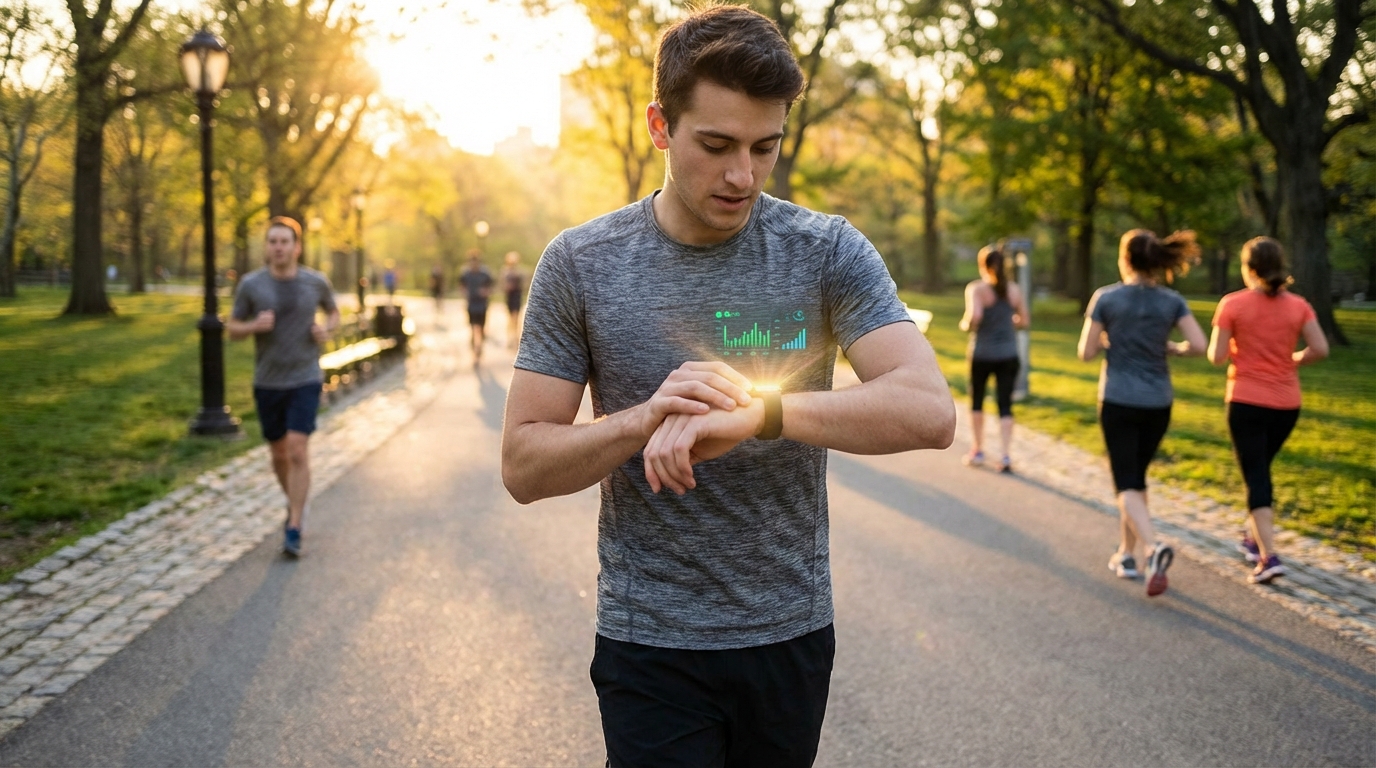
My Apple Watch once flagged an unusually high resting heart rate while I was just sitting on the couch. I felt “a bit off,” but nothing dramatic. That notification nudged me to check in with my doctor.
A few things I’ve learned testing heart features:
- Resting Heart Rate (RHR): When my RHR crept up 5–10 bpm over a week, it usually meant I was getting sick, not sleeping enough, or overtraining. Research backs this up: elevated resting heart rate is linked with higher cardiovascular risk over time.
- Irregular Rhythm / Afib Alerts: Apple Watch and some Fitbit models can flag possible atrial fibrillation using photoplethysmography (PPG) and on‑demand ECG. In the 2019 Apple Heart Study (Stanford/Apple), over 400,000 participants were monitored; those who got irregular pulse notifications had a positive predictive value of ~84% for Afib when confirmed by ECG.
- On‑wrist ECG: When I tested ECG on Apple Watch and Fitbit Sense, it wasn’t as detailed as a medical‑grade 12‑lead ECG, but it did capture useful rhythm data, especially for spotting irregular beats.
Smartwatches can’t diagnose heart disease. They’re screening tools and trend trackers.
I’ve had cardiologists tell me they love them for:
- Showing long‑term heart rate trends
- Capturing sporadic symptoms (palpitations) in real time
…but they also see anxiety spirals from people obsessing over every minor fluctuation.
My rule now: I use heart data to ask better questions, not to jump to conclusions.
Activity & Fitness: More Than Just Step Bragging Rights
When I first got a smartwatch, I did that classic thing: pacing around the living room at 11:45 p.m. to hit 10,000 steps. Eventually, I cared less about steps and more about what my body could actually do.
Here’s what turned out to matter:
1. Step Count (the basic but still useful one)
In my experience, steps are a behavior nudge, not a medical metric.
I found:
- On lazy work‑from‑home days, I’d barely hit 3,000 steps.
- On days I intentionally walked between calls, I easily crossed 8,000.
A 2019 JAMA Internal Medicine study showed women who averaged ~4,400 steps per day had lower mortality than those at ~2,700, with benefits leveling off around 7,500 steps. Translation: you don’t need exactly 10k, but moving more than “barely any” clearly helps.
2. Exercise Minutes & Heart Rate Zones
When I tested Garmin versus Apple Watch on runs, both were decent at:
- Tracking time in moderate vs vigorous heart rate zones
- Estimating calories (rough, but directionally helpful)
For my own training, heart‑rate‑based exercise minutes ended up way more motivational than just “30 minutes of activity.” If I wasn’t hitting my target zone, I’d either pick up the pace or accept that it was a recovery walk, not a workout.
3. VO₂ Max Estimates
VO₂ max is your body’s ability to use oxygen during intense exercise—a key fitness indicator.
My Garmin, Apple Watch, and Fitbit all estimated VO₂ max. They didn’t agree on the exact number (which is expected since lab testing is the gold standard), but they all moved in the same direction when I:
- Added interval training
- Slept better and drank less alcohol
- Overtrained and felt wrecked
Seeing VO₂ max tick up over months was one of the most rewarding metrics for me—way more satisfying than watching my weight wobble on the scale.
Sleep Tracking: The Feature I Wanted Most (and Trust… Kind Of)
I bought my first Fitbit mostly for sleep tracking. I was convinced I was a “bad sleeper.” The watch pretty much confirmed it.
But here’s where things got interesting.
What Helped Me
Over time, I noticed:
- On nights I stayed on my phone in bed, my time to fall asleep ballooned.
- Two glasses of wine wrecked my deep sleep and HRV.
- Late‑night high‑intensity workouts kept my heart rate elevated into the night.
I experimented like a nerd:
- No screens after 10 p.m. for a week
- Cutting alcohol on weekdays
- Earlier, calmer workouts
My smartwatch gave me visible proof that these habits changed my sleep duration and resting heart rate. Not perfectly measured, but consistently enough to be convincing.
The Limitations (And They’re Big)
When I dug into the research, I found something slightly depressing: consumer sleep trackers are only moderately accurate for sleep stages.
They’re decent at:
- Estimating total sleep time
- Spotting wake vs sleep
They’re not great at accurately breaking down REM vs deep vs light sleep compared with polysomnography (the lab gold standard).
So now I use sleep data like this:
- Focus on trends (am I averaging 5 hours vs 7.5?)
- Ignore precise sleep stage percentages
- Pay attention when sleep + HRV both tank unexpectedly
If your watch is making you anxious about every REM minute, that’s a red flag—of the mental health kind.
Stress, HRV & “Readiness”: The Cool But Over‑Hyped Metrics
Heart Rate Variability (HRV) might be the most misunderstood metric on our wrists.
When I tested readiness scores (on Oura, Fitbit, Garmin, and Apple’s newer metrics), I noticed:
- On mornings after poor sleep, my HRV tanked and readiness scores dropped.
- After heavy training days, my readiness was often low the next morning—right when I felt sore and sluggish.
- After a calm weekend with good food, my HRV looked amazing.
So yes, these metrics can reflect recovery and stress.
But there are issues:
- HRV varies a lot between people; my “low” might be your “high.”
- The algorithms are proprietary and change quietly over time.
- If I checked my readiness score before tuning into how I felt, I’d sometimes let the number override my own body’s signals.
My personal rule now:
> I let readiness and HRV scores inform, but never dictate, what I do.
If I feel good but my readiness is low, I might train but skip the hardest intervals. If I feel drained and the score is high, I trust my actual fatigue more than the algorithm.
Privacy & Data: The Part Nobody Wants to Talk About
When I first started obsessing over these features, I honestly didn’t think much about privacy. Then I read a few reports on how health data could be used by insurers or advertisers and… yeah.
Here’s what I do now:
- Turn off data sharing I don’t truly need (especially with third‑party apps).
- Regularly review permissions on my phone and watch.
- Use platform‑level privacy tools (like Apple’s Health data controls, or Google’s settings for Fitbit).
Health data is sensitive. It can be powerful when you control it; problematic if others do.
The Good, the Bad, and the Honest Truth
After years of wearing these things almost 24/7, here’s my blunt summary.
What Smartwatches Do Really Well
- Nudge you to move more and sit less
- Help you see long‑term trends in heart rate, activity, and sleep
- Capture real‑time data during weird events (like palpitations)
- Provide early hints that something might be off—so you can talk to a human professional
Where They Fall Short
- They’re not diagnostic devices
- Sleep staging is still very approximate
- HRV and readiness scores can be inconsistent and algorithm‑driven
- They can increase anxiety in people who tend to obsess about health
Who Gets the Most Value
From what I’ve seen—both on my own wrist and talking to other users—smartwatches are most helpful if you:
- Like tracking progress and changing habits
- Want to build consistency with workouts or walking
- Are curious about how lifestyle (stress, alcohol, sleep) affects your body
If you’re already anxious about your health and prone to checking numbers 20 times a day, a smartwatch can either be a structured tool—or digital gasoline on the fire.
How to Actually Use Your Smartwatch for Better Health (Not Just More Data)
Here’s the simple framework I’ve ended up using:
- Pick 2–3 metrics that matter to you. For me: resting heart rate, weekly activity minutes, average sleep duration.
- Track them for 2–4 weeks with zero changes. Just observe. Let your watch tell you your current baseline.
- Change ONE habit at a time. Sleep earlier, walk more, drink less during the week, etc.
- Watch the trend, not the daily noise. I look at weekly and monthly charts, not single nights.
- Use big changes as conversation starters with your doctor, not self‑diagnoses.
When I treated my smartwatch as a curious, slightly nerdy sidekick instead of an all‑knowing oracle, my health—and my stress levels—both improved.
If you’re just starting out, strap it on, give it a couple of weeks, and let your own data quietly tell you the story of how you actually live. Then you can decide how you want that story to change.
Sources
- Apple Heart Study Identifies AFib Using Apple Watch (Stanford Medicine) - Overview of the large-scale Apple Watch atrial fibrillation study.
- Association of Step Volume and Intensity With All-Cause Mortality in Older Women (JAMA Internal Medicine) - Study examining step counts and mortality.
- Consumer Sleep Trackers: A Review of Accuracy (National Library of Medicine) - Research on how accurate wearable sleep tracking is.
- FDA: General Wellness: Policy for Low Risk Devices - How the FDA views wellness-focused wearables.
- American Heart Association: Wearable Health Devices and Arrhythmia Detection - Expert perspective on smartwatches and heart rhythm monitoring.