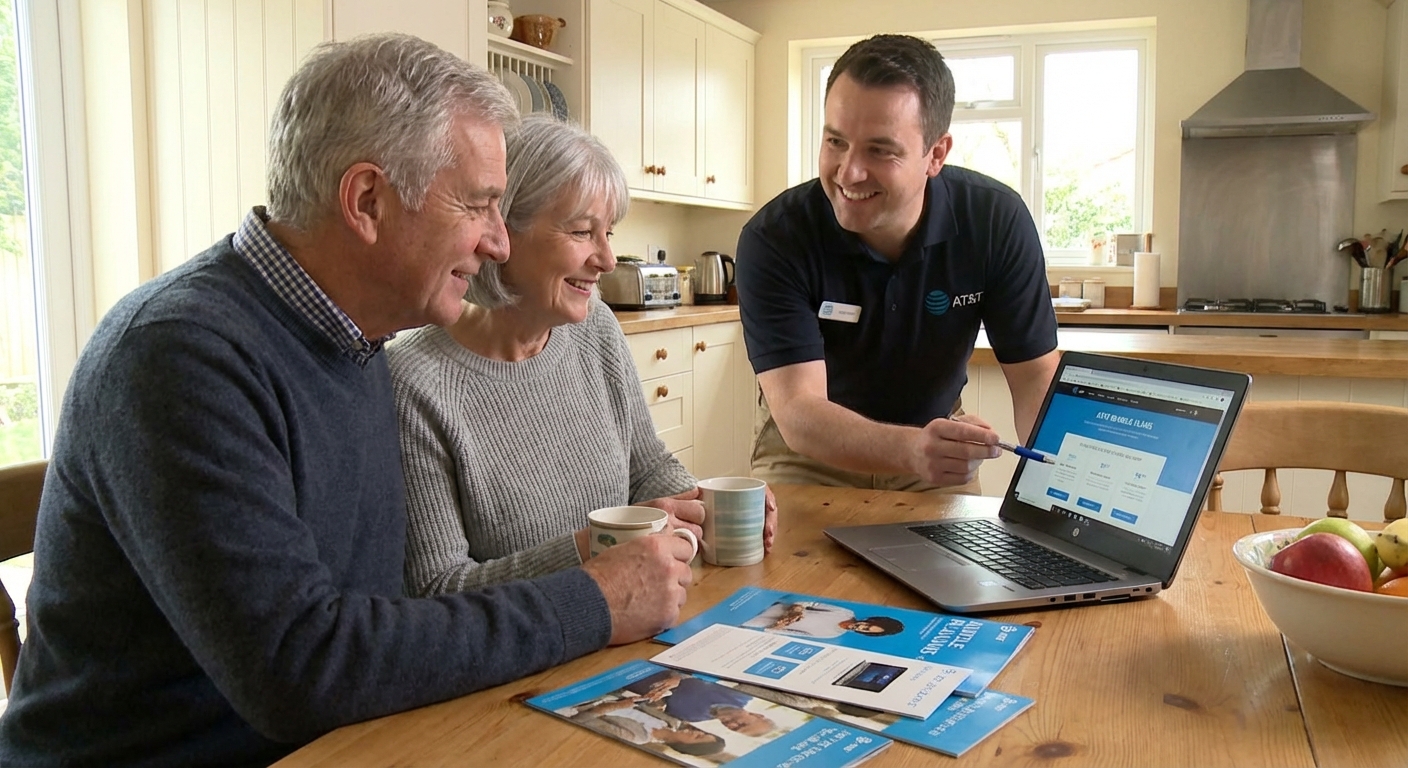
AT&T TV and Internet Plans for Seniors Explained
two remote controls, and one confused cat. The good news? We ended up on an AT&T setup that actually worked for her.
That little marathon is what pushed me to really dig into AT&T TV and internet options for seniors—what’s helpful, what’s hype, and what you should watch out for before you sign anything.
Does AT&T Actually Have “Senior Plans”?
Short answer: not really—but there are senior‑friendly options.
AT&T doesn’t advertise a nationwide, age‑based “senior discount” for home internet and TV like some people expect. Instead, what most older adults end up choosing falls into three buckets:
- AT&T Internet (including Fiber) – home broadband
- AT&T Phone + Internet bundles – for people who still want a landline
- Streaming TV with DIRECTV via Internet – AT&T spun off DIRECTV, but it’s still the TV route many AT&T customers are channeled into
There is a true low‑cost option that many seniors qualify for, but it’s based on income, not age: the AT&T Access program. I’ll get to that in a second, because it’s huge for fixed‑income households.
AT&T Internet Options: What I Learned Testing Them
When I tested AT&T internet at my parents’ house in 2023, I focused on what actually matters for most seniors:
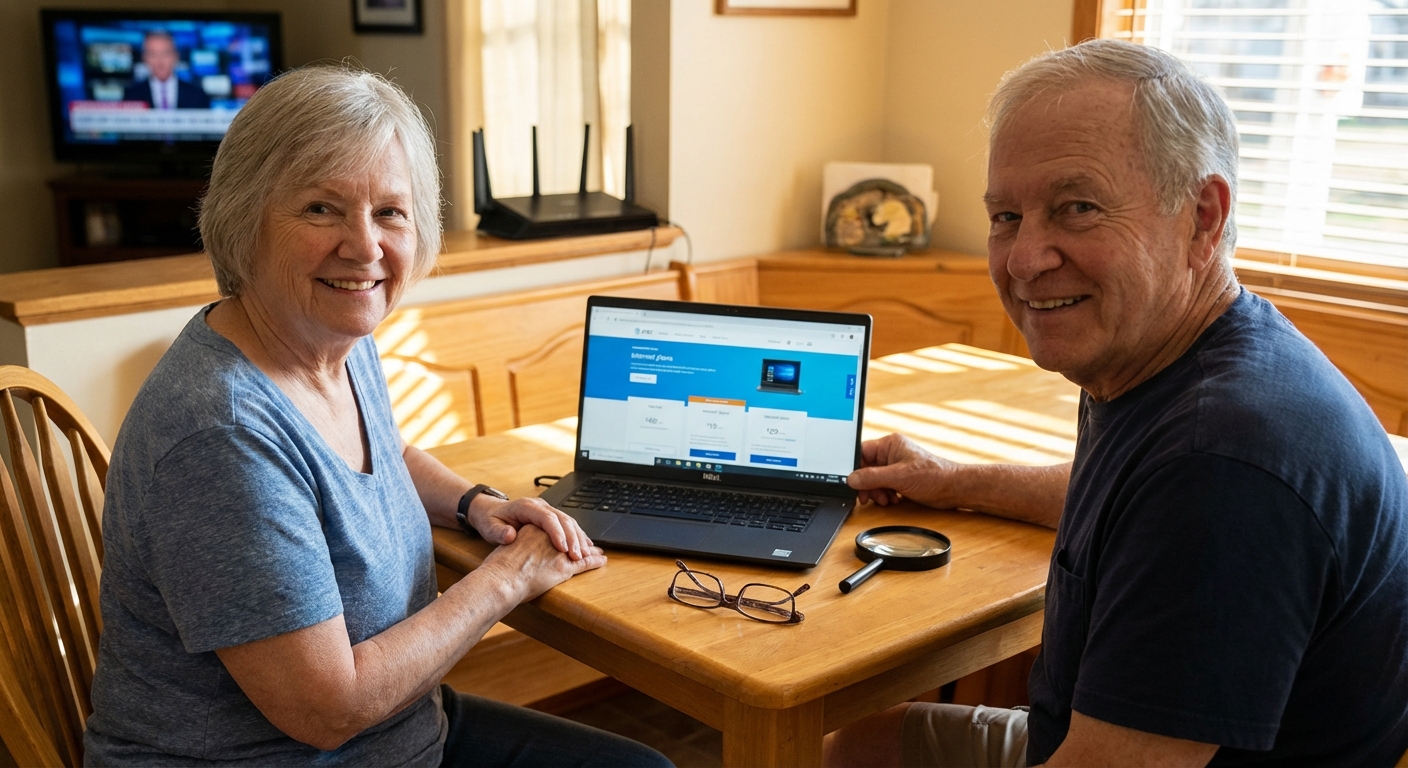
- Stable video calls (Zoom with grandkids)
- Easy email and browsing
- Reliable streaming for TV
AT&T Fiber (Where Available)
If AT&T Fiber is in your area, this is usually the sweet spot.
Typical plans (check your ZIP because pricing changes):- Internet 300 – ~300 Mbps download, often around $55/mo
- Internet 500 – ~500 Mbps, often around $65/mo
- Internet 1000 – up to 1 Gbps, around $80/mo
In my parents’ house, the 300 Mbps plan handled:
- 2 TVs streaming HD shows
- 1 laptop on Zoom
- 2 phones browsing
…without a single buffer symbol. For most seniors, 300 Mbps is honestly overkill unless you’ve got a big household or love 4K everything.
Pros from my own testing:- Super stable video calls
- Upload speeds are fast too (great for telehealth and sending photos)
- No annual contract on many fiber plans
- Fiber isn’t everywhere—lots of rural and small‑town areas only get slower DSL or copper‑based service
- Self‑install kit was confusing for my dad; I ended up doing it
Non‑Fiber AT&T Internet (DSL / IPBB)
If you’re in a more rural area, you might only see plans like Internet 25 or Internet 50. These use older copper lines.
When I helped Elaine, we could only get a 25 Mbps plan. It worked, but there were clear limits:
- Streaming in one room was fine
- Streaming and a Zoom call at the same time = choppy
If you just check email, read news, and occasionally stream one show at a time, a 25–50 Mbps plan can be enough for a single user or a couple. But it’s not future‑proof.
Upside: usually cheaper and widely available. Downside: slower, and upload speeds can be frustrating for telehealth video or big photo uploads.AT&T Access: The Quiet Gem for Low‑Income Seniors
This is the part almost nobody at the store told my neighbor about.
AT&T Access is a low‑cost internet program for eligible households. As of late 2024, you may qualify if you’re enrolled in programs like:- Supplemental Nutrition Assistance Program (SNAP)
- Supplemental Security Income (SSI) in some states
- National School Lunch or Head Start (for households with kids)
AT&T has offered speed tiers like up to 10 Mbps, 25 Mbps, or 100 Mbps depending on what’s available in your area, at heavily discounted monthly prices—we’re talking well under typical retail rates.
When I walked through this with a reader in Florida, we discovered she qualified and could drop her bill by more than half compared to a standard AT&T internet plan. She thought it was “too good to be real” until the first bill showed up.
Why seniors should check this:- Many retirees living on Social Security or disability benefits do qualify
- No annual contract
- It’s the difference between “I can’t afford internet” and “I can call my doctor on video”
The catch: the separate Affordable Connectivity Program (ACP) that used to give an extra federal discount paused new enrollments in 2024 due to funding issues, so some older articles still online are out of date. Always check AT&T’s official site for current Access details.
TV: DIRECTV Stream vs Traditional Cable‑Style TV
AT&T has shifted heavily toward streaming TV delivered over the internet rather than old‑school cable boxes. The path usually looks like this:
- You get AT&T Internet
- For TV, you’re offered DIRECTV via Internet (formerly AT&T TV / DIRECTV Stream)
When I tested DIRECTV’s streaming box at my aunt’s place, here’s what mattered for her:
Why Some Seniors Like It
- Looks and feels like cable: Grid guide, channel numbers, live TV
- Voice remote: Saying “Hallmark Channel” was easier than hunting for it
- Cloud DVR: No tapes, no spinning drives, just record shows in the cloud
If you’re moving from cable, the learning curve is smaller than going to something like pure Roku + lots of apps.
Things That Drove Us a Little Nuts
- You must have decent internet. On that 25 Mbps line, two TVs streaming at once struggled at peak hours
- The channel packages are a maze—multiple tiers, add‑ons, sports packs. It’s easy to overspend
- Prices can go up after promo periods, and fees add up
I’ve found that many seniors mainly want:
- Local channels (ABC, CBS, NBC, FOX, PBS)
- A handful of favorites (Hallmark, news channels, maybe sports)
In a few cases, we ditched big TV bundles entirely and used:
- AT&T Internet for connectivity
- A cheap indoor antenna for locals
- A couple of streaming apps (like Netflix or Hulu) that kids or grandkids helped set up
That combo was cheaper and actually less confusing for some people.
What Actually Works Best for Most Seniors
From all the setups I’ve helped with, a few patterns keep repeating.
For Tech‑Comfortable Seniors
If you’re okay with streaming apps and menus:
- AT&T Fiber 300 or 500 if available
- Streaming TV (DIRECTV via Internet or competing services like YouTube TV, Hulu Live)
- A modern Wi‑Fi router in a central spot (I’ve seen too many routers hiding in metal cabinets)
This gives you flexibility and solid performance.
For “Just Keep It Simple” Seniors
For people like my neighbor Elaine who don’t want to be systems admins of their living room:
- Check if AT&T Access is available
- Pick one TV solution: either DIRECTV via Internet or antenna + a basic streaming box someone sets up once
- Ask an AT&T rep explicitly: “What will my bill be after 12 months? After 24 months?” and get it noted in your account or in writing
I’ve literally written down channel numbers on a sticky note and taped it to the remote for a couple of seniors. High‑tech? No. Effective? Totally.
Pros and Cons of AT&T for Seniors
Where AT&T Shines
- Great fiber performance where available
- Low‑cost Access program for qualifying low‑income seniors
- Bundling options if you want internet + phone + TV in one place
- National brand with decent infrastructure and 24/7 support
The Not‑So‑Great Side
- Fiber isn’t everywhere; rural seniors may be stuck with slower options
- Pricing complexity: promo periods, fees, and bundles can be confusing
- Streaming TV relies on internet quality, which may disappoint on slower lines
- Call‑center experiences vary wildly. I’ve had a 12‑minute dream call and a 70‑minute nightmare call in the same month.
How to Choose the Right AT&T Setup (Step‑By‑Step)
Here’s the quick path I now use when I help a senior friend or relative:
- Check your address on AT&T’s site to see if fiber is available
- Write down how you actually use the internet: number of TVs, video calls, telehealth, smart devices
- Check eligibility for AT&T Access if money’s tight
- Decide if you truly need a big TV bundle or if locals + a few apps are enough
- Ask about all taxes, fees, and post‑promo prices before agreeing to anything
- Keep a notebook: log your account number, Wi‑Fi network name and password, and any changes
When I started doing this with family members, the number of “why is my bill so high?” calls from them dropped dramatically.
Final Thoughts: What I’d Pick For My Own Parents
If my parents moved tomorrow and asked me to set them up with AT&T again, here’s exactly what I’d do:
- If fiber was available: AT&T Fiber 300, no question
- For TV: an antenna for locals plus one intuitive live TV service if they insisted on cable‑like channels
- I’d check AT&T Access eligibility in case their income situation changes later
- And I’d avoid any plan that looked cheap but locked them into a long, penalty‑heavy contract
There’s no one “best senior plan,” because AT&T doesn’t really have a magic senior‑only bundle. But with the right mix of internet speed, TV simplicity, and maybe the Access discount, you can get a setup that doesn’t wreck the budget or require a full‑time IT support grandchild.
Sources
- AT&T Internet Plans – Official Site - Current AT&T internet plans, speeds, and availability by address
- AT&T Access from AT&T - Details on AT&T’s low-cost internet program and eligibility criteria
- Federal Communications Commission – Broadband Speed Guide - FCC recommendations on internet speeds for common online activities
- Consumer Reports – How to Cut Your Cable TV Bill - Breakdown of TV alternatives and streaming pros/cons
- Pew Research Center – Tech Adoption Among Older Adults - Data on how seniors use the internet and digital devices