Guide to Cloud-Based Hotel Management Software Features and Setup
ally running between a frozen PMS screen and a guest who’d just flown 14 hours and wanted an early check-in. The server had crashed. Again.
That was the shove I needed to seriously dive into cloud-based hotel management software. And when I tested my first cloud PMS across two properties, the difference was like going from a Nokia brick to an iPhone.
This guide pulls from that experience—plus dozens of demos, vendor calls, and a frankly embarrassing number of late-night configuration sessions.
What Cloud-Based Hotel Management Software Actually Is
Cloud-based hotel management software (often just called a cloud PMS) is your hotel’s central nervous system—just hosted on remote servers rather than a big, humming box in a back office.
Instead of installing local software, you access everything through a browser or mobile app. Your reservations, room inventory, rates, payments, housekeeping, reports—live in the cloud and sync in real time.
When I first moved a 70-room city hotel to a cloud PMS, this is what changed overnight:
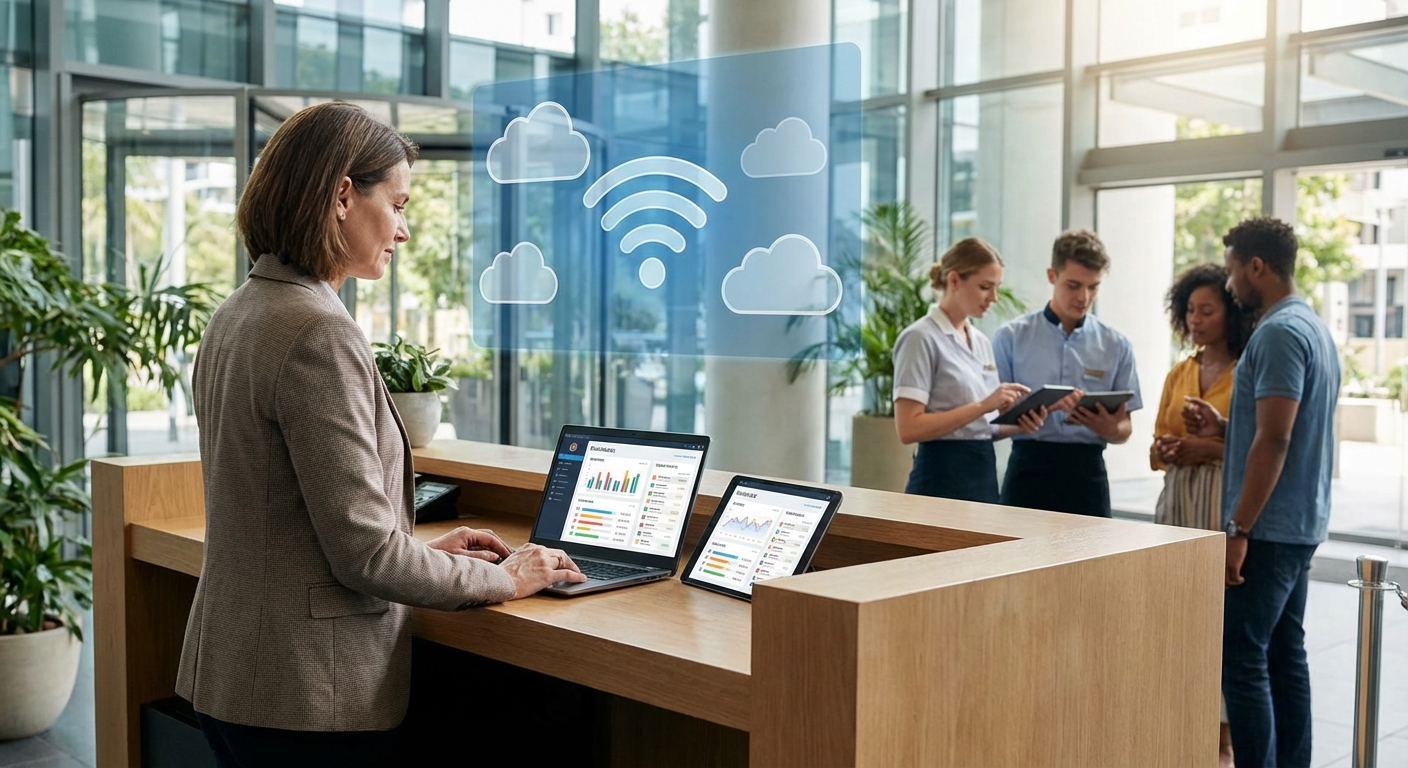
- No more VPN to log in remotely—I could adjust rates from my phone in a taxi.
- No more panicked calls about "server down"—uptime was handled by the provider.
- Updates happened invisibly in the background instead of dreaded midnight installs.
It sounds small, but operationally, it’s massive.
Core Features You Actually Need (Not Just What’s on the Brochure)
Vendors love to throw buzzwords around: AI, automation, smart pricing… the works. But the features that really move the needle for most hotels are surprisingly consistent.
1. Property Management System (PMS) Core
This is the heart of everything. When I evaluated systems, I checked for:
- Intuitive front desk dashboard: Can staff see arrivals, departures, room status, and special requests at a glance?
- Drag-and-drop room calendar: Modifying room assignments shouldn’t feel like coding.
- Multi-property support (if relevant): I worked with a small group that needed to share guest profiles and availability across 3 hotels.
Insider tip: Watch how many clicks it takes to check in a guest during a demo. If it feels clunky then, it’ll feel like torture on a full house Friday.
2. Channel Manager & Booking Engine
When I connected our PMS to a proper channel manager for the first time, overbooking incidents dropped by about 90% in two months.
You want:
- Real-time, two-way sync with OTAs (Booking.com, Expedia, Airbnb, etc.).
- Centralized rate and inventory management so you’re not updating prices in 8 places.
- Integrated booking engine on your website so guests can book direct without a separate system.
According to a 2023 Expedia Group report, properties with fully connected channel management tools see higher occupancy and fewer discrepancies, especially during peak periods. That matched what we saw almost to the week.
3. Housekeeping & Operations
This is the underrated hero feature. When I rolled out mobile housekeeping at a resort property, rooms were turned around 20–25 minutes faster on average.
Look for:
- Real-time room status updates (dirty, clean, inspected, out of order).
- Mobile app for housekeeping so room attendants get live task lists.
- Maintenance ticketing directly tied to room records.
A housekeeper marking a room as clean on their phone and the front desk seeing it instantly is such a simple thing—but it smooths out so many operational bumps.
4. Revenue Management & Dynamic Pricing
Some cloud PMS platforms now bake in basic revenue management tools, or integrate deeply with specialist RMS (Revenue Management Systems).
When I tested a PMS+RMS combo with automated rate recommendations at a 120-room airport property, we saw RevPAR lift around 8–10% over six months compared to the previous year, even with slightly lower occupancy.
You’ll typically see:
- Rate rules (LOS pricing, weekend/weekday rules, event surcharges).
- Demand forecasting based on historical data and on-the-books reservations.
- Integration with third-party RMS like Duetto, IDeaS, or Atomize.
5. Guest Experience Tools
This is where things start feeling more "wow" for guests:
- Pre-arrival emails and upsell offers (late checkout, room upgrades, add-on services).
- Contactless check-in via web or app.
- Digital registration cards & e-signatures.
When I rolled out automated upsell emails at one property, we generated an extra 3–5% in ancillary revenue (parking, breakfast, late checkout) with almost no manual effort once it was set up.
6. Reporting & Analytics
If a PMS can’t answer "What’s our ADR by segment for the last 90 days?" without exporting 5 Excel files, I’m out.
You’ll want:
- Standard hotel reports: occupancy, ADR, RevPAR, pickup, cancellations, market segments.
- Customizable dashboards: daily snapshot for GMs and owners.
- Export capability to Excel or BI tools.
I’ve seen owners make better capex decisions purely because they could finally see clear segment data instead of gut feelings.
Pros and Cons of Going Cloud (From Someone Who Lived Both)
What worked brilliantly
- Remote access and flexibility
I once handled a full group block reallocation from an airport lounge Wi‑Fi. With on-premise, that would’ve been a frantic "call the front desk and pray" situation.
- Lower upfront costs
You’re typically paying a monthly subscription instead of big license fees and servers. For smaller hotels, that’s a game-changer for cash flow.
- Automatic updates and security patches
No more "Please don’t touch the system, IT is updating" nights. Reputable vendors roll out security patches continuously.
- Easier staff training
Most modern cloud interfaces feel more like web apps than DOS screens. I’ve onboarded new front desk agents in days instead of weeks.
What didn’t work (or at least, was painful)
- Internet dependence
This is the big one. When our primary connection went down at a coastal property, we had to fall back on mobile hotspots. It worked… but it was tense.
- Subscription creep
Every cool feature is "just" another module. I’ve seen monthly bills quietly double when no one’s tracking add-ons.
- Data migration headaches
Migrating guest history, rate codes, and company profiles is rarely smooth. One migration I oversaw needed three full test runs before we trusted it.
- Vendor lock-in risk
Once your operations are deeply wired into one platform, switching is painful. You want to pick carefully up front.
How to Set Up Cloud-Based Hotel Management Software (Step by Step)
This is the setup flow I’ve used at multiple properties, tweaked after every mistake.
Step 1: Requirements and Shortlist
Before talking to vendors, I sit down with:
- Front office
- Housekeeping
- Revenue/sales
- Accounting
We literally list the top 10 "non‑negotiables" and top 10 "nice-to-haves". Then I shortlist 3–5 vendors that match the property size, type (independent vs branded, city vs resort), and budget.
I’ll usually cross-check vendor reputations and reviews on places like HotelTechReport and LinkedIn groups, plus who they integrate with.
Step 2: Deep Demos and Use-Case Testing
For each vendor, I don’t just watch the sales demo. I:
- Ask them to walk through real scenarios: split folios, early check-in with upsell, no-show handling, group booking with rooming list.
- Put an actual front desk supervisor in front of the system and let them "break" it.
If a vendor resists live testing or only shows canned scripts, that’s a yellow flag.
Step 3: Contract, Data, and Integrations
Once you pick a vendor, the gritty stuff starts:
- Contract review: SLAs, uptime guarantees, data ownership, exit clauses.
- Data migration plan: which guest profiles, which historical data, how many years back.
- Integration mapping: POS, door locks, accounting, payment gateways, channel manager.
One tip from painful experience: get a sandbox environment early and insist on at least one full test migration before the real thing.
Step 4: Configuration and Pilot
This is where your property’s personality gets baked in:
- Room types, rate codes, policies, taxes, fees.
- User roles and permissions.
- Email templates, upsell offers, and messaging.
I always run a soft pilot with a small team first—for example, night auditors and one front desk shift—for a couple of weeks in parallel with the old system. It’s more work, but it catches nasty surprises before go‑live.
Step 5: Staff Training and Change Management
The tech is rarely the real problem. Change is.
What’s worked best for me:
- Short, focused training sessions (60–90 minutes) instead of marathon days.
- Cheat sheets and quick video clips for common tasks.
- Superusers or "champions" on each shift who get extra training.
One GM I worked with even gamified it—little prizes for fastest correct check-in process in the new system. It sounds cheesy but it broke the tension.
Step 6: Go-Live and Stabilization
I always:
- Avoid go-live on weekends or holidays.
- Keep vendor support on standby with a named contact.
- Run quick daily debriefs the first week: what broke, what confused people, what to tweak.
Expect a 2–4 week stabilization period. Don’t judge the system at its worst 48 hours.
Security, Compliance, and Data Protection
Trust me, you don’t want to be the hotel that learns about data security from a lawyer after a breach.
When I assessed cloud vendors, I specifically asked for:
- PCI DSS compliance for payment processing.
- Data encryption in transit (TLS) and at rest.
- Role-based access controls and audit logs.
- Where the data centers are located (matters a lot for GDPR in Europe).
Marriott’s massive data breach exposed around 339 million guest records and led to a proposed £99 million fine from the UK’s ICO in 2019. That case still gets brought up in every boardroom conversation I have about guest data.
Make sure your cloud PMS vendor has clear documentation on how they handle data, backups, and incident response. Ask the awkward questions now, not after something goes wrong.
Who Cloud PMS Is (and Isn’t) Right For
Based on the properties I’ve seen switch successfully—and a few that struggled—here’s my honest take:
Cloud PMS is a strong fit if:- You’re an independent hotel or small–medium group.
- You want fewer IT headaches and more remote flexibility.
- Your internet connection is stable (or you can invest in redundancy).
- You’re in a remote area with flaky connectivity and no backup options.
- You’re deeply tied into legacy, custom-built systems that would be costly to replace.
- You need extremely specialized, niche functionality that only certain enterprise systems offer.
That said, even some big brands and luxury properties are now going cloud or hybrid. The tech has matured a lot since the first wave of "web PMS" that felt like glorified spreadsheets.
Final Thoughts from the Trenches
Switching to cloud-based hotel management software won’t magically fix bad processes, weak leadership, or a broken service culture. I’ve seen shiny new systems fail because no one bothered to align SOPs or train properly.
But when you pair a solid cloud PMS with clear processes and a team that’s even slightly open to change, the payoff is real: fewer manual errors, better guest visibility, more agile pricing, and—my personal favorite—fewer 2 a.m. calls about a dead server.
If you’re about to start this journey, my biggest piece of advice from experience: don’t chase the "prettiest" interface alone. Choose the system that matches your property’s real-world workflows, not just the one with the nicest sales deck.
And absolutely, unapologetically, test everything before you go live.
Sources
- Expedia Group: 2023 Traveler Value Index - Data on traveler behavior and booking patterns
- Marriott data breach investigation – UK ICO - Official details on the Marriott security incident
- PCI Security Standards Council – PCI DSS Overview - Explanation of PCI DSS requirements for handling cardholder data
- Cornell University School of Hotel Administration – Hospitality Data Analytics Resources - Research and insights on hotel operations and analytics
- Forbes: How Cloud Computing Is Changing The Hospitality Industry - Industry overview of cloud adoption in hospitality