Best Buy Clearance Finds Guide
he store waiting for a pickup order, I stumbled into the yellow-tag jungle that is the clearance section.
I walked out with a $179 router for $59… and a new hobby.
This Best Buy Clearance Finds Guide is basically the blueprint I wish I had that day. I’ve spent the last couple of years testing strategies, talking with store staff, comparing receipts with other deal nerds online, and tracking prices with tools that should probably count as a side hustle.
How Best Buy Clearance Actually Works
When I first got into this, I assumed “clearance” meant random leftovers dumped on a shelf. It’s a little more structured than that.
Best Buy’s discount ecosystem is usually broken into:
- Open-Box – Items returned by customers, demo units, or boxes with cosmetic damage. These are graded (Excellent, Good, Fair) and often the real goldmine.
- Clearance – End-of-life products, discontinued colors/models, overstocks. New, but being pushed out.
- Deal of the Day / Flash Sales – Time-limited online deals. Sometimes overlap with clearance pricing, sometimes better.
When I started paying attention, I noticed something: clearance is often just the final stage of a price story that’s been unfolding for weeks or months—especially on TVs, laptops, and headphones.
In my experience, the biggest wins show up when:
- A new model just dropped (last year’s version gets slashed)
- There’s a big seasonal shift (back-to-school, Black Friday, post-holiday)
- A store is rearranging or remodeling (they hate moving inventory)
Best Buy doesn’t shout all of this from the rooftops, but their patterns are surprisingly predictable when you track them.
How I Hunt Clearance Deals (Step by Step)
Here’s the exact process I use now when I’m hunting for clearance, both online and in-store.
1. Start With the Online Clearance & Open-Box Pages
I used to just wander into a store and hope. Now I start on the site.
- Head to bestbuy.com and search for the product category (for example: “4K TV”, “soundbar”, “laptop”).
- On the left side filters, scroll down and check “On Sale” and “Open-Box” when available.
- Filter by “Clearance & More” if that option appears. This is where some of the hidden gems live.
When I tested this with a 65-inch TV last fall, the regular price model I wanted was $699. The clearance listing for last year’s nearly identical version (same panel manufacturer, same refresh rate) was $449, and an open-box excellent version in a nearby store was $379.
Same brand, same size, same ports. $320 saved because I clicked two extra filters.
2. Check Local Store Inventory (This Is Where It Gets Fun)
This is where clearance feels like a treasure hunt.
Once you see a discounted item online:
- Enter your ZIP code on the product page.
- Look for “Open-Box” and click “See all open-box options”.
- You’ll get a list of nearby stores and prices, which can vary wildly.
I’ve seen the same laptop listed as:
- $529 open-box "excellent" at one store
- $479 open-box "good" at another
- $399 clearance-only at a third store because it was the last unit on the shelf
In my experience, smaller or lower-traffic stores tend to have better random clearance deals because things sit longer.
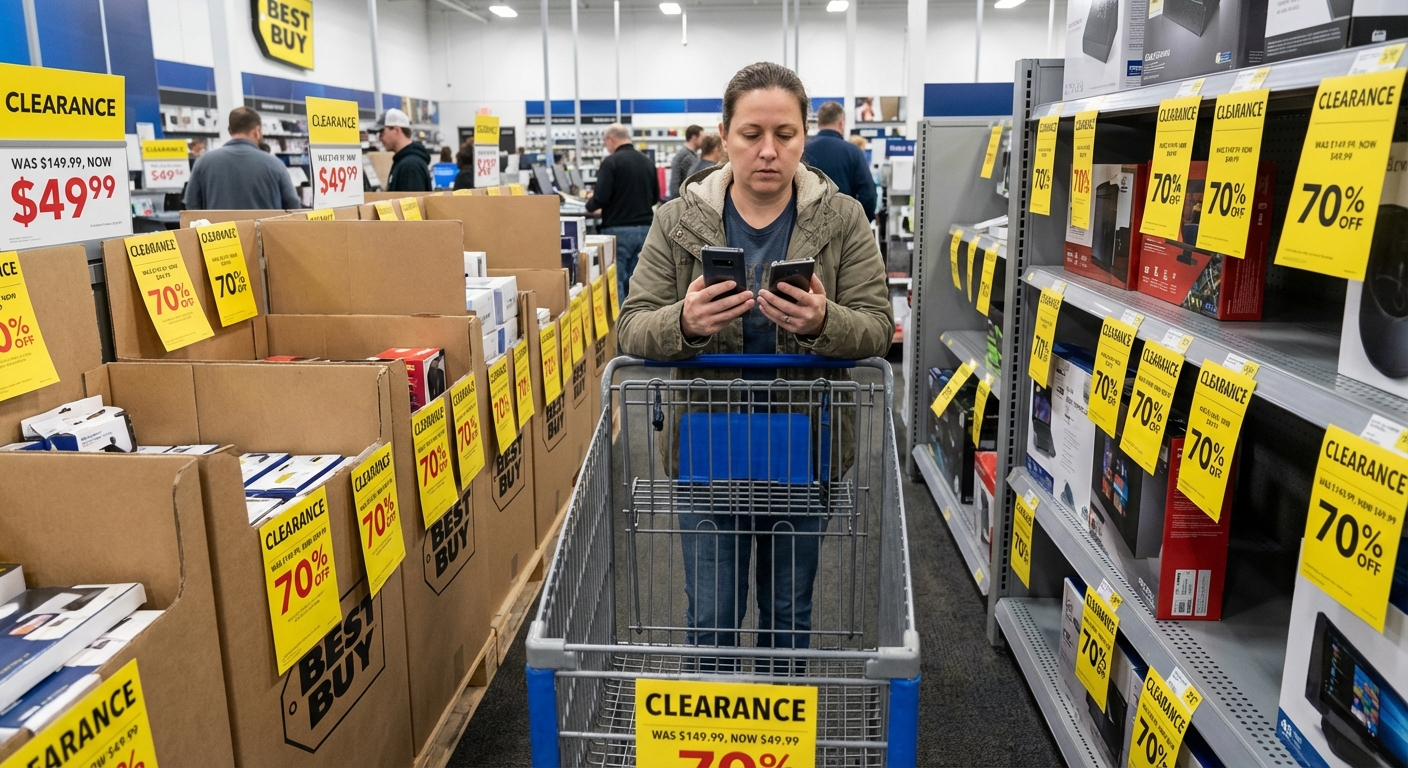
3. Learn the Yellow Tag Language
When I finally asked a blue-shirted associate to explain the tags, they confirmed what I’d been guessing.
A few patterns I’ve noticed, then later confirmed by repeatedly scanning tags and tracking changes:
- “.97” endings (like $129.97) often signal a markdown phase or manager’s special.
- “.99” endings tend to be “normal” sale prices.
- A stickered yellow tag usually means localized clearance, not a national promo.
This isn’t an official corporate rule, and it can vary by region, but it’s been accurate enough that when I see a .97 TV tag sitting alone on the shelf, I stop and scan it.
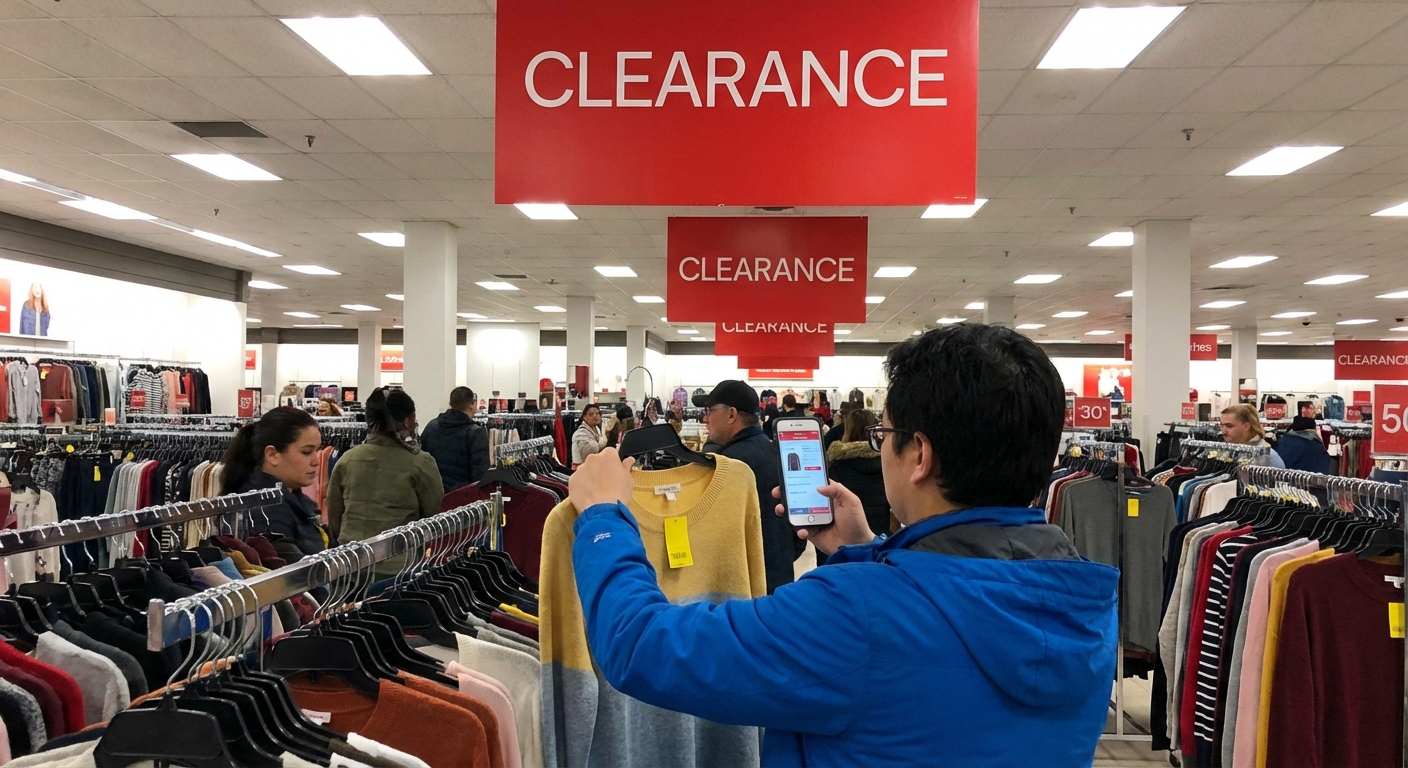
4. Always Scan With the App
One of the most underrated hacks: the Best Buy app sometimes shows a lower price than the printed tag.
When I tested this across multiple stores, I found at least one item per trip where:
- Shelf tag said: $129.99
- App said: $99.99
Every single time I showed the app price at checkout, they honored it.
I’ve also had situations where the shelf didn’t show clearance at all, but the app listed the item as “Clearance – Limited quantity” with a much lower price. That’s how I scored a mechanical gaming keyboard for $39 that had been stuck on a random back shelf.
5. Get Comfortable With Open-Box Grades
Open-box is where you can save brutally big money, but you’ve got to understand the grading system.
At Best Buy, you’ll usually see:
- Open-Box Excellent – Looks new, all accessories, full manufacturer warranty in most cases.
- Open-Box Good – Minor cosmetic wear, may be missing non-essential accessories (like a cheap HDMI cable).
- Open-Box Fair – Noticeable wear, might be missing key accessories, often the biggest discounts.
I only go for Excellent or Good unless it’s something I can easily test and replace parts for, like a monitor stand or a basic speaker.
When I tested a bunch of open-box laptops, I found that “Excellent” units were often literally unused returns: buyer’s remorse, wrong color, wrong size. “Good” sometimes meant minor scuffs on the chassis. “Fair” could mean anything from missing power adapter to a beat-up shell.
Always, always:
- Ask to inspect and power on the item in-store.
- Check the return window (Best Buy generally offers at least 15 days, more for My Best Buy Plus/Total members).
What Categories Offer the Best Clearance Value?
Some stuff almost never has amazing clearance pricing (hello, brand-new flagship iPhones), but other categories are clearance friendly.
From my receipts and a frankly embarrassing spreadsheet, here’s where I’ve found the strongest value:
TVs & Home Theater
- Huge drops when a new year’s models hit.
- Open-box OLEDs can be hundreds off.
- Soundbars and subwoofers often hit clearance when packaging changes.
I once picked up a last-year LG OLED that launched around $1,800 for just under $1,000 as an open-box excellent. The new model had a slightly brighter panel and new remote. I wasn’t paying $800 for a shinier clicker.
Laptops & Chromebooks
- Student buying cycles (back-to-school, holidays) trigger tons of returns.
- Entry-level gaming laptops and midrange ultrabooks are frequent open-box wins.
The catch: check battery health and ports. I’ve returned one open-box laptop because the USB-C port was flaky—but the return was painless.
Headphones & Earbuds
- Massive churn thanks to people testing fit and sound.
- You’ll see AirPods, Sony, and Bose land in open-box constantly.
According to a 2023 NPD Group report, over-ear and true wireless headphones are among the most frequently returned consumer electronics categories. That matches what I’ve seen in stores—entire shelves of discounted open-box audio gear.
Smart Home & Networking
- Routers, smart displays, security cams, smart thermostats.
- Partners like Google, Amazon, and Ring update models frequently, so old ones slide into clearance.
I recently picked up a 3-pack Wi-Fi mesh system that was $399 at launch for $179 open-box excellent. Only the outer carton was torn.
Pros and Cons of Shopping Best Buy Clearance
I love the hunt, but I’m not blind to the downsides.
What’s Great
- Huge savings – 20–60% off is normal, sometimes more.
- Real warranty + easy returns – Way safer than random marketplace sellers.
- Access to higher-end gear – You can step up a tier (OLED vs LED, mid-range vs budget) for the same money.
What’s Not So Great
- Stock is unpredictable – Clearance isn’t something you can plan around to the day.
- Analysis paralysis – Different prices at different stores, multiple conditions—it’s a bit of a puzzle.
- Occasional duds – Open-box and clearance are more likely to show defects, though that’s what the return policy is for.
To keep myself honest, I have a rule now: if I wouldn’t buy it at that price from a regular sale, I don’t buy it just because it’s “clearance.” Works… most of the time.
Extra Tricks I’ve Tested That Actually Help
A few advanced moves that have consistently paid off for me:
- Stacking clearance with promos
Sometimes you can layer a My Best Buy reward certificate or credit card offer on top of clearance. I once knocked an extra $30 off a clearance monitor this way.
- Price-match your way down
Best Buy will usually price-match major competitors (within their policy rules). I’ve had them reduce an item first by price-match, then apply open-box pricing on a similar unit. They won’t always do this, but it never hurts to ask politely.
- Ask staff what’s about to be marked down
One store associate walked me over to a pallet of soon-to-be-clearance soundbars. I came back two days later and scored one at 40% off. Being friendly and curious genuinely pays here.
- Watch big sale events… right after
The week after Black Friday and the week after back-to-school, I’ve seen a surge in open-box inventory as returns come back. If you enjoy browsing, those windows are prime time.
When You Should Skip Best Buy Clearance
Not every scenario is a clearance scenario.
I personally avoid clearance when:
- I need something ultra time-sensitive for work and don’t have time to test/return.
- It’s a product with a history of reliability issues (quick Google search usually reveals this).
- The discount is tiny compared to buying new, like 5–10% off.
I also compare against:
- Other retailers’ sale prices
- Refurbished units directly from the manufacturer
Sometimes Apple, Dell, or Sony’s official refurb programs beat Best Buy’s clearance price and come with stronger warranties.
Final Thoughts From a Clearance Addict
When I first started digging into Best Buy clearance, it felt like a gamble. Now, with some actual data, patterns, and a lot of returns under my belt, it feels more like playing a game where I finally know the rules.
In my experience, if you:
- Use the app religiously
- Understand open-box grades
- Compare prices beyond that one store
- Don’t get hypnotized by yellow tags
…you can pick up genuinely great gear for a fraction of the original sticker. And yes, occasionally you’ll take an L and have to stand in the returns line—but that’s why their return policy exists.
If you’re willing to put in a little effort and a few extra taps, Best Buy’s clearance section stops being random chaos and starts looking a lot like opportunity.
Sources
- Best Buy – Open-Box & Clearance FAQ - Official information on open-box and clearance policies
- Federal Trade Commission – Consumer Warranties - How warranties work and what to look for with discounted items
- NPD Group – U.S. Audio Device Market Insights - Data on headphone and earbud buying and return trends
- Consumer Reports – How to Shop the Best TV Deals - Guidance on TV models, features, and timing deals
- USA.gov – Shopping Online - Government tips on safe and smart shopping practices