Costco Laptop Clearance Overview
led onto something that felt a bit like hacking the matrix: the Costco laptop clearance racks.
I recently discovered just how aggressive Costco gets when they decide a laptop needs to leave the floor. We’re talking legit brand‑name machines—Lenovo, HP, Dell, ASUS, even the occasional MacBook—dropping hundreds of dollars from their original price. But there’s a catch: you need to know how to spot these deals, what they’re really worth, and when to walk away.
This is the guide I wish I had before I started “clearance hunting” laptops at Costco.
How Costco Laptop Clearance Actually Works
When I tested this across three different Costco warehouses in my area, the pattern was surprisingly consistent.
Costco’s laptop clearance usually kicks in when:
- A model is being replaced by a newer generation (new Intel/AMD chips, new design, etc.)
- Holiday or back‑to‑school promos are ending
- A particular configuration didn’t sell as expected (too much RAM, not enough SSD, weird combo, you name it)
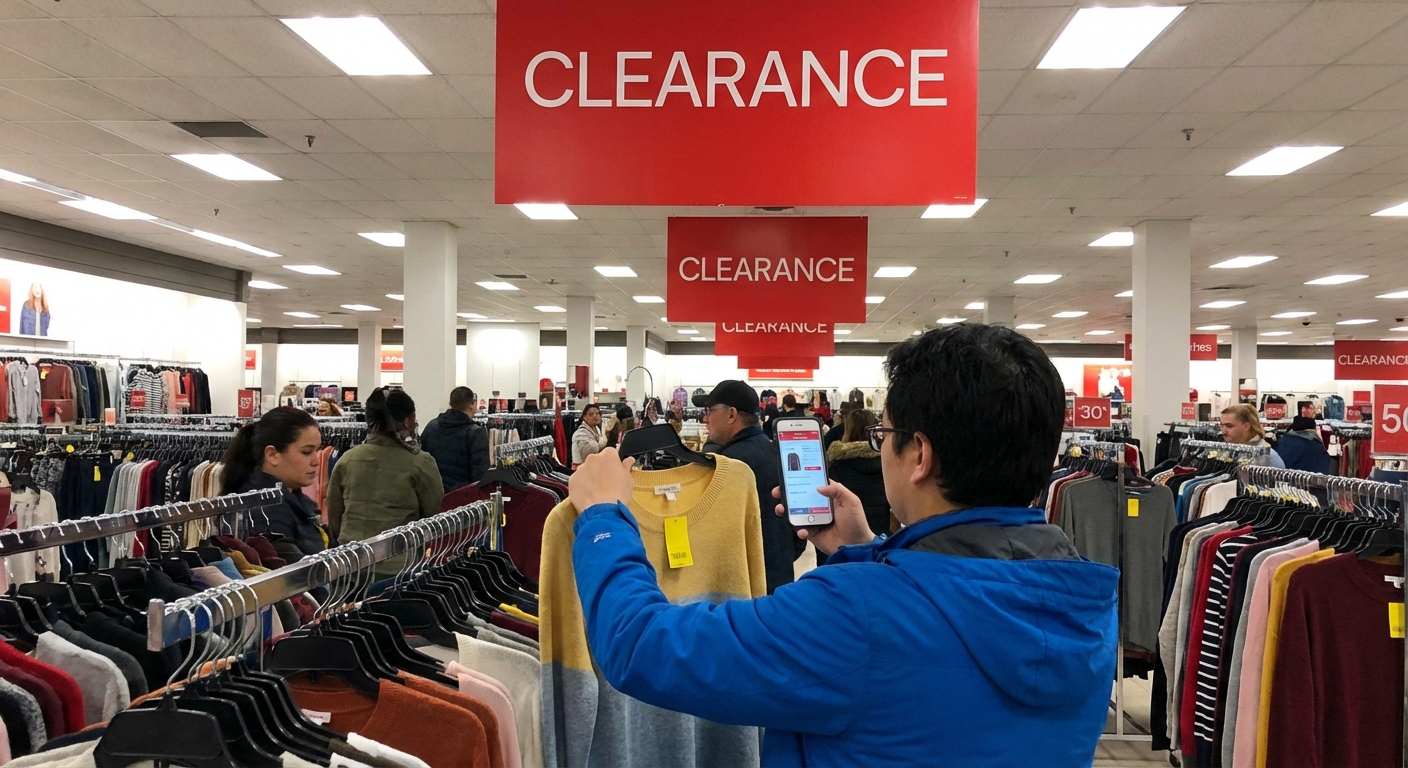
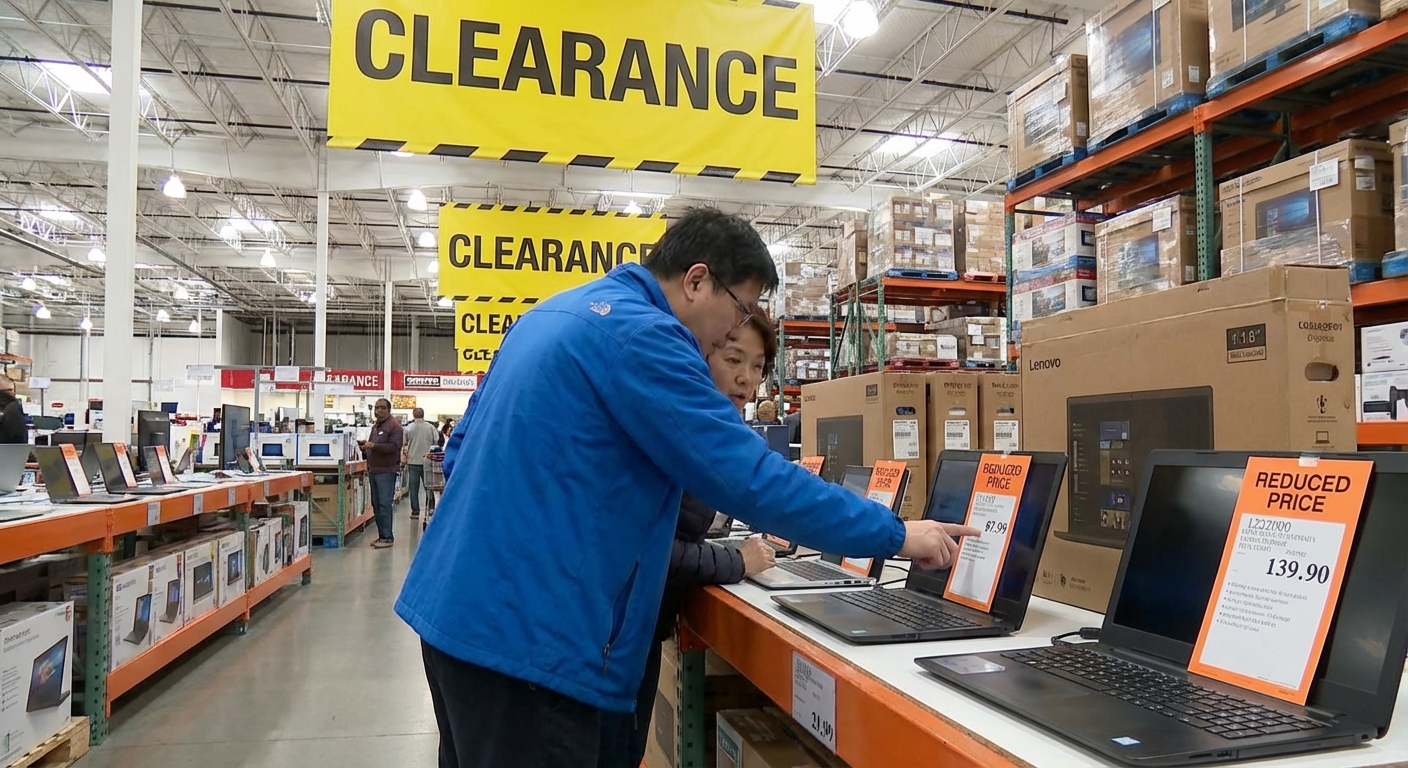
Unlike typical retail, Costco doesn’t always throw big red “CLEARANCE” signs on laptops. Instead, they use price tag codes and quiet markdowns. The real action is in the item tag.
How to Read Costco Price Tags Like an Insider
Here’s where it gets fun. In my experience, once you understand Costco’s price language, you’ll never look at those white signs the same way again.
1. The magic of the .97
If you see a laptop priced at something like $699.97, that “.97” is the Costco clearance flag. It’s not a random number—employees I’ve spoken with (and countless deal hunters online) confirm that:
- .97 = markdown / clearance item unique to that warehouse
- It usually means Costco wants this gone once current units are sold
Other suffixes matter too:
- .00 or .88 – often manager markdowns or special reductions at that single store
- No asterisk + .99 – regular item, usually still in the active lineup
2. The tiny asterisk that screams “last chance”
Look at the top right corner of the price tag. A small asterisk (*) up there usually means:
- The item is discontinued at that location
- What’s on the floor (or in the cage) is all that’s left
Some of my best finds were laptops with a .97 price AND an asterisk—that combination almost always means you’re looking at the last batch at a heavy discount.
When I tested this, I checked three stores: in all three, laptops with .97 + asterisk were gone completely within a week.
Real Deals I’ve Seen (and How I Evaluated Them)
Here’s an example from my own clearance hunt:
A few months ago, I found a Lenovo IdeaPad with an Intel Core i7, 16GB RAM, and 512GB SSD marked down from $899.99 to $599.97.
What I did on the spot:
- Pulled out my phone and checked the exact model on Lenovo’s official site and Best Buy.
- Lenovo.com had a similar config around $849.
- Other retailers were at $799–$899.
- Checked the CPU generation (Intel 12th Gen vs 13th Gen at the time).
- It was one generation behind, which explained the markdown.
- Looked at the return policy and warranty.
Even after accounting for it being last-gen, the price difference was real—roughly $200–$250 cheaper than anywhere else for that spec.
Why Costco Laptop Clearance Can Be a Goldmine
In my experience, there are four big reasons clearance laptops at Costco are actually worth chasing.
1. The return policy is ridiculously forgiving
Costco’s electronics return policy is 90 days for laptops, desktops, and tablets. I’ve actually returned a laptop on day 82 because the keyboard started ghost‑typing. No interrogation, no restocking fee, just a refund.
That policy is especially valuable with clearance gear because:
- You can test performance, screen quality, and battery life in real life, not just in a store aisle
- If you realize you over‑bought or under‑bought (too much or too little machine), you’re not stuck
Costco spells this out pretty clearly on their site, and it’s one of the biggest safety nets you’ll get in big‑box retail.
2. Manufacturer warranties still apply
Clearance doesn’t mean “refurbished” or “sketchy back channel.” These are usually new retail units being phased out.
- You still get the standard 1‑year manufacturer warranty from brands like Dell, HP, ASUS, Lenovo, etc.
- You can often add extended protection (Costco extends or SquareTrade, depending on region) for a few extra years.
I’ve registered two Costco clearance laptops with Dell and Lenovo directly—no issues, full warranty recognized.
3. Specs-to-price ratio can be insane
Because these are end-of-line models, you can often get:
- 16GB RAM and 512GB–1TB SSD at mid‑range prices
- Discrete GPUs (like entry‑level NVIDIA RTX) for what other stores charge for integrated graphics
For students, remote workers, and casual creators, this is the sweet spot: not bleeding-edge, but very capable.
4. Costco’s curation is more conservative than Amazon’s chaos
Costco doesn’t carry 500 random white-label laptop brands. They mostly stock major players and a handful of curated configs. So even in clearance, you’re usually looking at known quantities, not mystery brands with 3 reviews from 2019.
The Downsides No One Mentions
It’s not all wins. I’ve walked away from more Costco clearance laptops than I’ve bought. Here’s why.
1. You’re often buying last-gen tech
That doesn’t mean bad—but it does mean shorter runway.
- CPU might be one or two generations old
- Battery tech may be slightly behind newer efficiency gains
- Features like Wi‑Fi 6E or Thunderbolt 4 may be missing
If you’re a gamer, video editor, or developer, you’ll feel these gaps more than a casual browser or student.
2. Selection is wildly inconsistent
Unlike online deals, you can’t just hit refresh.
- One warehouse might have four different clearance laptops
- Another might have zero
- Your friend in another state can’t necessarily find the same thing
When I tested this across multiple locations, the SKUs and pricing were all over the place. Clearance is heavily warehouse-specific.
3. No deep customization
You’re at the mercy of whatever configs Costco decided to stock months ago. Need 32GB RAM or a 2TB SSD out of the box? Clearance is rarely where you’ll find that. You might have to:
- Upgrade RAM and SSD yourself (if the model allows it)
- Or accept a lower spec for the discount
How I Evaluate a Costco Clearance Laptop in 5 Minutes
Here’s the quick checklist I use when I’m standing in front of a tempting .97 tag.
- Model & specs – Snap a pic of the price tag, then:
- Check CPU generation (e.g., Intel 13th Gen vs 11th)
- RAM (8GB is bare minimum; 16GB is my current baseline)
- SSD size (256GB fills up fast; 512GB+ is safer)
- Price comparison – Search the exact model number on:
- Manufacturer’s site (Dell/HP/Lenovo)
- One major retailer (Best Buy, Amazon, etc.)
- Screen & build – I always:
- Check brightness and viewing angles in-person
- Type a few lines to feel the keyboard
- Press lightly around the trackpad and lid for flex
- Use case fit – I ask myself:
- Is this for web + office + streaming?
- Or light photo/video editing?
- Or gaming/3D work?
If the price is at least $150–$200 below comparable models elsewhere and it fits the actual use case (not my gadget FOMO), then I consider it a real deal.
A Few Personal Wins (and One Fail)
- Win: I grabbed an ASUS Creator‑style laptop with a color‑accurate 15.6" display and 16GB RAM for $749.97. Online, the same model hovered around $999–$1,049. That machine still edits 4K footage for me without complaint.
- Win: I found a budget HP laptop for a family member at $349.97. Not flashy—11th Gen Core i3, 8GB RAM—but for school and Netflix, it’s perfect. Two years in, it’s still going.
- Fail: I once impulse‑bought a “gaming laptop” with a last‑gen GTX GPU because the markdown looked huge. Within months, newer RTX laptops crushed it in performance per dollar. I returned it inside the 90‑day window, but it reminded me: a big discount on the wrong thing is still the wrong thing.
When Costco Clearance Is Worth Targeting (and When It’s Not)
In my experience, Costco laptop clearance is absolutely worth stalking if:
- You’re okay with last-gen tech that still performs well
- You value return policies and warranty over having the absolute latest
- You’re shopping for students, families, or general productivity
It’s less ideal if:
- You need cutting-edge performance (AAA gaming, heavy 3D, pro editing)
- You’re very particular about weight, battery life, or specific ports
- You want to custom‑build or spec out a laptop in detail
If you’re in the right use‑case zone, though, clearance can feel like cheating. You’re basically letting early adopters pay full price for the newest thing, then scooping up the still‑excellent previous generation for hundreds less.
Final Tips Before You Go Deal Hunting
If you’re heading to Costco specifically to scout laptop clearance, here’s what’s worked best for me:
- Go on a weekday morning if you can—less crowded, easier to ask questions
- Don’t be shy about asking an associate to check inventory in the cage or backroom
- Screenshot or write down your must‑have specs before you walk in
- Budget mentally for a laptop + potential RAM/SSD upgrade if the model allows it
And don’t forget: if you feel even a little rushed, walk away. Costco’s greatest strength for clearance shoppers is also your safety net—you can wait for a better‑fitting deal, and thanks to their policies, you’re not trapped by a single impulsive choice.
Sources
- Costco – Member Privileges and Conditions (Electronics Return Policy) - Official overview of Costco’s return policies, including electronics.
- Intel – 13th Gen Intel® Core™ Processors - Reference for CPU generations and performance context.
- Consumer Reports – How to Buy a Laptop - Independent guidance on laptop specs and what matters for different users.
- PCMag – Laptop Buying Guide - Expert breakdown of current laptop standards and performance tiers.
- Dell – PC and Tablet Limited Hardware Warranty - Example of standard manufacturer warranty that typically still applies to clearance units.