Garden Office Design Guide for Functionality
the washing machine beeping, the neighbour drilling at 3 p.m. – my productivity was crushed.
So I did the thing: I turned a neglected corner of the garden into a fully functional office. I made a bunch of mistakes, tested a lot of layouts and gear, and learned what actually matters if you want a garden office that works, not just looks cute on Instagram.
This is the guide I wish I’d had at the start.
Step 1: Start With Function, Not Fairy Lights
When I first planned my garden office, I made a Pinterest board full of fairy lights, Scandi chairs, and trailing plants. Then I tried working in a gorgeous rattan chair for two days and my back screamed at me.
Functionality starts with three brutally practical questions:
- What kind of work do you actually do?
Are you on calls all day? Deep focus writing? Design work with colour-critical screens? Coaching clients on Zoom? Your layout, lighting, and acoustics will hinge on this.
- How long will you be in there each day?
A 2-hour side-hustle pod is very different from a full-time “9-to-5 in the garden” setup.
- What tools do you genuinely need?
Laptop only? Dual monitors? Printer? Drawing tablet? Server or NAS? Video gear?
When I tested this on myself, I realised my real needs were: a height-adjustable desk, dual monitors, serious sound isolation for calls, and storage that could hide clutter. The fairy lights came last.
Step 2: Choosing the Right Spot in the Garden
I learned quickly that where you place your garden office matters more than what you put inside it.
In my experience, these factors made the biggest difference:
- Distance from the house:
I placed mine about 10–12 metres away. Far enough that it feels separate (my brain switches to “work mode” on the walk), but close enough that Wi-Fi back-up and a quick coffee run are easy.
- Sun path and glare:
Facing a big window due south sounded romantic… until I got brutal screen glare from 10 a.m. to 2 p.m. I ended up re-orienting my desk and adding external shading. North or north-east facing windows tend to give more stable, diffuse light.
- Noise sources:
If your neighbour loves weekend angle grinding, don’t put your office by that fence. I added a thin hedge line and a timber fence behind my office, which cut high-frequency noise more than I expected.
Research from the University of Exeter’s Green Spaces study (2019) also found that proximity to greenery and views of plants can reduce stress and improve focus, so I intentionally kept sightlines to trees and shrubs instead of the wheelie bins.
Step 3: Structure, Insulation and Comfort (The Boring Stuff That Makes It Usable)
When I shopped around, I saw two main options: cheap shed-style cabins and fully insulated garden rooms. I went mid-range – and I regret being too optimistic about “mild winters”.
What I’d insist on now:- Proper insulation in walls, floor, and roof (not just a thin lining). Look for PIR boards or mineral wool with decent R-values. Without it, you’ll either freeze or bake.
- Double- or triple-glazed windows. Low-E glass if you can stretch the budget.
- A real foundation. I chose concrete pads with a timber frame base. A flimsy, uneven base will lead to sticking doors, water ingress, and that unsettling “my monitor is wobbling” feeling.
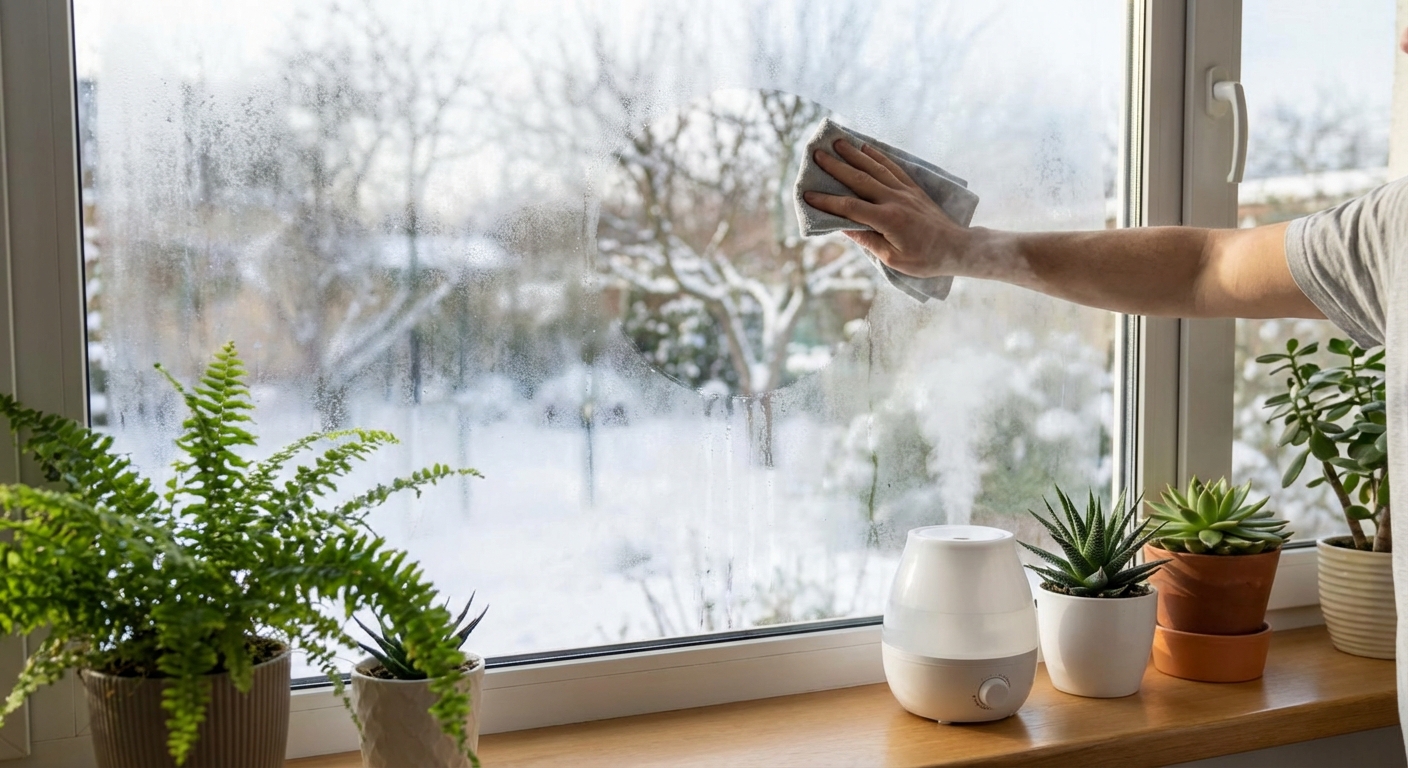
- Ventilation. I skipped trickle vents initially and ended up with condensation on cold mornings. I later added a small mechanical vent plus an openable window – problem solved.
On heating/cooling, I tried three things:
- Oil-filled radiator: cheap, slow, fine for short sessions.
- Infrared panel heater: great for quick warmth but can create hot-cold spots.
- Small split unit air-source heat pump: this was the game-changer. Both heating and cooling, and relatively efficient.
The UK’s Energy Saving Trust notes that modern heat pumps can be 3–4 times more efficient than direct electric heating in suitable conditions, which matched my energy bills once I tracked them over a full year.
Step 4: Designing the Interior for Real-World Work
This is where functionality either shines… or your back gives out.
Ergonomics: The Non-Negotiables
When I tested different setups, these made the biggest productivity difference:
- Desk height and depth: I went for a sit-stand desk around 120–140 cm wide and at least 70 cm deep. Anything shallower and monitors feel crammed.
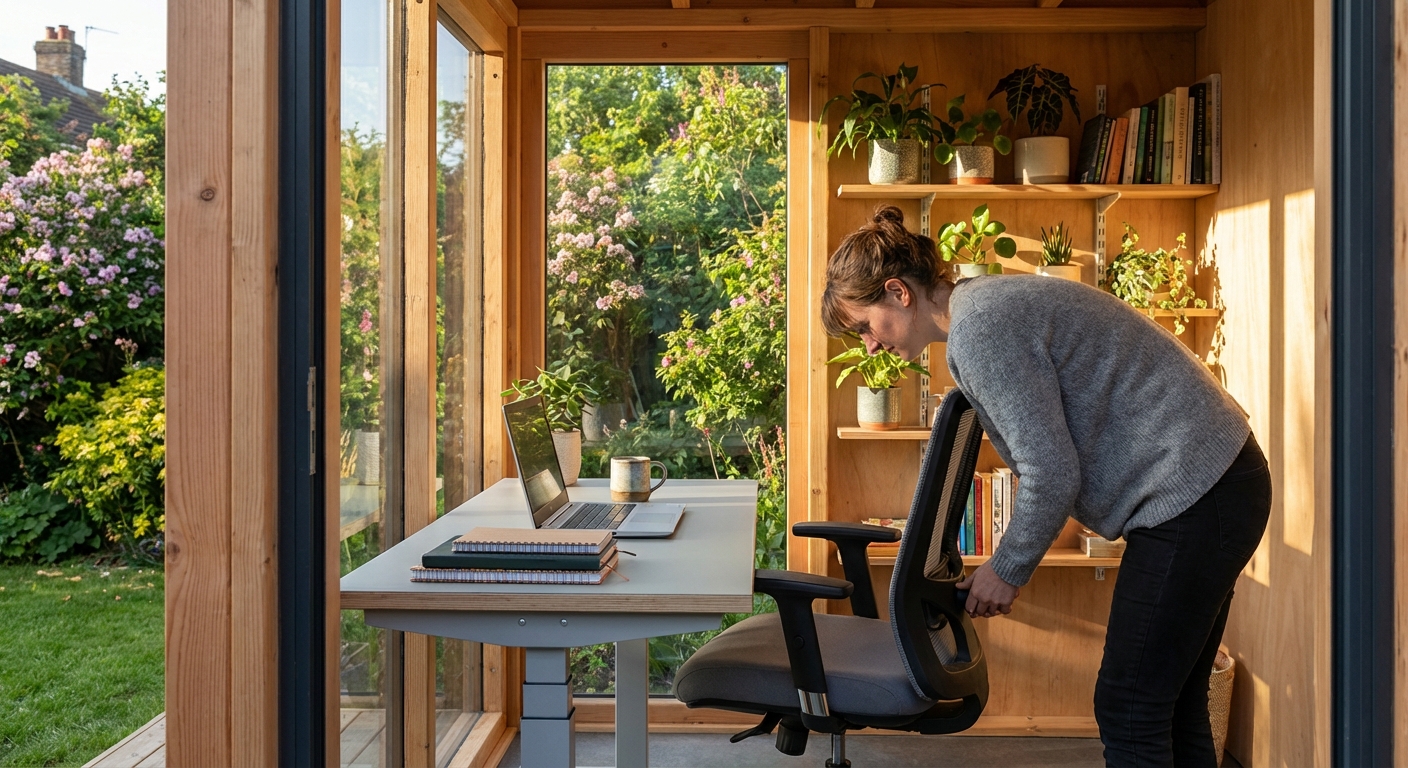
- Chair: I tried the pretty chair. I now own a proper task chair with adjustable lumbar support. My shoulders finally forgave me.
- Monitor placement: Top of the screen at or just below eye level, about an arm’s length away. I use monitor arms to free up desk space.
The Occupational Safety and Health Administration (OSHA) and many ergonomics guidelines say the same: neutral wrist position, supported lower back, feet flat on the floor. When I actually followed that advice, my end-of-day neck pain dropped dramatically.
Layout: Zoning a Small Space
My garden office is about 3m x 4m. What worked best was thinking in zones instead of one generic box:
- Focus zone: desk, monitors, task chair, facing a wall or window with minimal visual distractions.
- Meeting/creative zone: a small armchair and side table in one corner for reading, whiteboard brainstorming, or calls where I don’t want to be hunched over a keyboard.
- Storage wall: vertical shelving plus a closed cabinet. The rule: things that visually clutter (cables, random gadgets, printer paper) live behind doors.
When I tested a “desk in the middle” model it looked stylish but felt chaotic. Against-the-wall with intentional zoning won for me.
Step 5: Lighting That Doesn’t Fry Your Eyes on Zoom
My first few video calls in the garden office were… unflattering. Bright window behind me, face in shadow, weird colour cast. It took some experimentation to get it right.
Here’s what finally worked:
- Layered lighting:
- Overhead LED panel with a neutral colour temperature (around 4000K).
- Adjustable desk lamp for task lighting.
- Soft floor or wall light behind me, so the background doesn’t look like a cave.
- Avoiding backlighting: I shifted my desk so the main window is to the side, not directly behind me.
- Consistent colour temperature: Mixed warm and cool bulbs made my face look like two different people on video. I standardised most lights to the same range.
The American Academy of Ophthalmology has highlighted how poor lighting and glare can worsen digital eye strain. Once I dialled in diffused, indirect light and used a matte screen filter on one monitor, my eye fatigue dropped significantly.
Step 6: Connectivity, Power and the Scary-but-Critical Stuff
I underestimated this part and nearly paid for it with a dead laptop and frayed extension lead.
What I’d recommend, based on my own do-overs:
- Power: Get a qualified electrician. I had a dedicated circuit run from the main consumer unit to the garden office with its own RCD protection and multiple double sockets. No daisy-chained extension leads.
- Data: I tested three setups:
- Regular Wi‑Fi from the house – flaky beyond 8–10 metres.
- Mesh Wi‑Fi system – better, but video calls still stuttered sometimes.
- Buried Ethernet cable to a small switch and access point in the office – rock solid.
- Backup: I use a small UPS (uninterruptible power supply) just for my router and main PC. Power flickers used to kill my calls; now I don’t even notice them.
The U.S. Department of Energy also warns about outdoor electrical safety and emphasises using proper-rated cabling and enclosures. After reading that, I stopped even considering DIY electrics for the office.
Step 7: Acoustics and Privacy – The Underrated Superpowers
When I first moved in, my garden office sounded like an echo chamber. On Zoom, my voice had that weird bathroom reverb.
Here’s what helped:
- Soft surfaces: A rug, thick curtains, and a fabric sofa chair cut most of the echo. I also added a few acoustic panels on the wall opposite my desk.
- Door seals: I fitted simple rubber seals around the door to reduce outside noise. Not studio-grade, but it made a clear difference.
- Microphone choice: A modest USB cardioid mic close to my mouth sounded miles better than any noise-cancelling magic I tried in software.
On the privacy side, having a separate building did something interesting to my brain. The walk down the garden became my commute. A 2021 Forbes article on remote work boundaries talked about how micro-rituals like this can reduce burnout; I didn’t need the study to tell me it works, but it’s reassuring the data backs it.
Step 8: The Finishing Touches That Actually Help You Work
A lot of decor advice is “style first, function later”. I flipped that. Anything I added had to earn its keep.
What’s been surprisingly useful:
- Plants: Not just for aesthetics. A couple of medium-sized plants near my monitor soften the view and make long sessions feel less sterile. There’s research from the University of Exeter showing indoor plants can boost productivity and well-being – I genuinely buy that, subjectively.
- Whiteboard or pinboard: I’m a scribbler. Having ideas physically visible on the wall stops me from drowning in browser tabs.
- Dedicated charging station: I mounted a small shelf with a multi-port charger. All devices live there when I finish work – part of my “shut down the office” routine.
And yes, I did eventually add warm string lights under the roof overhang outside. Not because I needed them, but because walking down to a softly lit office on a winter morning genuinely puts me in a better mood.
Pros, Cons and What I’d Do Differently
To stay honest: a functional garden office isn’t for everyone.
What’s been amazing for me:- Deep focus with fewer household interruptions.
- A physical boundary that helps me stop working in the evenings.
- A space tailored to my body, my work, and my weird habits.
- Upfront cost – once you factor in proper foundations, insulation, electrics, and heating, it’s very different from a cheap shed.
- Planning permissions and local rules can get messy (especially in conservation areas or for larger buildings).
- Maintenance: repainting exterior cladding, checking seals, clearing gutters – it’s a small building, with small-building responsibilities.
If I were doing it again, I’d:
- Go slightly bigger – an extra 0.5m of width would make layout choices less constrained.
- Plan the electrics with future gear in mind (I ended up adding more sockets).
- Spend a bit more on acoustic treatment from day one instead of hacking it slowly.
But the main thing? I’d still build it. My garden office turned into the most productive space I’ve ever worked in – not because it’s fancy, but because it’s ruthlessly designed around how I actually work, hour by hour.
If you build yours with that same honesty – function first, aesthetics layered on top – you’ll end up with more than a cute wooden box outside. You’ll have a space that quietly supports your best work, every single day.
Sources
- Energy Saving Trust – Heat Pumps – Overview of how heat pumps work and their relative efficiency compared with other heating.
- Forbes – Working From Home: How to Set Healthy Boundaries – Discussion of routines and boundaries in remote work.
- American Academy of Ophthalmology – Computer Use and Digital Eye Strain – Guidance on lighting, screen use, and eye strain.
- U.S. Department of Energy – Electrical Safety – General principles on electrical safety and proper installations.
- University of Exeter – The Relative Benefits of Green Versus Lean Office Space – Research on plants, green spaces, and workplace well-being.