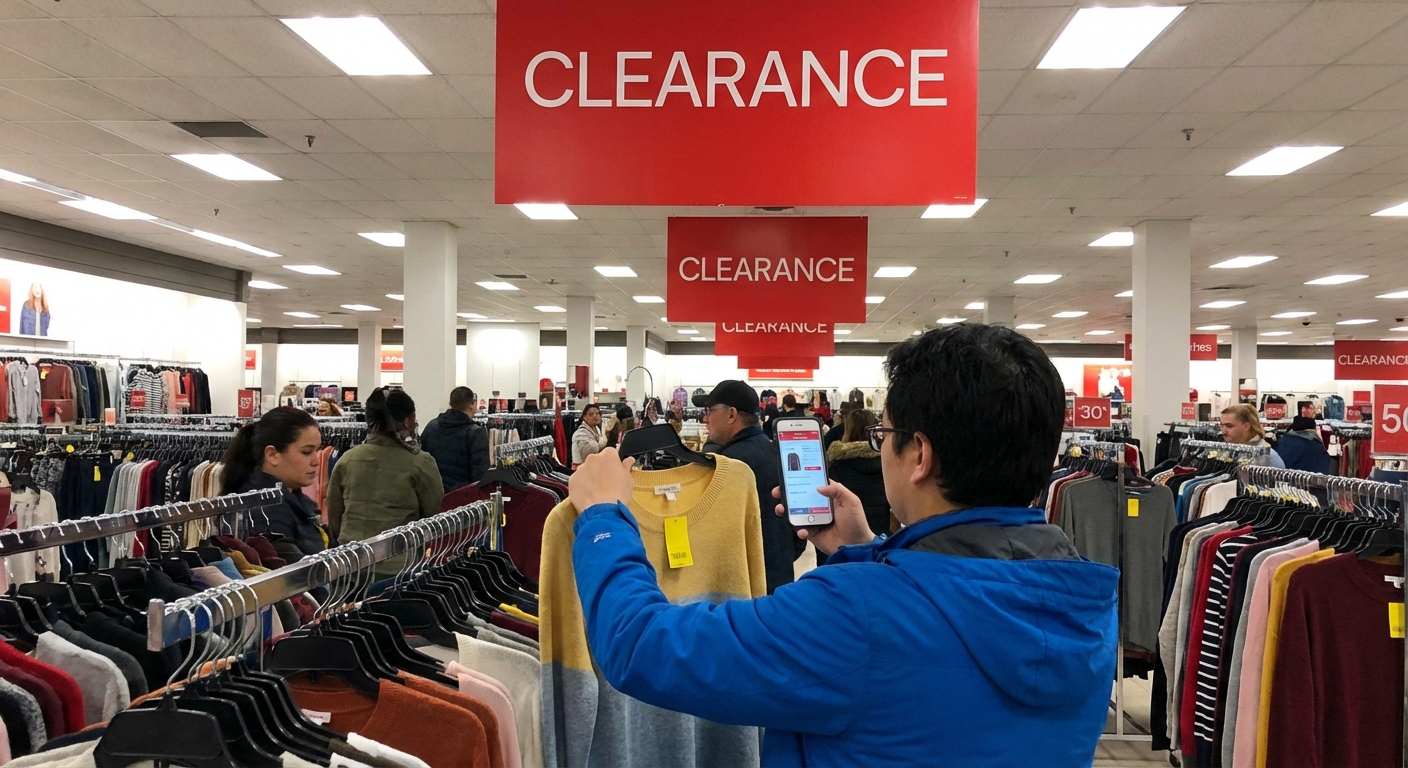
Guide to Best Buy Clearance Sections and Tech Finds
x OLED TV for less than the price of a mid-range laptop… and my inner bargain goblin woke up.
Over the last two years, I’ve made it a weird personal hobby to work the Best Buy clearance ecosystem: in-store yellow tags, online outlet, open-box, and the semi-secret “shoppers don’t usually click this” sections. I’ve saved hundreds of dollars doing it, but I’ve also learned exactly where people get burned.
This is the guide I wish I’d had before I started hunting.
The Four Clearance Goldmines at Best Buy
When people say “Best Buy clearance,” they usually mean one thing. In reality, there are four overlapping zones:
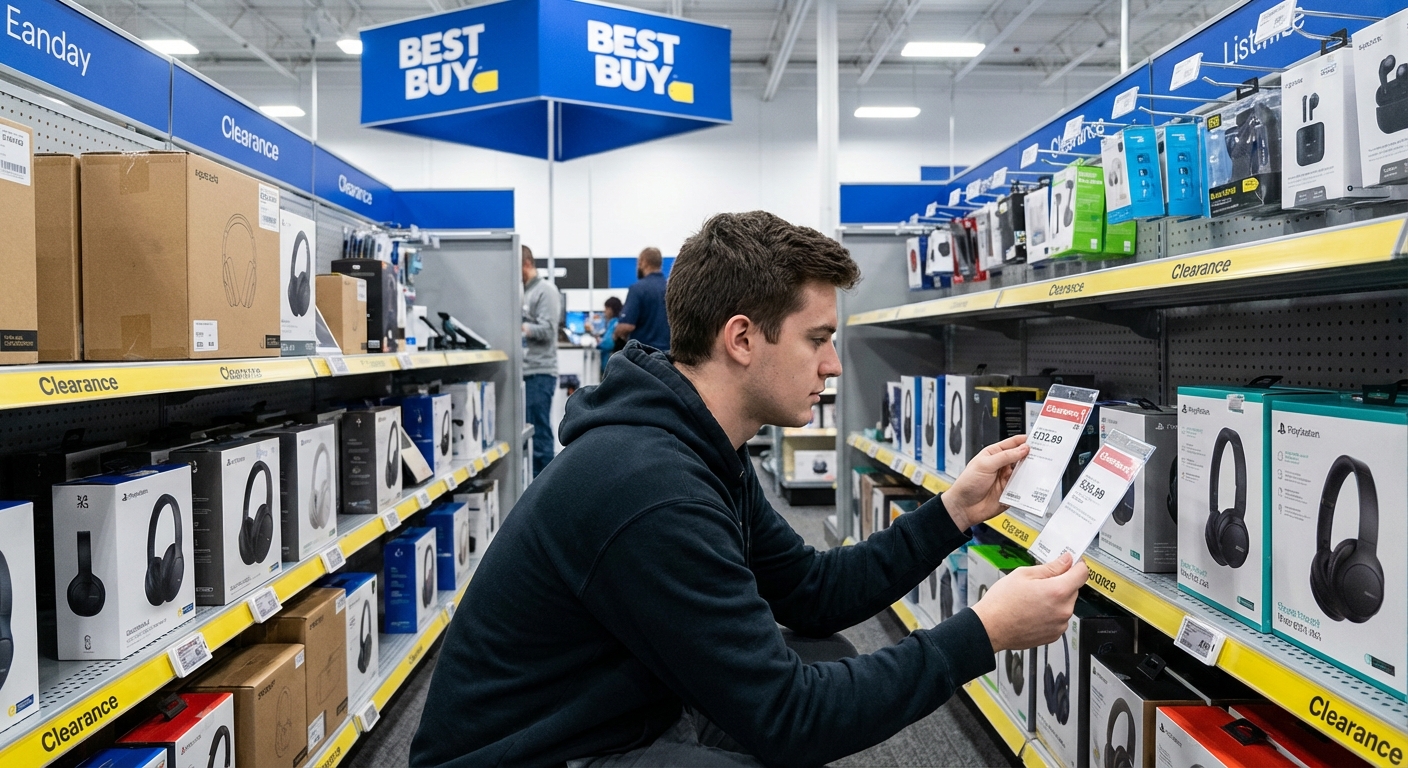
1. In-Store Clearance Endcaps (The Yellow-Tag Jungle)
I recently discovered how different stores price the same item while chasing a discounted Logitech MX Keys keyboard. My local store had it at 30% off on a yellow tag. Another store 25 minutes away? Same SKU, 50% off.
Those yellow-tag shelves at the ends of aisles (endcaps) are where:
- Discontinued models
- Seasonal overstock
- Weird-color versions (looking at you, teal blenders)
go to live or die.
What I’ve noticed when I tested different locations:- High-traffic urban stores turn inventory faster, so discounts deepen quicker.
- Suburban stores tend to have more random one-off gems — especially TVs, routers, and PC components.
If you see a yellow tag with a discount that’s decent but not amazing, check the date printed on the label. In my experience, if it’s been sitting there for 3+ weeks, a manager may be more open to a price adjustment, especially if the box is beat up.
2. Open-Box: Where the Real Tech Deals Hide
“Open-box” is Best Buy’s umbrella term for:
- Customer returns
- Display models
- Items with damaged packaging
When I tested buying open-box versus new over a six‑month period, I found:
- For laptops and monitors, I was consistently saving 15–35%
- For premium TVs, savings jumped to 25–50% if I didn’t mind minor cosmetic scuffs
Best Buy actually breaks open-box into condition tiers, which most people scroll past:
- Open-Box Excellent: Basically looks new. In my experience, this is the sweet spot.
- Open-Box Satisfactory/Fair: Works, but may have noticeable cosmetic damage or missing accessories.
You can see this clearly on their online product pages or the Best Buy Outlet site.
> Personal example: I picked up a "Open-Box Excellent" LG C2 OLED 55" that was about $500 under the going sale price. It came in the original box, with the stand, remote, and plastic still on the screen. The only flaw? The outer cardboard looked like it lost a street fight.
3. Best Buy Outlet (Online) – The Rabbit Hole
If you’ve only ever shopped the regular Best Buy site, you’re missing the good stuff. The Best Buy Outlet section (listed under Deals > Outlet) is where they dump:
- Open-box items from across the country
- Clearance and last-year models
- Refurbished gear
In my experience, this is where the serious tech nerd wins happen: Wi‑Fi 6 routers, NAS drives, pro monitors, and high-end GPUs that are 20–40% under typical sale prices.
Two big tricks I’ve learned:
- Filter by store availability. Some deals are for shipping only, others are “pick up today” at specific stores. I’ve done same-day road trips just for a ridiculous GPU deal.
- Sort by discount, not price. The best percentage-off deals are often mid-range items, not the absolute top-tier stuff.
4. Deal of the Day + Clearance Stack
Best Buy’s Deal of the Day can sometimes overlap with items that are also sliding toward clearance territory. Once, I caught a Samsung SSD that was a Deal of the Day and marked down further in my store as clearance.
When I tested this over a few weeks, I noticed:
- High-velocity items (storage, peripherals, earbuds) will sometimes stack a national promo and a local markdown
- Price-match policies generally won’t apply on clearance, but they may apply on current-model items that are just temporarily discounted
You have to be fast here. The best overlap deals I’ve found were gone within hours.
What’s Actually Worth Hunting in Clearance
After a lot of trial, error, and one very cursed open-box air fryer, here’s what I consistently recommend — and what I avoid.
Clear Winners
1. TVs (especially last year’s models)TV pricing is notoriously aggressive. According to data from the Consumer Technology Association, TV prices have trended downward for years as panel manufacturing got cheaper and more efficient. That means last year’s high-end model often beats this year’s mid-range one on image quality.
My pattern:
- I target prior-year OLED and QLED models (LG C‑series, Samsung QN/Q‑series)
- Look for open-box Excellent or Satisfactory where the only issues are packaging or minor cosmetic scuffs
When I tested open-box laptops, I inspected every machine like I was buying a used car:
- Check battery cycle count (or at least battery health from the OS)
- Run a quick screen test (look for dead pixels, backlight bleed)
- Confirm all ports work
I’ve scored a creator-grade laptop for video editing at around 30% off doing this.
3. PC Components and Networking GearRouters, mesh Wi‑Fi systems, and SSDs are my quiet clearance heroes. Because the technology moves fast, Best Buy rotates models out aggressively.
As long as I:
- Verified firmware updated properly
- Ran a quick speed test or health check
…I’ve had zero issues. Bonus: these items are usually easy to test quickly in-store or right when I get home.
Approach With Caution
1. PrintersWhen I tested buying a clearance printer, the real cost was the ink. Often, older clearance printers use more expensive cartridges or discontinued lines. Manufacturers like HP and Canon have been repeatedly called out for ink pricing structures that lock users into high long-term costs.
My rule now: I only buy a clearance printer if I’ve checked ink cost per page and availability.
2. Small Kitchen AppliancesI once grabbed an open-box blender that “looked fine”… until I noticed faint smoothie residue in the base. Best Buy took it back without hassle, but appliances can be hit-or-miss. Inspect seals, blades, and any parts that handle food.
3. Headphones and EarbudsYou can get great deals, but hygiene and battery life are wildcards. If I go this route:
- I stick to reputable brands (Sony, Bose, Apple, Sennheiser)
- I lean heavily toward sealed or “Excellent” condition
How to Check If a Best Buy Clearance Deal Is Actually Good
In my experience, people over-focus on the bright red “You saved $X!” and under-check the real market price.
Here’s my quick sanity check process:
- Check price history with a tracker
Tools like Keepa (for Amazon) or even Google’s price graph give a rough idea of what that product normally sells for. If Best Buy’s “clearance” price is just the same as last month’s sale everywhere else… I pass.
- Compare against manufacturer site + one major retailer
I’ll pull up:
- The official product page (for MSRP and current promos)
- Another major retailer (Amazon, Walmart, or Target)
If the clearance price isn’t at least 15–20% better than current normal pricing, it’s rarely worth losing out on simpler returns or better bundles elsewhere.
- Factor in warranty and return window
Best Buy generally gives the same return policy on open-box as on new items (usually 15 days, longer for My Best Buy Plus/Total members), but always confirm on the product page or in-store. For high-ticket items, I check whether the manufacturer warranty is fully intact — it usually is, but if serials are scraped or mismatched, I walk.
The Store-Level Tricks I’ve Picked Up
Some of the best insights I’ve gotten came from, frankly, just talking to blue-shirt employees who like tech.
1. Ask What’s in the Back
I once asked about a specific open-box monitor I saw online that showed “limited stock.” The associate checked the system and brought out three variants: two Excellent, one Fair. Only one was on the floor.
Clearance and open-box items don’t all fit on the shelves. If you see something online at your store, don’t assume it’s gone until an associate checks the inventory system and the back room.
2. Don’t Be Weird About Negotiating
This isn’t a flea market, but there is some flexibility. When I tested this gently over a few visits:
- I had luck asking for an extra 5–10% off on heavily scuffed boxes or missing-accessory items
- I had no luck asking for a discount on fresh open-box Excellent items that just hit the shelf
Be specific. “This TV is missing the stand screws and the remote — is there any additional discount available?” works way better than “Can you do better on this?”
3. Know When to Walk Away
Because I track prices a lot, I’ve started to recognize “fake deals” — items that are always “on sale” somewhere. If the clearance price isn’t obviously better than common promo prices you’ve seen in the last 2–3 months, it’s not special.
I remind myself: that feeling of “I’ll never see this again!” is usually wrong. Another deal will show up.
Pros and Cons of Hunting Best Buy Clearance
What’s great, in my experience:- You can get premium tech (especially TVs and laptops) for mid-range prices
- Open-box Excellent is often indistinguishable from new
- Return policy and warranty support are generally solid compared with random third-party sellers
- Inventory is chaotic — great stuff disappears fast and may never come back
- Condition descriptions can be… optimistic at times, so you have to inspect
- It’s easy to convince yourself something is a deal just because it has a yellow tag
When Best Buy Clearance Is Absolutely Worth It
Whenever friends ask me, I give them this simple rule of thumb:
Best Buy clearance is worth it when:- You’re buying last-year’s premium gear (TVs, laptops, routers) with clear, verifiable savings
- You can inspect the item or rely on clear condition grading
- You’re okay with the possibility that the box looks like it fell off the truck twice
- Ongoing costs (like printer ink) erase your upfront savings
- The price difference vs. normal sales is under 10–15%
- You’re buying something mission-critical that you can’t afford to have fail early
When I’m patient, methodical, and a little bit picky, Best Buy’s clearance ecosystem has been one of the most reliable ways I’ve found to upgrade my setup without paying early-adopter tax.
And yes, I still check the yellow-tag shelf every time I walk in. Just in case that next ridiculous open-box OLED is waiting.
Sources
- Best Buy Outlet & Open-Box Overview - Official Best Buy page explaining Outlet, open-box, and clearance categories
- Consumer Technology Association – TV Market Trends - Data on TV ownership and pricing trends
- Federal Trade Commission – Shopping for Used and Refurbished Electronics - Guidance on warranties, returns, and risks
- HP Ink Pricing and Consumer Concerns (BBC Coverage) - Discussion of ink costs and printer ecosystem
- NYTimes Wirecutter – How to Shop Open-Box and Refurbished Electronics - Expert advice on evaluating open-box and refurbished devices