How Adults Use AI Tools in Everyday Life: Writing, Planning, and Personal Tasks
No, I said 20 minutes max and I only have chickpeas, try again.”
That’s the quiet revolution happening all around us: adults using AI tools not as sci‑fi magic, but as slightly chaotic digital sidekicks. Not just for coding or corporate decks, but for the real stuff—writing tricky emails, planning weddings, managing burnout, and yes, figuring out what on earth to cook.
I’ve spent the last year deliberately testing AI in my everyday life—across writing, planning, and personal tasks—for work and for pure survival. Some of it’s been brilliant, some of it a mess, and some genuinely changed how I think about my time.
Writing: From Awkward Drafts to Actually-Useful Words
I write for a living, so I was extremely skeptical about letting an algorithm anywhere near my sentences. Then I tried using AI as a warm‑up partner, not a ghostwriter.
Email triage for grown-ups
The first time I realized AI could reduce my stress was with a brutally awkward email I needed to send—a pushback to a client who kept moving the goalposts.
I pasted my messy draft into an AI tool and asked: “Rewrite this to be firm but polite, keep the core message, don’t over-promise, and don’t sound robotic.”
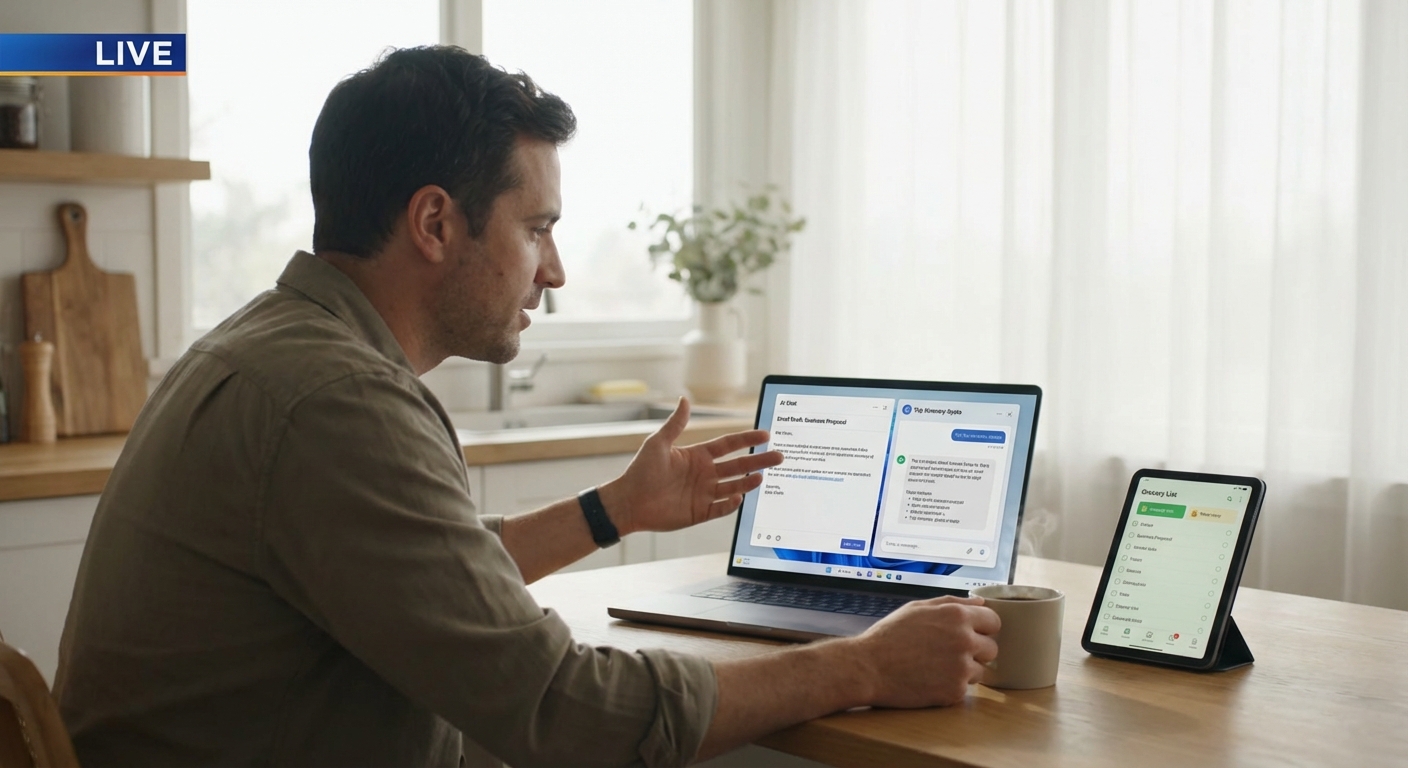
When I tested this against my original draft, two things stood out:
- The AI version removed emotional over-explaining
- It clarified timelines better than I did on the first try
I still edited it to sound like me, but the emotional labor—turning frustration into diplomacy—was suddenly way easier.
And I’m not alone. A 2023 Microsoft Work Trend Index report found that 70% of early Copilot users said AI helped them be more productive with communication-heavy tasks like emails and chat messages.
First drafts, not final drafts
For bigger writing—blog posts, reports, workshop outlines—I use AI like a brainstorming partner. I’ll say something like:
> “Here’s my idea and rough outline. Challenge it. What’s missing? What’s weak?”
When I did this for a longform article on digital burnout, the AI highlighted something I’d missed: I’d barely mentioned accessibility and neurodivergent users. That changed the entire structure.
But here’s the catch: anytime I let AI generate a long passage and I’m tempted to just paste it in, I can feel the voice flatten. It starts sounding like a LinkedIn post that’s trying too hard.
In my experience, AI is fantastic for:
- Outlining
- Drafting alternate phrasings
- Summarizing notes or long transcripts
- Translating tone (formal → casual, or vice versa)
It’s terrible for:
- Nuanced personal stories
- Hot takes or strong opinions
- Anything requiring lived experience, emotion, or risk
A Stanford / MIT study published in 2023 found that access to AI writing tools increased productivity but also made writing more stylistically similar across users. Great for speed. Not so great for originality if you’re not careful.
So these days, my rule is simple: AI can help me think, but it doesn’t get to speak for me.
Planning: Life Admin with a (Very Patient) Assistant
The most surprising place AI has helped me is planning. Not the big dramatic plans—life goals, five‑year strategies—but the annoying in‑between logistics that usually fry my brain.
Project planning without the headache
When I recently took on a cross‑team project with messy deadlines, moving parts, and too many opinions, I dumped everything into an AI chat:
- Stakeholders
- Rough goals
- Known constraints
- Current chaos
I asked it: “Turn this into a simple project timeline with milestones, risks, and clear owners. Highlight anything unrealistic.”
Was it perfect? No. But it:
- Flagged an overstuffed week where we’d planned three deliverables that all depended on each other
- Suggested a kickoff agenda I mostly kept
- Gave me three risk scenarios I hadn’t thought of yet
I still had to adjust everything based on real people’s schedules and office politics (no AI is solving that, sadly), but it cut the initial setup time in half.
Travel planning that doesn’t eat your weekend
When I tested AI against traditional travel planning, something fascinating happened. I gave it:
- My destination
- Budget range
- Rough dates
- Travel style (walkable, low‑tourist, local food, hate loud clubs)
Then I asked it for a 4‑day itinerary, but here’s the trick: I told it to
> “Assume I’m an adult who gets tired and doesn’t want to do 12 things a day. Max 3 planned activities per day, time for naps and wandering, and realistic transit time.”
The result wasn’t flawless—some restaurant suggestions were closed, and I had to fact‑check opening hours—but as a starting template, it beat the generic top‑10‑things‑to‑do lists I usually get from Google.
Where AI falls down hard is local nuance. It still can’t replace:
- Asking a bartender where they’d actually eat
- Checking a city subreddit for “okay, but what’s overrated?”
But for adults who are burnt out on comparison‑shopping every hotel and tour? Having an AI generate a “good enough” Plan A you can tweak is shockingly liberating.
Personal Tasks: The Quiet, Everyday Stuff
The most underestimated use of AI, at least from what I’ve seen, is in tiny daily decisions.
Decision support, not decision replacement
When I’m stuck between two options—two gym plans, two phone contracts, two productivity apps—I’ll paste the details into an AI tool and ask:
> “Compare these for a 35‑year‑old who works remotely, values flexibility over price, but hates hidden fees. Where are the gotchas?”
One time, while comparing two internet providers, the AI flagged that one company’s “unlimited” plan throttled speed after a certain usage buried in the fine print. I then checked manually on the company website and, annoyingly, it was absolutely right.
Do I trust it blindly? No. But as a way to:
- Convert marketing jargon into actual trade‑offs
- Highlight things to double‑check yourself
…it’s become a regular part of my process.
Mental load management
Adults carry a ridiculous amount of mental clutter—birthdays, renewals, “remember to cancel that free trial you definitely will forget about.”
I’ve started using AI to:
- Turn chaotic notes into task lists with priorities
- Draft shopping lists from vague recipe ideas
- Generate simple, realistic weekly meal plans that consider:
- Budget
- Time to cook
- Reusing ingredients
When I recently asked an AI to build a 5‑day meal plan using mostly pantry staples and 20‑minute recipes, it:
- Reused ingredients logically (spinach across multiple meals)
- Suggested batch cooking two dinners to use for lunches
- Produced a shopping list categorized by section (produce, pantry, dairy)
I still adjusted for taste and what my local store had, but it turned 40 minutes of thinking into about 10.
The Dark Side: Over-Reliance, Hallucinations, and Creepy Accuracy
It wouldn’t be honest to rave about AI without mentioning the weird, frustrating side.
Hallucinations are real
I’ve seen AI tools confidently invent:
- Book quotes that don’t exist
- Policy rules that weren’t in the actual document
- “Facts” that unravel the moment you check them
The U.S. Federal Trade Commission has repeatedly warned about generative AI making deceptive or inaccurate claims, especially when used for advice in health, finance, or legal areas. And they’re right to worry.
My personal rule: I never fully trust AI on anything that affects safety, money, or law. It’s a brainstorming buddy, not a lawyer, doctor, or financial advisor.
Privacy and data
There’s also the question of what happens to the text and data you paste in. Some tools allow opting out of training, some don’t. Some store chats, some don’t.
I refuse to paste in:
- Sensitive contracts
- Personal identification details
- Confidential client info
If I need help with something sensitive, I abstract it: I’ll change details, remove names, and focus on structure over specifics.
The subtle dependency trap
One risk I didn’t expect was how easy it is to stop trying before thinking. I caught myself asking AI for ideas before I’d even given my own brain a shot.
Now I try this habit:
- Think or outline on my own for 10–15 minutes
- Then bring AI in to challenge, refine, or stress‑test
That way, my default voice stays mine—and the AI becomes a second opinion, not a first instinct.
Where This Leaves Us: Adults, Just Trying to Cope
The most honest way I can describe AI in everyday adult life is this: it’s like having a very fast, occasionally wrong coworker who never gets tired and never gets offended.
When used well, it can:
- Lower the emotional load of awkward communication
- Turn chaos into semi‑organized plans
- Help you compare options and spot red flags
- Free up mental space for things you actually enjoy
When used lazily or blindly, it can:
- Flatten your voice
- Spread misinformation
- Leak sensitive info
- Make you underestimate your own judgment
In my experience, the sweet spot is using AI as:
- A first draft machine for structure, not for soul
- A planning assistant, not a life coach
- A fact‑checking prompter, not a fact source
Adults aren’t using AI to build rocket ships in their living rooms. We’re using it to send braver emails, say no more clearly, cook slightly better dinners, and wrestle the mess of modern life into something that feels 10% lighter.
Honestly? That 10% matters.
Sources
- Microsoft Work Trend Index: 2023 Annual Report - Data on how workers use AI and its impact on productivity.
- Stanford & MIT Study on Generative AI at Work - Research on how AI tools affect productivity and writing quality.
- Federal Trade Commission – Guidance on AI and Algorithms - Official U.S. government guidance on risks and responsibilities around AI.
- Pew Research Center – How Americans View Artificial Intelligence - Survey data on public perception and usage of AI tools.
- Harvard Business Review – How Generative AI Is Changing Creative Work - Analysis of AI’s impact on knowledge and creative work.