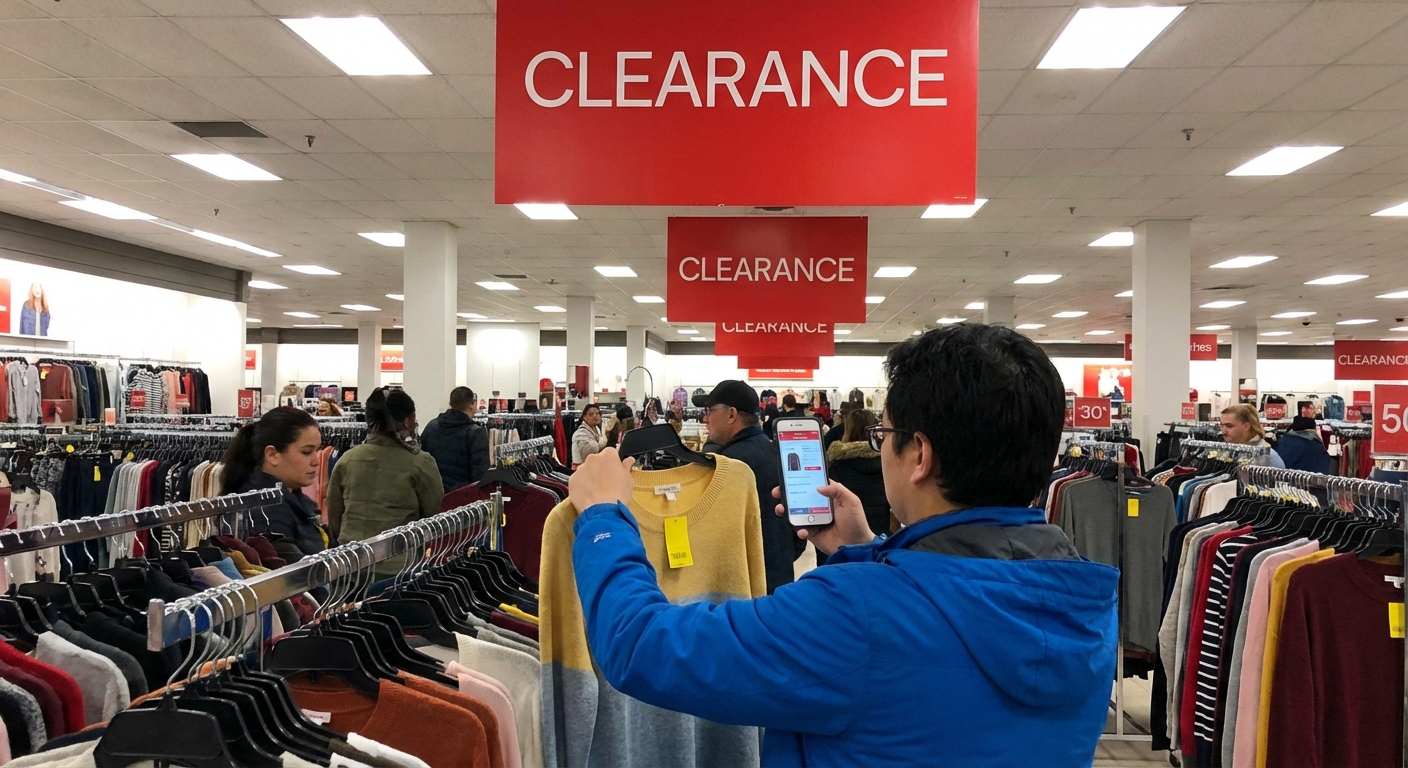
How to Find Walmart Laptop Clearance Deals
A few months ago, I walked out of a suburban Walmart with a $749 Lenovo gaming laptop for $329 – brand new, full warranty, no sketchy third-party seller. That one trip sent me down a full-on rabbit hole of Walmart clearance systems, pricing quirks, and those mysterious yellow stickers.
What I learned surprised me, and when I tested the same tricks in three different stores (and online), the patterns were freakishly consistent.
Here’s how I actually find legit Walmart laptop clearance deals – not the “maybe $20 off” stuff, but the “wait, is that price even legal?” kind of markdowns.
Step 1: Understand How Walmart Clearance Really Works
Before I started scanning everything in sight, I wanted to understand how Walmart decides what to mark down.
Walmart doesn’t publish a public rulebook, but in my experience (and from digging into insider reports and retail analysis), a few patterns keep showing up:
- Clearance is store-specific. One location might have a laptop at $249 while another has it at full price.
- Markdowns happen in waves. Often: regular price → “Rollback” → clearance → deeper clearance.
- Electronics clearance is often driven by new model launches. When HP, Lenovo, or Acer roll out new SKUs, older ones quietly slide toward the clearance rack.
Retail analysts have pointed out that Walmart’s inventory system pushes older, slower-moving items into markdown cycles to make room for higher-margin or newer products. Forbes has covered Walmart’s data-heavy inventory and pricing strategies more than once, and it tracks with what I’ve seen on the ground.
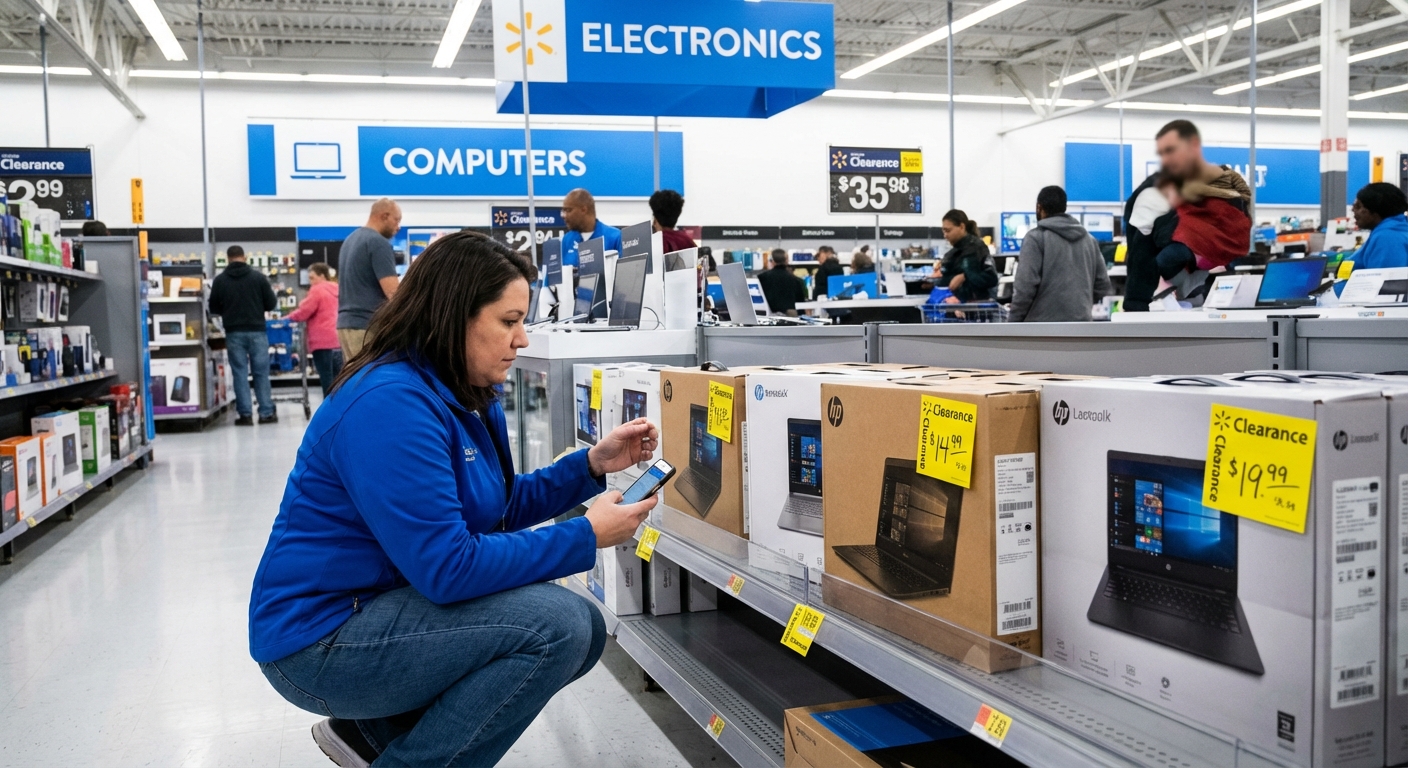
The big takeaway: if you’re only checking Walmart.com and not the local store prices, you’re missing most of the real laptop deals.
Step 2: Use the Walmart App Like a Hacking Tool
The moment I realized the Walmart app was basically a clearance radar was the moment the game changed.
Turn Your Phone Into a Price Scanner
When I tested this across three stores, this kept happening: the shelf tag would show one price, but the app’s in-store price would show something way lower.
Here’s how I do it:
- Open the Walmart app and set your store location to the specific store you’re in.
- Tap the barcode scanner icon (camera symbol).
- Scan the barcode on the laptop’s shelf tag or box.
- Compare the scanned price with the shelf price.
I’ve seen differences of $50–$200 more times than I can count. Once, a Chromebook labeled $198 scanned at $74. When I asked an associate to verify, they just nodded and said, “Yeah, that’s the clearance system. The tags don’t always get changed right away.”
Is it a guaranteed trick? No. Sometimes the prices match exactly. But in my experience, if you scan 10–15 items, you’ll often find at least one hidden markdown.
Step 3: Hunt in the Right Parts of the Store (Not Just the Laptop Shelf)
The first time I got serious about clearance hunting, I was focusing only on the main laptop display. Big mistake.
After talking to two different electronics associates on different visits, a pattern emerged:
- Primary laptop section: current models, advertised deals, normal pricing.
- Endcaps near electronics: seasonal promotions and early clearance.
- Random clearance shelves: where the real chaos lives.
In my experience, Walmart clearance laptops end up in three places:
- Electronics clearance shelf – often an ugly, cluttered shelf with random routers, headphones, open-box tablets, and occasionally a lonely laptop.
- Locked glass cases near the main laptops – these often have yellow stickers and old pricing tags taped on.
- Top shelves above the main aisles – dusty boxes, older SKUs, sometimes never updated on the shelf tag but marked down in the system.
Here’s the unglamorous part: you sometimes have to ask.
I usually say something like, “Hey, do you have any laptops on clearance or older models in the back?” I’ve had associates shrug and say no, and I’ve had others roll out a cart with three discontinued models that weren’t on the floor yet.
Not every visit will be a win, but clearing your social anxiety at the door can unlock deals that never hit the public shelves.
Step 4: Decode Clearance Stickers and Item Tags
I’m a little obsessed with price tags now. They tell you more than you’d think.
From what I’ve seen, plus what other deal hunters and retail staff have shared:
- Yellow tags usually indicate clearance or special markdowns.
- Look for “Was $XXX” on the label – that usually means you’re seeing a reduced price, not the original MSRP.
- Check the date printed in small text on the tag. If it’s old (say, a month or more), there’s a chance it’s due for another markdown.
One time I found an HP Pavilion with a yellow tag: “Was $498 – Now $399 – Printed 5 weeks ago.” I scanned it with the app, and it rang up at $299. The tag had never been changed.
Are there hard-and-fast universal codes? Not exactly. A lot of the “.03 means final markdown” lore floating around deal forums is hit-or-miss, and stores can vary in how they apply those rules. But watching the dates and scanning anything with an older yellow tag has worked for me repeatedly.
Step 5: Know When to Buy (and When to Walk Away)
Clearance can mess with your brain. A 40% discount feels like a win… even if it’s on a laptop that was overpriced to begin with.
When I’m evaluating a “deal,” I usually:
- Check the original value, not just the Walmart price. I’ll quickly search the exact model number on Google, Amazon, and the manufacturer’s site to see the real typical price.
- Look at the specs, not just the discount. Processor (Intel i5/i7, Ryzen 5/7), RAM (8GB minimum for most people, 16GB for heavier use), SSD size, display resolution. A $199 clearance laptop with 4GB RAM and 64GB eMMC storage might not be a win if you need it to last.
- Check reviews. I’ll skim user reviews on Walmart, Best Buy, or even YouTube quick takes. Sometimes a clearance laptop is cheap because it’s just… bad.
There’s also timing. In my experience, January–March (after holiday overstock) and August–October (post back-to-school) have been the strongest months for clearance laptop finds.
Industry-wide, retailers often use those windows to reset inventory. The National Retail Federation has highlighted how post-season inventory cleanups drive markdown activity across big-box chains, and Walmart isn’t immune to that cycle.
Step 6: Don’t Ignore Online-Only and “Hidden” Deals
While in-store has given me the wildest wins, I’ve also snagged solid deals online by stacking a few tactics.
What’s Worked for Me Online
- Checking “Clearance” & “Refurbished” filters on Walmart.com
Refurbished units sold and backed by Walmart or major refurbishers can be decent value. You get a warranty and often a high-spec model for less.
- Comparing “Pickup in store” pricing
Sometimes a laptop is cheaper for in-store pickup than for shipping. I don’t know why the pricing logic works like that, but it does crop up.
- Watching third-party sellers carefully
I’ve personally skipped most third-party laptop listings on Walmart unless the seller has strong ratings and clear return policies. The laptop deals that felt “too good” often came from sketchy sellers with vague descriptions.
Online, the downside is you lose the “scan everything and see what secretly dropped in price” advantage. But you gain the ability to compare across multiple retailers instantly and confirm you’re not overpaying for a weak configuration.
Step 7: Be Realistic About the Pros and Cons
As fun as this can be, hunting Walmart laptop clearance deals isn’t magic.
What’s great
- You can get genuinely huge discounts on perfectly good mid-range and even gaming laptops.
- Full manufacturer warranties generally still apply on new clearance units.
- You can sometimes grab last year’s high-end model for this year’s budget price.
What’s not so great
- Selection is random. You might find a dream deal… or nothing.
- Clearance is often final sale or has stricter return rules. Always double-check at the register or online in the listing details.
- Some models are on clearance because they’re underpowered or had mediocre reviews.
I’ve had trips where I walked out with nothing because every “deal” turned out to be either a weak configuration or only $30 off. You need to be okay with walking away, or you’ll end up justifying mediocre purchases because the tag says “Clearance.”
My Personal Playbook (Condensed)
When I’m actually hunting for Walmart laptop clearance deals, here’s what I do, step-by-step:
- Go in with the app ready, store location set.
- Scan every laptop and yellow-tagged item in the electronics area.
- Check top shelves and clearance carts, ask an associate if they have discontinued models.
- When I spot a potential deal, I compare prices and specs on my phone.
- If everything checks out – good discount, solid specs, decent reviews – I grab it, but I always confirm:
- Return policy
- Whether it’s new, open-box, or refurbished
- Warranty coverage
When I stick to that routine, I avoid impulse buys and still get the fun of scoring a genuinely good deal.
And yes, that $329 Lenovo gaming laptop is still going strong.
Sources
- Walmart Corporate – Our Business – Background on Walmart’s scale, operations, and merchandising approach.
- Forbes – How Walmart Is Using Data To Improve Customer Experience – Insight into Walmart’s data-driven pricing and inventory strategies.
- National Retail Federation – Seasonal Inventory and Markdown Strategies – Articles discussing how retailers manage post-season inventory and markdowns.
- Consumer Reports – How to Buy a Laptop – Guidance on evaluating laptop specs and value.
- Federal Trade Commission (FTC) – Shopping Online – Tips on safe online shopping and avoiding sketchy sellers.