I Swapped My Wi‑Fi for 5G Home Internet: What Nobody Tells You
called reckless: I unplugged my cable internet and moved my entire home setup—work, streaming, gaming, smart gadgets—onto 5G home internet.
My friends called me brave. My gamer cousin called me stupid.
They were all a little bit right.
This is the story of what actually happened when I ditched traditional broadband for 5G home internet, what shocked me (good and bad), and how to figure out if you should do it too—before you end up buffering through your favorite show’s season finale.
Why I Even Considered Ditching “Normal” Internet
The breakup started with a bill.
I opened my cable internet statement and saw yet another “promotional period expired” price hike. Same speed, same modem, same everything—just more money. When I called to negotiate, they tried to sell me cable TV. I don’t even own a TV with a coax port anymore.
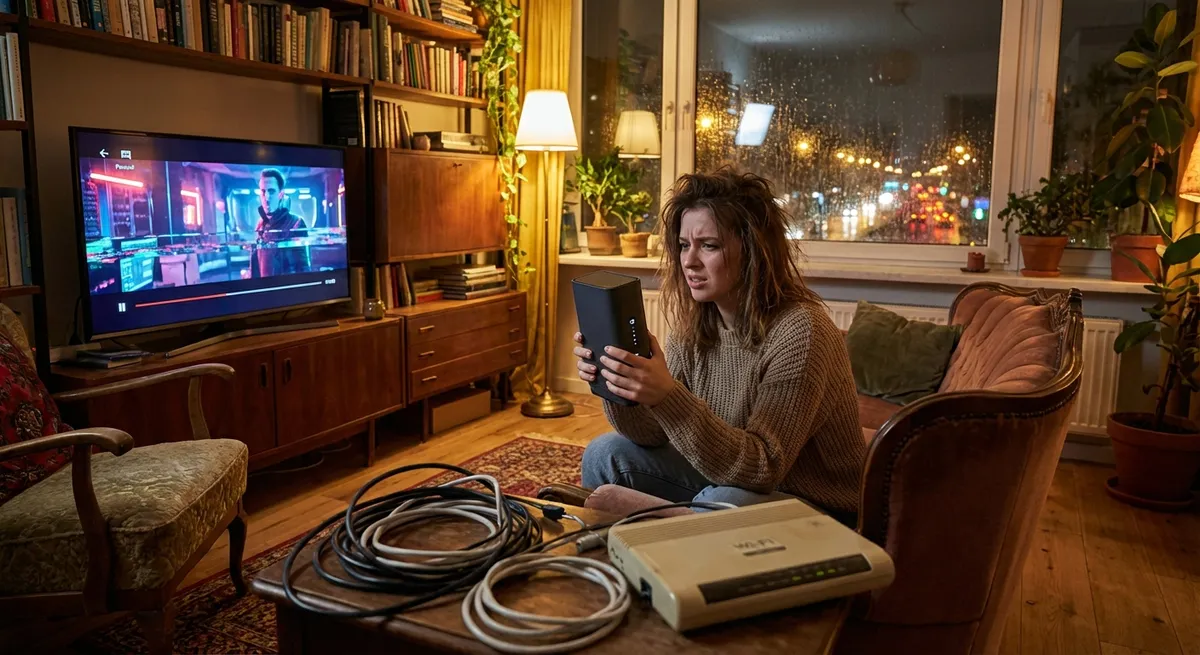
Around the same time, my phone carrier started pushing 5G home internet with “no data caps” and a flat price that was lower than what I was paying for cable. I’d been testing 5G on my phone for months and kept noticing that sometimes my phone’s hotspot felt faster than my home Wi‑Fi. That’s when the thought hit me:
“Why am I paying more for something that feels slower?”
So I did what any tech-curious, mildly frustrated human would do: I ordered a 5G home internet gateway, fully expecting to plug it in, run some speed tests, and send it right back.
Instead, I ended up keeping it—and cancelling my cable internet 3 weeks later.
Setting Up 5G Home Internet: Weirdly Simple, Surprisingly Fussy
When the 5G home internet box (gateway/router combo) arrived, I was ready with my laptop, apps, notepad, and unreasonably high expectations.
Setup, on paper, was laughably easy:
- Plug it in.
- Wait for the light to turn the right color.
- Connect via Wi‑Fi.
- Done.
And yes, technically, that worked. But if you stop there, you’re leaving a lot of performance on the table.
What the brochures don’t tell you is that placement is everything. This thing isn’t a boring cable modem that just sits in a corner. It’s more like a houseplant that needs sunlight—except the “sunlight” is a strong 5G signal.
I tried it in four spots:
- Living room corner: Great decor, terrible speeds (around 40 Mbps down, 8 Mbps up).
- Office shelf, near a window: Better—about 120 Mbps down, 25 Mbps up.
- Bedroom window, facing the cell tower (I cheated and used a cell tower map online): 280–320 Mbps down, 35–45 Mbps up.
- Kitchen counter: Fast speeds but unstable signal whenever the microwave was on. Not ideal unless you enjoy lagging only during popcorn.
What finally worked was putting it on a high shelf near the window facing the tower and then running separate Wi‑Fi access points in the rest of my place. Overkill for most people, but I do video calls and large file uploads constantly, so stability matters.
When I tested this against my old cable internet, the numbers surprised me:
- Cable plan: Advertised 300 Mbps down / 10 Mbps up. Real-world: 220–260 down, 9–11 up.
- 5G home internet: Advertised “up to 1 Gbps.” Real-world: anywhere from 150 to 400 down, 25–50 up depending on time of day.
Those “depending on time of day” swings turned out to be the first big quirk.
The Big Question: Is 5G Home Internet Actually Stable?
Here’s where the marketing slides and the real world start to diverge.
When I tested this during a random Tuesday afternoon, I felt like a genius. Zoom calls were crisp. 4K streaming was flawless. Downloads were flying. Latency (ping) hovered around 25–35 ms, which for non-gamers means “totally fine.”
Then came Friday night.
- Speed dropped to around 120–180 Mbps down.
- Upload dropped a bit, to roughly 15–25 Mbps.
- Ping crept up into the 40–60 ms range.
Was it unusable? No. I streamed Netflix in 4K, scrolled TikTok, and backed up files just fine. But I felt the difference in little ways—longer delays joining video calls, slightly more “blurry” moments before a streaming app adjusted.
The reason is something your carrier doesn’t exactly shout from the rooftops: you’re sharing capacity with everyone else on that cell sector. Unlike a dedicated fiber line, 5G home internet is riding on the same towers your neighbors use for their phones.
In my experience, it behaved like this:
- Mornings (6–10 a.m.): Rock solid, top speeds.
- Workday hours (10 a.m.–4 p.m.): Very good, little fluctuation.
- Evenings (6–10 p.m.): Noticeable slowdowns, but still functional.
- Late night (after 11 p.m.): Speeds shot back up; gamers’ paradise.
I pulled up the FCC’s broadband reports later and this lined up pretty well with what they’ve been saying: fixed wireless (which includes 5G home internet) can absolutely meet typical broadband needs now, but it’s more sensitive to congestion than fiber or cable.
So if you’re the kind of person who must have consistent, ultra-stable performance at the exact same speed 24/7… this might bug you.
Video Calls, Gaming, and Streaming: The Real-World Test
I didn’t just run speed tests and call it a day. I threw everything at this connection.
Work: Video Calls and Cloud Stuff
I live in video meetings. Zoom, Google Meet, Teams—you name it. Over several weeks:
- I had maybe two short moments where my video stuttered for 2–3 seconds.
- Screen sharing stayed sharp.
- Upload bandwidth never dropped low enough to break calls.
When I tested this against my old cable connection, it honestly felt a bit smoother on uploads. That extra 25–50 Mbps up really helped with syncing big cloud folders and backing up photos.
Gaming: Where Latency Actually Matters
I’m not an esports pro, but I do play a lot of online games that punish lag.
On 5G:
- Ping to major game servers usually sat around 30–45 ms.
- Once in a while during peak hours, it jumped to 60–70 ms.
- I had maybe one or two spikes over 100 ms in a full gaming night.
Was that enough to ruin games? For me, no. For my cousin who plays ranked competitive shooters and obsesses over frame-perfect timing? He said he’d stick to wired fiber.
The wild card here is jitter—variation in latency. Most of the time, it was stable, but 5G still feels slightly more “bursty” than wired.
Streaming: 4K, Multiple Devices, and Smart Home Chaos
Here’s where 5G home internet honestly shined in my place.
I tested:
- 4K Netflix on the living room TV
- 1080p YouTube on my laptop
- Spotify streaming to a smart speaker
- A smart camera uploading footage
- Phone scrolling with random reels
All at once. No buffering, no noticeable quality drops.
The big upside? No data caps on my plan. With cable, I was always inching toward the monthly cap and getting “courtesy warnings.” On 5G home internet, I stopped looking. Yes, the provider still technically can deprioritize heavy users if the tower is congested, but I haven’t hit a wall yet.
Where 5G Home Internet Still Loses to Fiber and Cable
Let me be blunt: 5G home internet is not magic.
These are the pain points I ran into, and that you should factor in before making the jump.
1. It’s Heavily Location-Dependent
In my experience, everything hinges on:
- Your distance from the cell tower
- What frequency bands your provider uses in your area (mid-band vs mmWave vs low-band)
- How many obstacles (buildings, trees) sit between you and that tower
At a friend’s apartment one neighborhood over, we tried the same 5G home device. He got 40–60 Mbps down, 5–10 up, and frequent drops. Totally different story, just a different angle to the tower and more concrete in the way.
2. Congestion Is Real
If you live in a dense city or a crowded building, you might get peak-hour slowdowns that are worse than what I described. Carriers are building out capacity fast, but traffic also keeps growing—more phones, more streaming, more everything.
3. Power Outage = Total Offline
With cable, I could sometimes stay online with a UPS battery and an external backup, since the cable infrastructure itself had some backup power. With 5G home internet:
- If your power goes out → gateway dies → no internet.
- If the tower power or backhaul goes out → also no internet, even if your power is fine.
I haven’t had a full tower outage yet, but it’s a risk I’m more aware of now.
4. Some Advanced Features Are Limited
If you’re the type who:
- Hosts game servers
- Runs self-hosted services on your home IP
- Needs rock-solid port forwarding and static IPs
You might hit some walls. Some 5G home plans use CGNAT (Carrier-Grade NAT), which breaks traditional port forwarding and remote access tricks. For normal users, this is invisible. For power users, it’s a headache.
The Money Question: Did I Actually Save Anything?
This was my personal math (rounded, but real):
Old cable setup:- $75/month intro price → $98/month after promo ended
- $12/month modem rental (yes, I know I should’ve just bought one)
- Occasional overage fees for data cap
Average: around $110–$120/month.
New 5G home internet:- $60/month flat
- No modem rental
- No overage fees in the plan I chose
Average: $60/month.
So I basically cut my bill in half.
I’d say I’m getting about 80–90% of the consistency of my cable connection, with faster uploads and the convenience of a simpler setup. For my actual day-to-day usage, that trade-off has been worth it.
But if I could get symmetrical fiber (like 500/500 or 1,000/1,000 Mbps) at a similar price, I’d jump on that instantly. Fiber is still the gold standard for reliability and low latency.
How to Tell If 5G Home Internet Will Work For You
If you’re tempted to try this, here’s what I’d actually do in your shoes, based on my own experiment and way too many speed tests.
- Check real coverage, not just the marketing map.
Coverage maps from carriers can be overly optimistic. Ask neighbors, search Reddit or local forums for your neighborhood + “5G home internet,” and see what real people are getting.
- Test at different times of day.
When I tested this, noon looked amazing. Friday 8 p.m. told the truth. Run multiple tests across a week: early morning, mid-day, prime streaming hours, late night.
- Walk around your home with a speed test app.
Try different windows and directions. Where your phone gets the strongest 5G signal is usually where your gateway will be happiest.
- Use the free trial window aggressively.
Many providers give you 15–30 days. Treat that like a serious test phase. Work on it, game on it, stream on it, and back up files like you normally would.
- Keep your old internet active—temporarily.
I overlapped my services for about two weeks. The moment I realized I hadn’t switched back to cable once, I knew I could cancel without panicking.
So… Was Switching to 5G Home Internet Worth It?
For me? Yes.
Here’s my honest verdict after living on it as my only connection:
- Speed: More than enough, often faster than my old cable. Uploads especially feel better.
- Stability: 90% as consistent as cable for my use. A few more micro-hiccups during peak hours, but nothing deal-breaking.
- Cost: Fantastic. I’m saving around $600/year.
- Lifestyle fit: I love that the gateway is basically “plug and play.” No coax jack hunting, no technician visits.
Would I recommend it to everyone? No.
You’ll probably love it if you:
- Live in a strong 5G coverage area (mid-band or better)
- Mostly stream, browse, video call, and do normal cloud stuff
- Don’t need static IPs or run serious home servers
- Hate surprise fees and fine-print data caps
You might want to stick with cable or fiber if you:
- Compete in high-level online gaming and care about every millisecond
- Run self-hosted services or need advanced networking features
- Live in a congested area where towers are already overloaded
- Can get affordable fiber in your building or neighborhood
The funny part? I ordered the 5G box expecting to write a rant about why it didn’t work. Instead, I wrote this on a 5G home connection while my upstairs neighbor streamed what sounded like an entire action movie franchise through the floor.
And no, I didn’t buffer once.
Sources
- Federal Communications Commission – Broadband Speed Guide – Explains typical speed needs for streaming, gaming, video calls, and how different technologies compare.
- FCC – 2022 Communications Marketplace Report – Detailed data on fixed wireless, 5G deployment, and how it stacks up against cable and fiber in the U.S.
- 3GPP – 5G Specifications Overview – Technical background on how 5G networks are designed, including capacity, latency, and spectrum usage.
- GSMA – 5G Fixed Wireless Access Report – Industry analysis of 5G fixed wireless (including home internet), performance expectations, and deployment scenarios.
- T‑Mobile Home Internet Official Page – Example of a major provider’s 5G home internet offering, terms, and advertised capabilities for comparison with real-world experiences.