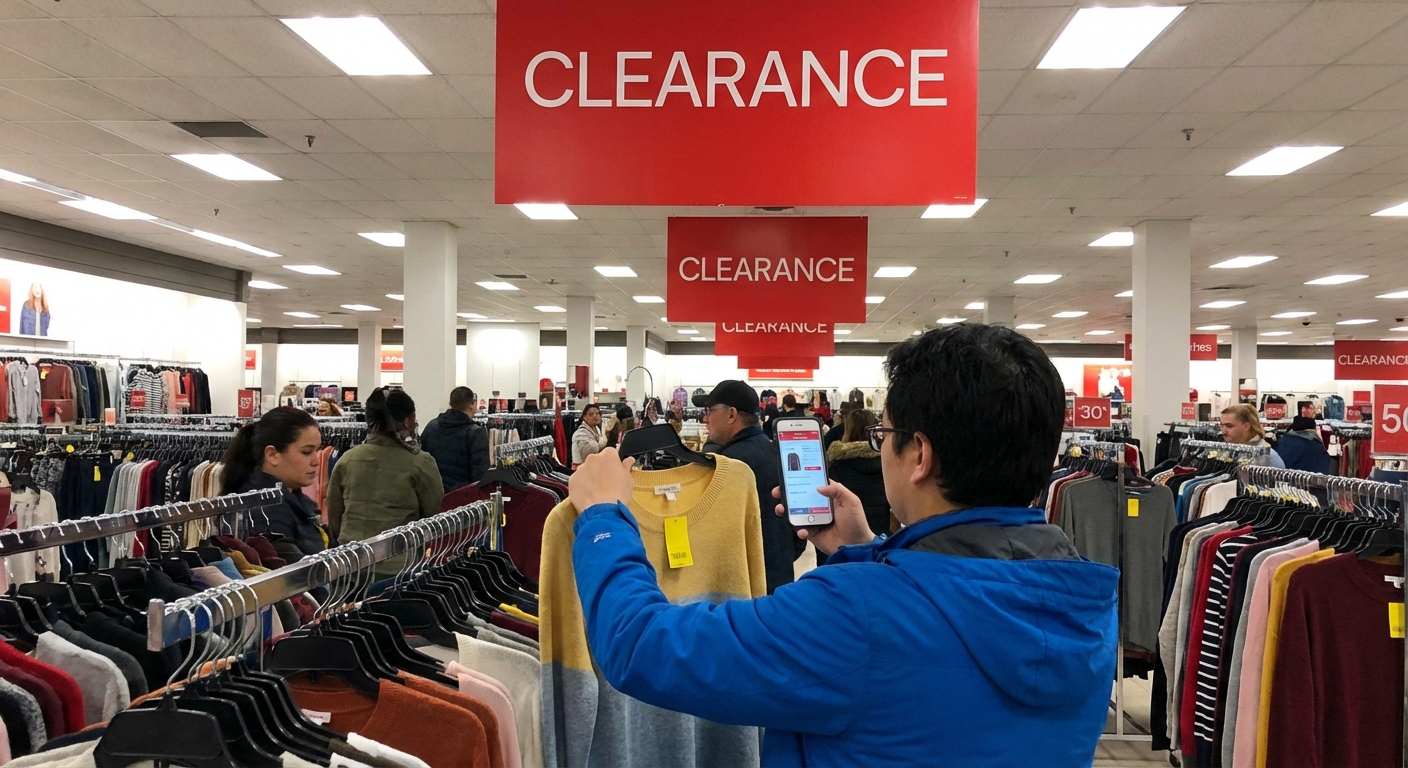
Kroger Deals and Offers Guide
otal made me sit down and re-evaluate my entire “I’m good with money” identity.
Then I went deep into Kroger’s deals ecosystem—digital coupons, fuel points, sales cycles, even clearance strategy. When I tested this for a few months, my weekly bill dropped by 20–30% without changing what I actually ate. That’s when I realized: Kroger isn’t just a grocery store, it’s a game. And the rules are surprisingly hackable.
This Kroger Deals and Offers Guide is exactly what I wish I’d had before I started experimenting.
The Basics: How Kroger’s Deal System Actually Works
In my experience, you save the most at Kroger when you stack three things:
- Store promotions (Weekly Ad, Mix & Match events, Buy 5, Save $5, etc.)
- Digital coupons (loaded to your shopper’s card via app or website)
- Rewards programs (Kroger Plus Card, Boost, fuel points, cashback)
Once I stopped shopping like a “wander the aisles and see what looks good” person and started planning around these three levers, my receipts looked completely different.
Kroger Plus Card – Your Entry Ticket
If you’re not using a Kroger Plus Card, you’re leaving money on the conveyor belt.
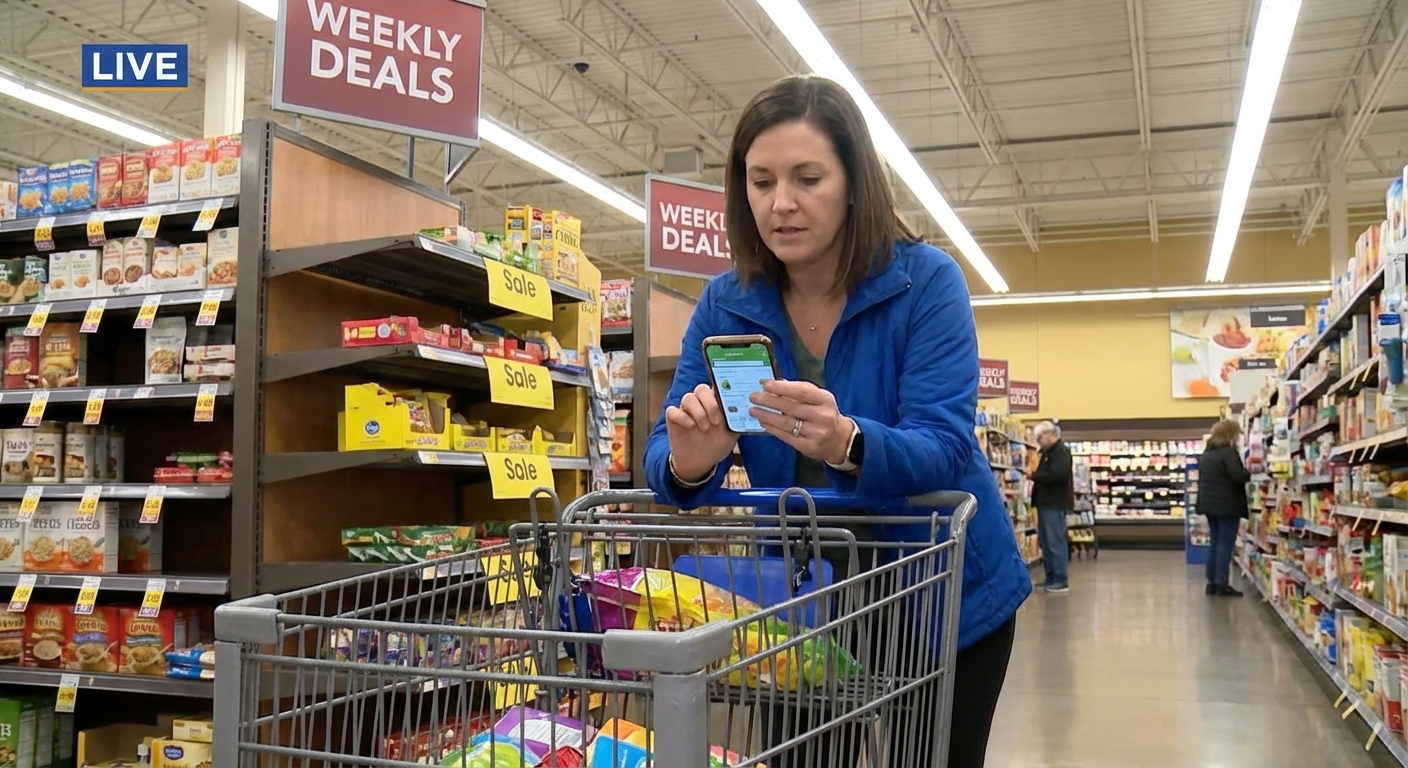
When I finally linked my phone number to a proper account (instead of just typing it in as a guest), I unlocked:
- Access to digital coupons and personalized deals
- Fuel Points tracking and bonuses
- Cash Back Offers on specific products
- Member-only prices that don’t show up for non-card users
Sign‑up is free on Kroger’s official site. No card, no serious savings.
Digital Coupons: The Real Power Tools
I used to be skeptical of digital coupons—like, how much can 50 cents off even matter? Then I did one fully optimized trip where I stacked digital coupons with a Buy 5, Save $5 event, and I watched over $30 come off my total.
How I Work Digital Coupons into My Routine
Here’s the habit that’s actually stuck for me:
- Step 1: Check the Weekly Ad (in the app or online) on Wednesday when new deals drop.
- Step 2: Sort digital coupons by “Best Match” and “Expiring Soon.” I try to only clip coupons for things I actually buy. If I clip everything, I end up rationalizing junk food.
- Step 3: Build my meal plan around what’s on sale + what has coupons. That’s where the biggest savings happen.
Kroger usually limits digital coupons to one use per account per product (sometimes up to 5 in a single transaction), so this isn’t extreme couponing territory. But it is consistent, repeatable savings.
One little trick: when I tested shopping on Sunday vs. Wednesday, Wednesday consistently gave me better selection on promotional items before shelves got picked over.
Weekly Sales, “Buy 5, Save $5,” and Other Stackable Promos
That famous “Buy 5, Save $5” (or Buy 6, Save $3, etc.) event can either be your best friend or a mild disaster.
When I first tried it, I mindlessly grabbed 10 items I didn’t really need just to hit the threshold. Technically, I “saved” $10. Realistically, I wasted $18 on stuff that sat in my pantry.
What works better for me:
- I build a list of essentials first (pasta, cheese, beans, frozen veg) that are in the event.
- Then I use the app’s filter to see which “Buy X, Save Y” items also have digital coupons.
- If I’m stuck at 4 items, I grab a true staple (like canned tomatoes) instead of something random.
Kroger’s sales cycle often runs on roughly a 6–8 week rotation, which is a pretty common pattern in grocery retail. I’ve noticed that if peanut butter is on a solid promo, it’ll likely reappear about two months later. So for long-shelf-life items, I’ll buy enough to bridge to the next cycle—but not so much that my pantry looks like I’m prepping for a bunker.
Fuel Points: Where the Hidden Value Lives
I didn’t care about fuel points at all until gas prices spiked. Then I actually did the math.
Kroger’s default system is usually:
- 1 Fuel Point per $1 spent on groceries (pre tax, after coupons)
- Bonus points on gift cards (often 2x, sometimes 4x during promos)
At 100 fuel points, you usually get 10¢ off per gallon at Kroger Fuel Centers (up to a certain gallon limit, commonly 35 gallons in many regions).
When I tested a “gift card run” before big purchases—like buying a $200 Home Depot gift card at Kroger during a 4x Fuel Points promo—I racked up 800 fuel points in one shot. That turned into 80¢ off per gallon on a full tank. That’s serious savings.
The catch:
- Fuel points expire monthly, so you can’t hoard them forever.
- Not all third‑party gift cards earn bonus points (read the fine print).
Still, if I’m going to spend that money anyway, I’d rather pass it through Kroger and get discounted gas on the side.
Kroger Cash Back & Rebate Stacking
This is the part that felt almost too good when I first tried it.
Kroger has a Cash Back section in the app/website where you activate offers like “Get $1 back when you buy 2 of X brand.” After you buy qualifying items, the cash back accumulates in your account and you can:
- Transfer it to your Kroger shopper’s card for future purchases, or
- Sometimes withdraw to PayPal (policy and options can change, so I always double-check the current rules).
Where it gets wild is when you stack:
- Kroger Sale Price
- Kroger Digital Coupon
- Kroger Cash Back
- Manufacturer rebate app like Ibotta or Fetch (if allowed by their terms)
One week I bought a specific yogurt brand that was on sale, had a 50¢ digital coupon, $1 Kroger cash back, and an Ibotta rebate. My net cost was… absurdly low.
Downside? This takes organization. I keep a simple note on my phone with “active rebates to watch,” or I forget to check whether the credit went through.
Kroger Boost: Worth It or Not?
Kroger’s subscription program, Kroger Boost, tempted me for months before I caved and tried the free trial.
Depending on your region, plans typically offer things like:
- Free delivery on orders over a certain amount
- Double fuel points on groceries
- Exclusive Boost‑only coupons or promos
I ran a simple experiment over 30 days:
- I tracked how much I would’ve paid in delivery fees
- I noted extra fuel savings from double points
- I added in any special promo savings
For me—someone who doesn’t do weekly delivery and drives past a Kroger anyway—Boost barely broke even. For a busy family that orders delivery 1–2 times a week, especially in high‑fee areas, I can easily see it paying for itself.
So my honest take:
- Heavy user? Very likely worth it.
- Light or occasional user like me? Nice-to-have, not essential.
Clearance, Manager’s Specials, and “Yellow Sticker” Strategy
The yellow Manager’s Special stickers at Kroger are my favorite treasure hunt.
When I tested different shopping times, I found early weekday mornings and later evenings (varies by store) were best for markdowns on:
- Meat close to its sell‑by date
- Bakery items from the previous day
- Random pantry and dairy overstock
My strategy:
- I only grab markdown meat if I know I can freeze it the same day.
- I ignore bakery markdowns unless I’ve already planned to need them (or I’ll “save money” by buying things I didn’t want).
- I scan for household staples—olive oil, cereal, cleaning supplies—with yellow stickers; those are gold.
Downside: selection is unpredictable. Some weeks it’s a goldmine, some weeks it’s crickets.
Pros and Cons of Playing the Kroger Deals Game
After months of testing, here’s my brutally honest summary.
What’s awesome:- You can realistically cut your bill by 15–30% with a bit of planning.
- Fuel points and gift card promos can make a noticeable dent in gas costs.
- Digital coupons and cash back are relatively easy once you build the habit.
- Weekly sales + sales cycles let you stock basics at truly good prices.
- The app can feel cluttered and glitchy on some phones.
- Not every region gets the same promos, which is frustrating when you see online deal hauls.
- You can fall into the trap of buying stuff just because “the deal is good.” (Been there, done that, ate the regret.)
- Keeping track of overlapping offers and rebates can feel like part‑time work if you go extreme.
My middle‑ground approach now:
I give myself 10–15 minutes before each trip to check the Weekly Ad, clip digital coupons, activate cash back, and scan fuel/gift card promos. That tiny window of planning pays way more than the time I put into it.
Final Thoughts: Make Kroger Work for You, Not the Other Way Around
When I stopped treating Kroger like a “drop in and hope for good prices” store and started treating it like a system with levers I could pull, my grocery budget calmed down.
If you take nothing else from this guide, here’s the simple version of what’s worked for me:
- Always shop with a Kroger Plus Card tied to an actual account.
- Check the Weekly Ad and build meals around sale items.
- Clip only the digital coupons and cash back offers you’ll genuinely use.
- Time bigger fuel‑heavy months with gift card fuel point promos when you can.
- Treat “Buy X, Save Y” events as a chance to stock real staples, not random extras.
The deals are there. Once you learn the rhythm, Kroger stops being just another grocery store and starts feeling like a loyalty program that actually gives something back—if you play it smart.
Sources
- Kroger: Ways to Save - Official overview of Kroger savings programs, digital coupons, and promotions.
- Kroger: Fuel Points Program Details - Official explanation of how fuel points work, earn rates, and redemption rules.
- Forbes: Grocery Shopping Inflation Hacks - Expert tips on saving on groceries and leveraging store rewards programs.
- USDA: Food Price Outlook - Government data on food price trends and inflation, useful context for grocery budgeting.
- Consumer Reports: How to Save Money on Groceries - Independent guidance on using sales, loyalty programs, and coupons effectively.