Understanding Amazon Seller Return and Resale Options
ing on Amazon.
When I tested my first private-label product, I learned very quickly that what happens after a customer clicks “Return item” can make or break your profit margin. Returns, refunds, refurbish, liquidation, FBA vs FBM… it’s a whole ecosystem.
This guide is everything I wish I’d understood before I lost money on my first 50 returned units.
The Two Worlds: FBA vs. FBM Returns
The first thing I had to wrap my head around was that Amazon handles returns differently depending on whether:
- You use FBA (Fulfillment by Amazon), or
- You sell FBM (Fulfilled by Merchant)
When I tested both models side by side, the return pattern looked like this:
- FBA: Amazon controls customer service and most refunds. Buyers typically send items back to Amazon’s fulfillment centers.
- FBM: You’re on the front line. Buyers send returns directly to you (or your warehouse), and you handle inspection, refunds, and possible resale.
Neither is “better”; they just shift where the pain (and opportunity) sits.

How Amazon’s Return Window Really Works
Most shoppers see the standard 30-day return window and move on. As a seller, that tiny line in the listing is your profit-risk clock.
In my experience, here’s the practical breakdown:
- Default returns for most items: 30 days from delivery
- Holiday season extension (like November-December): often stretches to Jan 31 for many products
- Certain categories (e.g., mattresses, luxury beauty, digital content) have specific rules and exceptions
Amazon’s official return policy page confirms these category nuances, and they do update them periodically. I now check them like I check gas prices.
If you sell FBA, Amazon will often auto-approve returns. You might not even see the request before the refund is issued. That’s both scary and kind of convenient.
What Actually Happens to Returned FBA Inventory
Here’s the part that most new sellers don’t realize: when a customer returns something, that unit doesn’t just jump back onto your “Available” inventory.
When I dug into my first few return reports, I found three main fates:
- Return-to-inventory (sellable)
If Amazon deems the item in like-new condition, it goes right back to your sellable stock. You’re usually charged a Return Processing Fee.
- Unsellable (damaged / opened / missing parts)
These units move to your unsellable inventory. You’re not done with them though – you can create removal orders to get them back or have them disposed of.
- Customer refunded, item never comes back
Yes, this happens. Amazon may refund the customer even if the product isn’t returned (especially for low-cost items). Sometimes you’re reimbursed; sometimes… you’re donating to the algorithm gods.
I remember one month where my return reports showed 18 units refunded and only 11 ever returned to inventory. That was my wake-up call to audit FBA reimbursements regularly.
Reselling Returned Items: Your Real Options
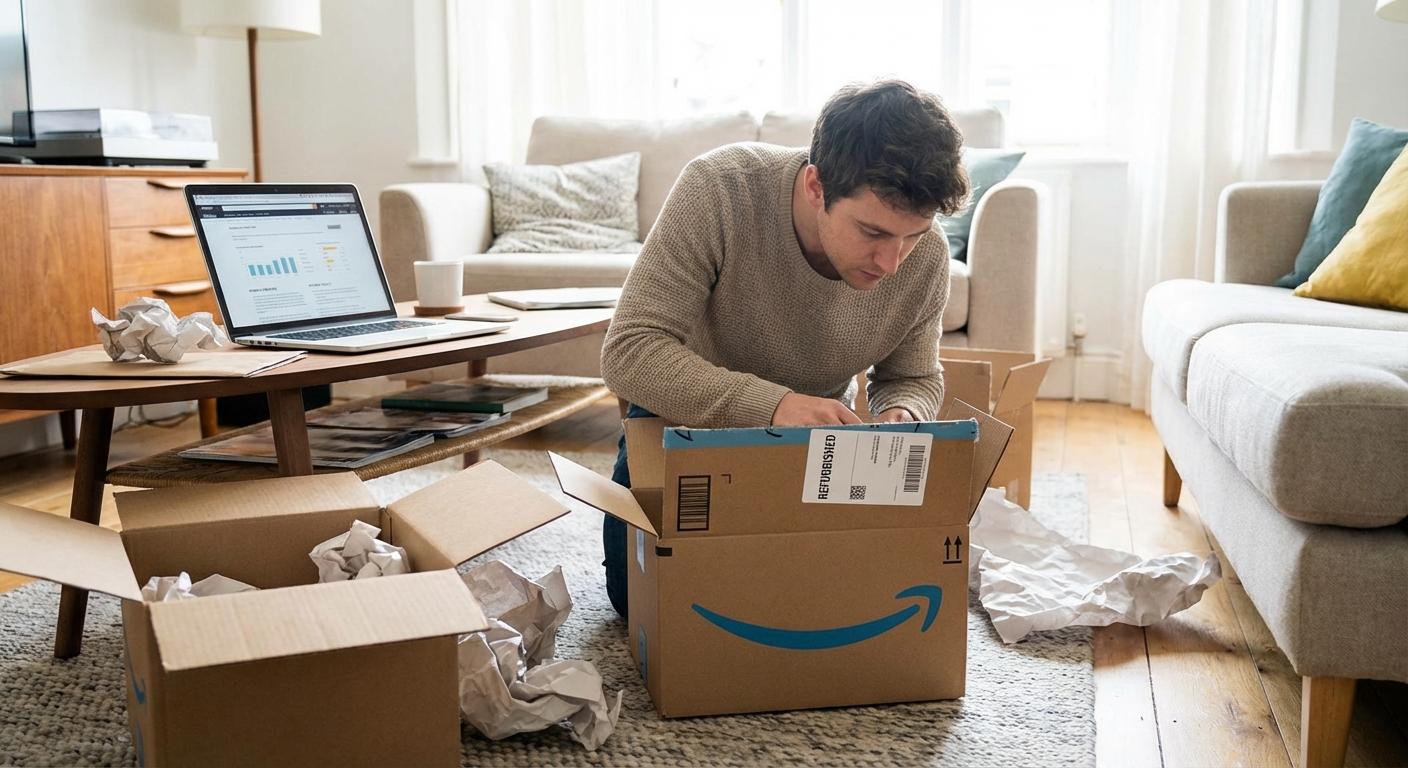
When I started getting boxes of returned units from removal orders, my first thought was: Now what?
If you’re in the same boat, here are the main paths I’ve tested.
1. Resell as New (Only When It’s Truly New)
I’ve seen sellers try to sneak obviously opened items back into “new” inventory. That’s how you earn angry reviews and possible account warnings.
What I do now:- If the packaging is still sealed and pristine, I’m comfortable relabeling it as new.
- If there are any signs of use (tear strip broken, accessories unwrapped, box crushed), I treat it as Open Box / Used – Like New.
Amazon’s conditions guidelines are very explicit about this, and they do enforce it.
2. List as Used, Open Box, or Renewed
If you’re doing FBM (or you get FBA removals sent back to you), you can relist open items in the Used condition categories:
- Used – Like New
- Used – Very Good
- Used – Good
- Used – Acceptable
I did this with a batch of returned electronics and was surprised: the sell-through rate was high, and customers were happy to save a few dollars for almost-new items.
For some product types, you can even get into Amazon Renewed (their certified refurbished program), but that requires meeting very strict quality and performance thresholds.
3. Liquidation Programs
When my garage started looking like an overstock outlet, I tried Amazon’s FBA Liquidations.
Here’s how it worked when I tested it:
- I selected unsellable FBA inventory and chose Liquidation instead of disposal.
- Amazon routed it to wholesale liquidators who paid a percentage of the average selling price.
- I recovered a small fraction of cost, but that was better than paying to dispose of it.
It’s not pretty margins-wise, but for dead stock or heavily damaged packaging, it’s sometimes your best “salvage value” option.
4. Off-Amazon Resale (eBay, Local, Bundles)
Some items just don’t justify relisting on Amazon, especially if the listing is hyper-competitive or your brand’s reviews are on the line.
I’ve had good success with:
- Selling returns on eBay as “Open Box”
- Bundling slightly damaged-box units into discount packs on my own site
- Moving bulky or awkward returns via Facebook Marketplace or local clearance events
The key is transparency: describe the condition honestly and photograph any defects.
Fees, Refunds, and the Part That Hurts Your Margins
Returns aren’t just about lost revenue; they’re about compound fees.
When I analyzed my first full quarter of returns, I realized:
- I lost the original fulfillment fee
- I was charged a return processing fee (for many categories)
- If I requested removal, I paid a per-unit removal or disposal fee
The combination can quietly eat 20–40% of your margin on that SKU if your return rate is high.
Tracking Return Rate % per SKU is now one of my non-negotiable metrics. Anything that creeps above, say, 8–10% (varies by category) gets a deep dive:
- Are customers confused by the listing?
- Is sizing off? Color inaccurate?
- Are there recurring complaints about quality or packaging?
I once cut my return rate on a clothing item from ~18% to 9% just by adding a more accurate size chart image and a blunt note: “If you’re between sizes, order one size up.”
How to Reduce Returns Before They Happen
This is the part that feels boring but saves the most money.
What’s actually moved the needle for me:
- Hyper-honest listings
When I stopped overselling benefits and started describing limitations too (“Not ideal for very soft mattresses” on a bed frame, for example), returns dropped noticeably.
- Better photos & video
One product of mine had a higher-than-average return rate until I added a 30-second demo video showing size and real-world use. It cut “not as expected” complaints in half.
- Clear sizing / compatibility info
For electronics, explicitly list what it doesn’t work with. For apparel, provide measurements in both inches and centimeters.
- Proactive customer support
For FBM orders, I send a short, human-sounding message with tips and a fast support contact. A surprising number of “this doesn’t work” issues are fixable without a return.
When to Just Say “Refund and Move On”
There are times when, after doing all the math, the best move is to refund without fighting.
For low-ticket items or clearly Amazon-caused issues (wrong item picked, in-transit damage), I’ve found:
- Fighting every return costs more time than I’ll ever recover.
- Fast, no-friction refunds sometimes lead to better reviews and repeat customers.
That said, I absolutely appeal cases where Amazon mislabels something as “customer-damaged” when it arrives clearly warehouse-damaged. Keeping photo evidence has helped me win a few of those.
The Mindset Shift That Helped Me
Once I stopped seeing returns as personal insults and started treating them like data, my business got healthier.
Every return reason is a clue:
- “Item not as described” → Fix your listing and photos
- “Too small / too big” → Fix your size chart and comparison images
- “Defective” → Check your manufacturer, packaging, and batch quality
Amazon’s return and resale ecosystem is messy, but it’s not random. If you understand the levers—FBA vs FBM, return windows, refurbishment, liquidation, and off-Amazon resale—you can turn what feels like chaos into a system.
I still don’t love seeing return notifications, but now when I do, I know exactly where that unit is likely headed… and how to squeeze one more bit of value out of it.
Sources
- Amazon: About Our Returns Policies - Official Amazon customer return policy and category-specific rules.
- Amazon Seller Central: FBA Customer Returns - Detailed information on how FBA returns are processed for sellers.
- U.S. Federal Trade Commission – Refund, Returns & Cancellations - Government guidance on consumer refund and return practices.
- Forbes: The Hidden Cost Of Online Returns - Analysis of the financial impact of ecommerce returns on retailers.
- Harvard Business Review: Retailers Are Squandering Their Most Potent Weapon - Discusses how return policies affect customer loyalty and business strategy.