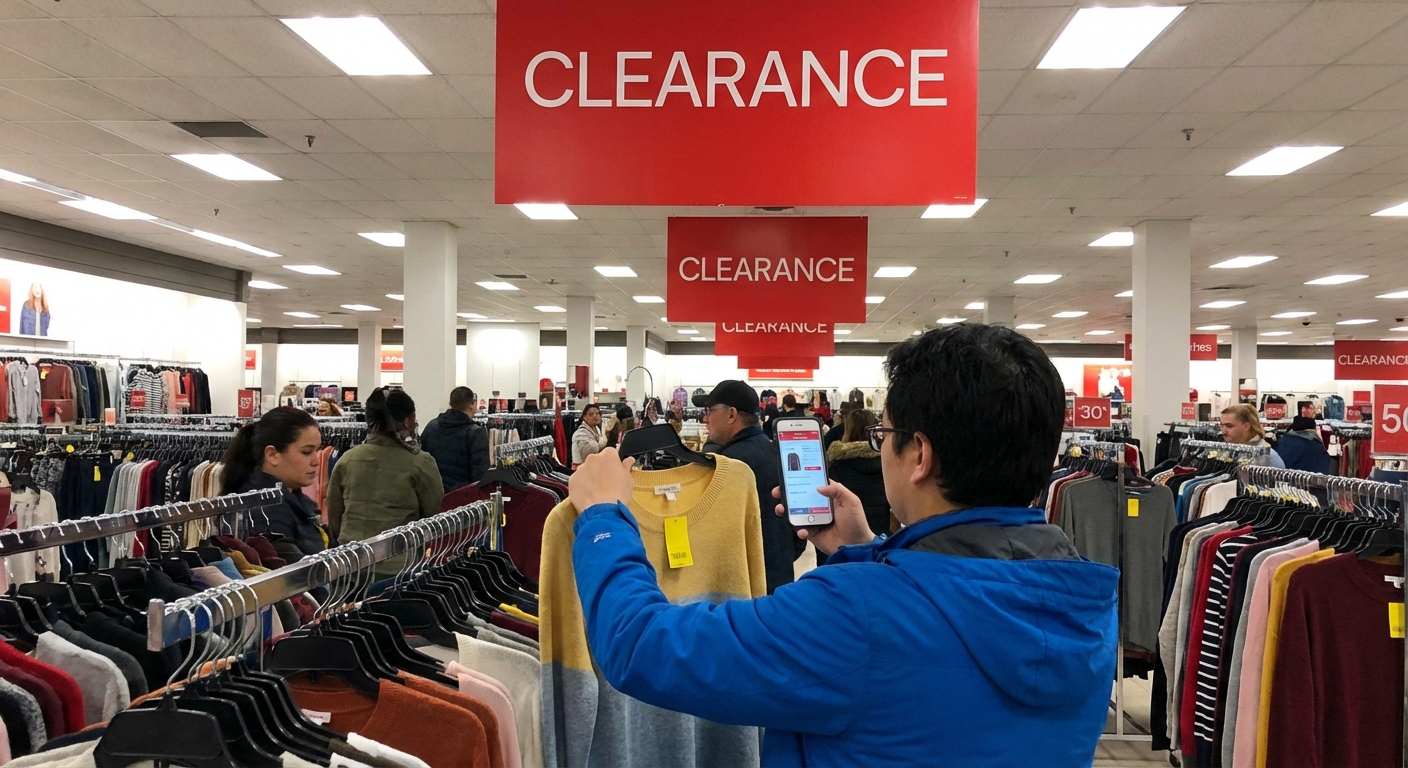
Walmart Laptop Clearance Buying Guide
with a $749 gaming laptop I’d paid $399 for—and that completely changed how I hunt for tech deals.
This isn’t theory. I’ve spent way too many Saturday mornings crawling through yellow tags, comparing specs in the aisle, and quietly watching what other shoppers throw in their carts. If you’re trying to score a legit laptop on clearance at Walmart—without getting stuck with a noisy brick of regret—this walk-through is for you.
Why Walmart Laptop Clearance Can Be a Goldmine (and a Trap)
In my experience, Walmart clearance laptops fall into a few buckets:
- End-of-line models – Perfectly fine laptops that are just last year’s version. These are the sweet spot.
- Open-box / returns – Sometimes barely used, sometimes clearly abused. Risk/reward zone.
- Overstock / regional leftovers – Models that sold well elsewhere but just didn’t move in that particular store.
- Refurbished / reconditioned – Officially tested, but condition can still vary.
The goldmine part: Walmart regularly marks these down 30–60% from original price. The trap part: some of them are underpowered, outdated, or so cheap for a reason that you’ll hate them within a week.
When I tested a $199 clearance laptop “for basic use,” it technically worked… but apps opened like they were wading through wet cement, and the 1366×768 display made reading anything longer than an email painful. I returned it in two days.
The trick is knowing what to look for long before you get hypnotized by a red clearance sticker.
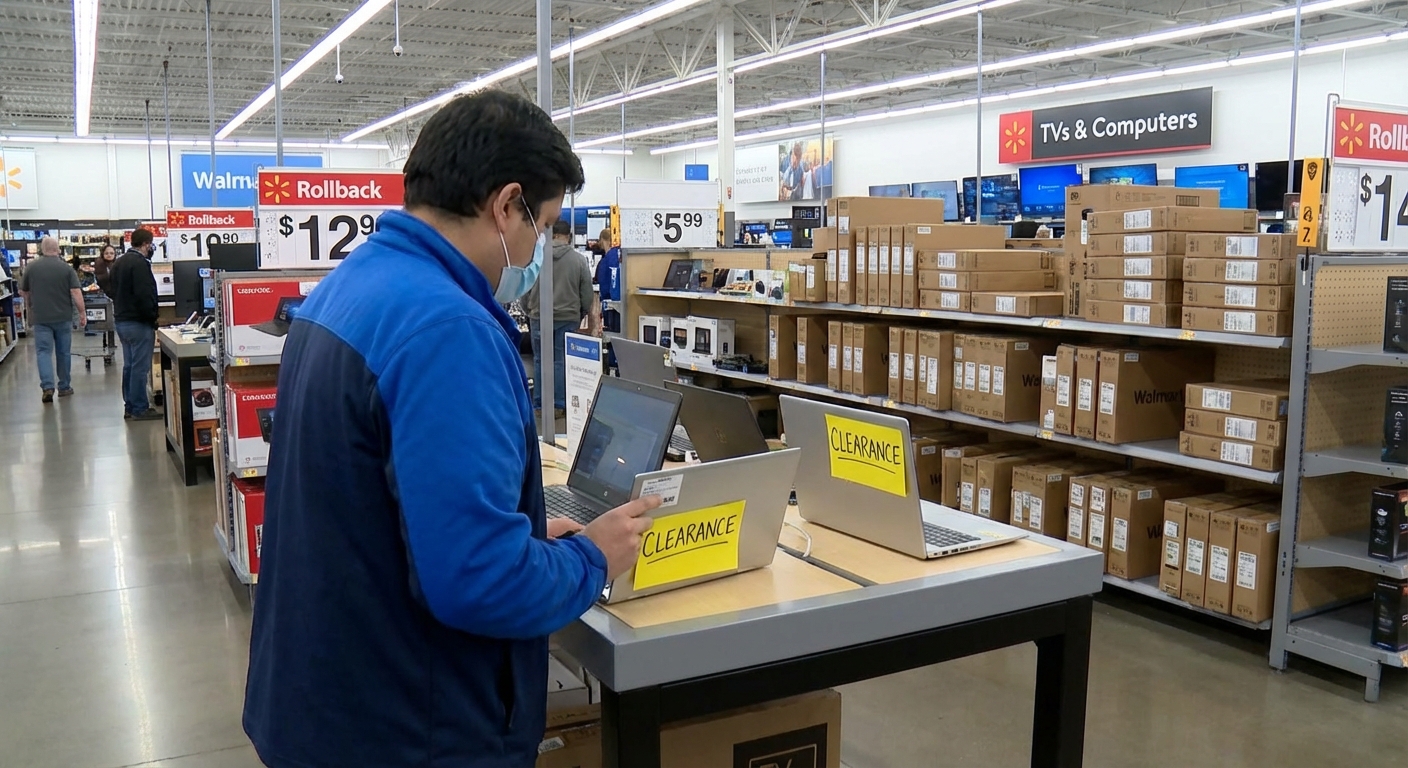
Step 1: Know Your Minimum Specs Before You Walk In
If you only remember one thing from this guide, make it this: set your non‑negotiable specs before you see any prices. Clearance tags will make mediocre laptops look amazing.
These are the specs I personally refuse to go below in 2025, even on clearance:
- Processor (CPU)
- For Windows: at least Intel Core i3 10th gen or newer (i3‑10xxx) or AMD Ryzen 3 4000 series or newer (4300U+).
- Avoid anything that says Celeron, Pentium Silver, A4, A6, MediaTek for primary use. They can work for Chromebooks or pure streaming machines, but they’re painfully slow for everyday Windows.
- Memory (RAM)
- Absolute minimum: 8 GB
- 16 GB is the sweet spot for anyone running multiple apps, tons of browser tabs, or light creative work.
- Storage
- Must be SSD (Solid State Drive), not HDD.
- 256 GB SSD minimum unless it’s a pure school/Chromebook machine and you live in Google Drive.
- Display
- Aim for 1920×1080 (Full HD).
- I only accept 1366×768 on 11–13" ultra‑budget machines I plan to travel with and not stare at all day.
When I set those rules for myself, my clearance hunting went from “I bought a cheap laptop and I hate it” to “I can’t believe I paid that little for this thing.”
Step 2: Understand How Walmart Clearance Actually Works
Walmart’s clearance process isn’t always obvious from the outside, but a few patterns keep showing up whenever I talk to electronics associates.
Yellow Tags + Price History
- Yellow clearance tags usually mean the item has been reduced at least once from the shelf price.
- Use the Walmart app to scan the barcode. When I tested this side‑by‑side, I’ve seen:
- Shelf tag: $499
- App price: $379 (hidden rollback / local clearance)
Sometimes the app shows a lower price than the sticker because it’s following internal markdowns the sign hasn’t caught up with.
Timing: When The Best Deals Drop
This isn’t official policy, but here’s what I’ve consistently noticed in my area and from online deal communities:
- Back‑to‑school overstock: September–October
- Post‑holiday clearance: January
- New model rollouts: Spring (March–May), when brands push new model years
According to Walmart’s own investor materials, the retailer pushes aggressive “everyday low prices” and inventory turnover as a core strategy, which lines up with those seasonal markdown waves (see Walmart’s 2023 Annual Report).
Step 3: Walmart vs Walmart.com vs Third‑Party Sellers
Here’s where I see a lot of people get burned: not realizing there’s a huge difference between items “sold by Walmart” and third‑party marketplace sellers.
- In-store clearance:
- Usually store‑specific pricing
- Eligible for standard in‑store return policy (often 30 days on electronics, but double‑check your receipt and local policy)
- You can inspect the physical box and sometimes the unit itself
- Walmart.com, sold & shipped by Walmart:
- Often mirrors national promotions
- Sometimes has online‑only clearance SKUs
- Returns usually easier at any store
- Walmart.com, sold by third‑party sellers:
- Policies, restocking fees, and warranty support can vary wildly
- I’ve seen listings that “look” like Walmart but are actually ship‑from‑overseas marketplace sellers
When I tested both, my personal rule became: for clearance laptops, I strongly prefer in‑store or “sold & shipped by Walmart” only. The return and warranty headaches with some marketplace sellers just aren’t worth a tiny extra discount.
Step 4: My In‑Store Checklist for Clearance Laptops
When I’m standing in that aisle, staring at a stack of clearance boxes, here’s the process I actually follow.
1. Scan Everything With the Walmart App
I pull out my phone and scan:
- The price (sometimes lower online or at that specific store)
- The model number so I can quickly search reviews
I’ve literally stood there and read a full Reddit thread on a specific model before dropping it in my cart.
2. Google the Exact Model Number
I type something like: `HP 15-dy2093wm review` or `Acer Nitro AN515-55 walmart`.
I’m looking for:
- Professional reviews (PCMag, CNET, Notebookcheck)
- User reviews on Walmart, Best Buy, Amazon
- Any obvious red flags: overheating, terrible keyboard, chronic Wi‑Fi issues
When I tested this approach vs. impulse‑buying, it saved me from a Lenovo model that had a known fan defect and a terrible 220‑nit screen (translation: dull and washed out).
3. Inspect the Box Like a Detective
Especially on clearance, I check for:
- Open or re‑taped seals – Could be a return or display unit
- “Reconditioned” or “Refurbished” labels – Not necessarily bad, but you need to know that going in
- Crushed corners – Can indicate potential internal damage
If the seal’s broken, I ask an associate if it was a return and whether I can see the laptop before purchase. Some stores will let you; some won’t, but it’s worth asking.
4. Verify Return Window and Warranty
I always:
- Confirm the return window on the receipt (Walmart’s general electronics return policy has historically been around 30 days, but policies can change and may differ by category).
- Quickly search the manufacturer warranty by model number on the brand’s official site.
Most big brands (HP, Lenovo, Acer, ASUS) include at least 1‑year limited hardware warranty, regardless of where it’s bought, as long as it’s new—not always the case with refurbs.
Step 5: Match the Laptop to the Real‑World Use Case
When I help friends shop clearance, I always start with: What are you actually going to do with this? Then I mentally map to tiers.
For Students & Light Work
You’ll be fine with:
- Intel Core i3 / Ryzen 3
- 8 GB RAM
- 256 GB SSD
When I tested a $279 clearance HP 14" with those specs, it handled Google Docs, Zoom, and 10+ Chrome tabs with no drama. Battery life was average, but for the price, it was a win.
For Content Creators & Heavy Multitaskers
Look for:
- Intel Core i5 / Ryzen 5 or better
- 16 GB RAM if you can swing it
- 512 GB SSD
- IPS display with at least 250–300 nits brightness
These specs matter if you’re editing 1080p video, working in Photoshop, or juggling 30 tabs + Spotify + Slack.
For Casual Gaming
You want at least:
- Intel Core i5 / Ryzen 5 H‑series (performance chips)
- Dedicated GPU like NVIDIA GTX 1650 or RTX 3050+
- 8–16 GB RAM
The $399 gaming laptop I mentioned earlier? Acer Nitro with GTX 1650, 8 GB RAM, 256 GB SSD. Not a powerhouse by 2025 standards, but when I tested it with Rocket League, Valorant, and a couple of indie titles at 1080p, it ran surprisingly smooth.
Pros and Cons of Walmart Laptop Clearance (From Hard‑Won Experience)
What I Really Like
- Deep discounts – I’ve personally seen 30–50% off original MSRP on decent machines.
- Local returns – If something’s off, I can drive it back instead of mailing it.
- Occasional hidden gems – Mid‑range laptops mis‑priced or forgotten on a back shelf.
What Annoys Me
- Inconsistent stock – The amazing deal you saw on TikTok might not exist in your region at all.
- Spec confusion – Some shelf tags are vague and leave off critical specs like RAM or SSD vs HDD.
- Risk with open‑box/returns – I’ve had one unit with a slightly warped chassis that clearly took a fall.
For me, the math works as long as I stick to my spec rules and always keep the receipt handy those first two weeks.
Final Tips I Wish Someone Had Told Me Earlier
- Don’t let the discount percentage hypnotize you. A bad laptop at 70% off is still a bad laptop.
- Use the return window as your real “test drive.” Stress‑test the laptop in the first week—stream, install apps, join video calls, plug in accessories. If it’s flaky, take it back.
- Keep all packaging until you’re sure. Some returns go much smoother with the original box and inserts.
- Know when to walk away. If every clearance unit is rocking Celeron + 4 GB RAM + HDD, save your money and wait.
When I treat Walmart clearance like a structured hunt instead of a random impulse, I end up with machines that genuinely punch above their price—without feeling like I gambled on my own sanity.
If you’re willing to do a little homework in the aisle, those yellow tags can absolutely be your best friend.
Sources
- Walmart 2023 Annual Report - Official corporate insight into Walmart’s pricing and inventory strategies.
- U.S. Federal Trade Commission – Warranties - Overview of consumer warranty rights in the U.S.
- HP Support – Warranty Check - Example of how to verify manufacturer laptop warranties by serial/model.
- PCMag – How to Buy a Laptop - Expert breakdown of modern laptop specs and what they mean.
- Consumer Reports – How to Shop for a Laptop - Independent guidance on choosing laptop specs for different use cases.