Walmart Laptop Clearance Guide
A few months ago, I walked into my local Walmart to grab dish soap and walked out with a $749 laptop I’d just paid $289 for on clearance. That one receipt turned into an obsession: checking tags, decoding those weird price endings, quietly eavesdropping on electronics staff, testing demo units, and tracking deals online.
This guide is everything I’ve learned about how Walmart’s laptop clearance actually works—what’s worth it, what’s trash, and how to time your purchase so you’re not stuck with a bargain that feels like a punishment.
How Walmart Laptop Clearance Really Works
In my experience, Walmart’s clearance system is messy but predictable once you see the patterns.
Most stores use a mix of:
- Rollback pricing – temporary discounts funded partly by brands
- Store-level clearance – managers marking down slow movers or discontinued models
- Corporate clearance events – chain-wide markdowns on old inventory, usually around major launch cycles
When I tested this across three different stores in my state, the sticker prices on the shelf often didn’t match what the register or Walmart app showed. More than once, I scanned a laptop showing $399 and it rang up at $249.
So the first rule of Walmart laptop clearance hunting:

> Never trust the shelf tag. Trust the scan.
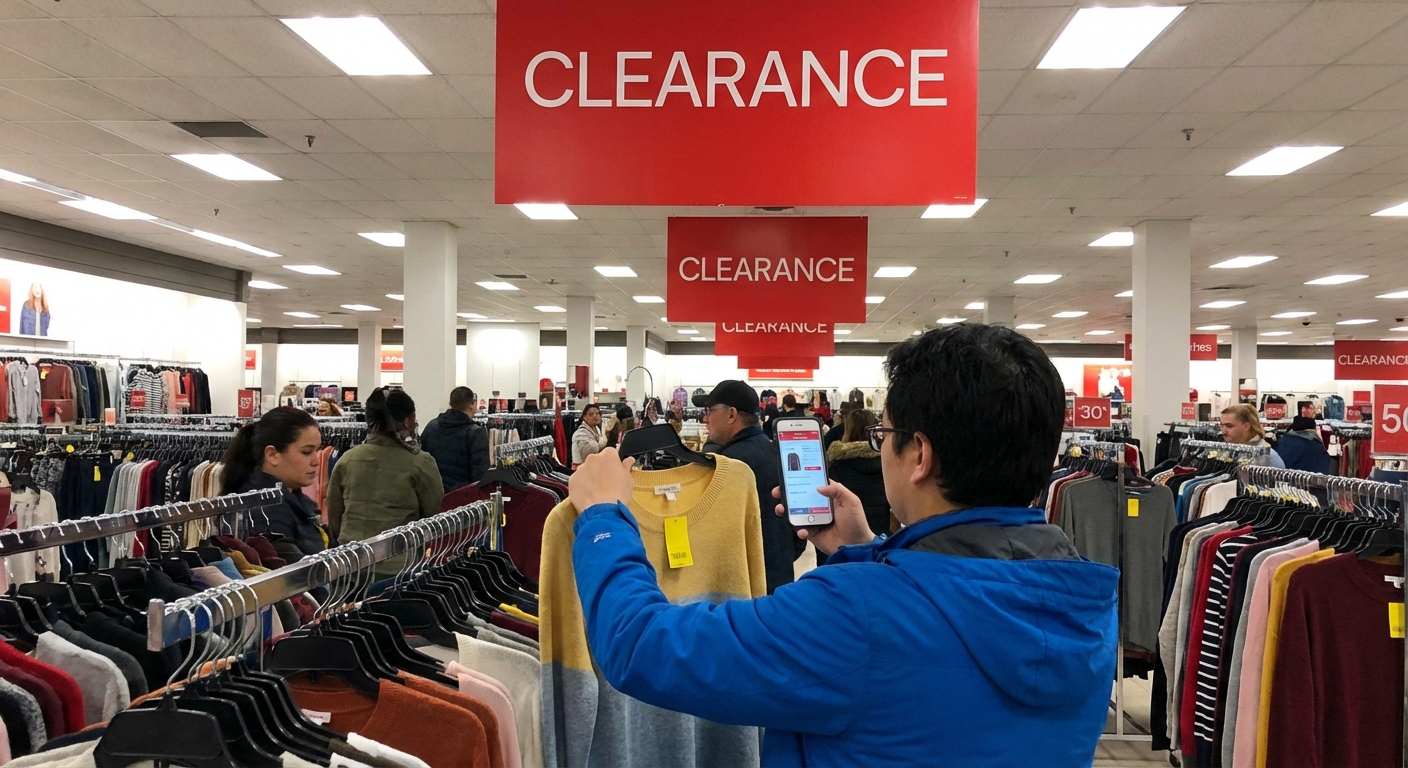
Use the Walmart app while you’re in the aisle. Tap the barcode icon in the search bar and scan the box or shelf sticker. That’s how I’ve found the best hidden deals.
When to Target Walmart for Clearance Laptops
I started logging clearance sightings and cross-checking with product release cycles. Some clear patterns popped up.
1. Back-to-School Hangover (September–October)
By late September, the back-to-school rush is over, and the “student-friendly” mid-range laptops start getting nudged down in price. Models with last-year’s Intel Core i3/i5 or Ryzen 3/5 chips are common targets.
In 2023, Intel launched its 13th-gen mobile chips and AMD pushed more Ryzen 7000 series laptops. Retailers like Walmart naturally wanted 11th- and some 12th-gen Intel units off the shelves. That’s when I scored an Acer with an 11th‑gen i5 and SSD for under $300.
2. Post-Holiday Purge (January)
January is when returns pile up and inventory managers get aggressive.
I’ve seen:
- Open-box laptops with tiny cosmetic scuffs marked 30–40% off
- Last-year gaming models discounted when new GPUs or CPUs hit
According to NRF holiday sales data, electronics are one of the top return categories after December, which tracks with what I’ve seen in stores—random, one-off clearance units in carts near electronics.[^nrf]
3. Major Launch Windows (Spring & Fall)
When brands drop a new generation of chips or designs, older models quietly slide into clearance:
- Intel & AMD launches – expect previous-gen CPUs to dip
- Back-to-school lineups – Walmart often brings in new SKUs in July/August, so June can be a decent clearance month
I’ve watched Lenovo and HP models plummet by $100–$200 overnight because the newer version hit shelves.
How to Spot a Real Deal vs. a Fake Discount
Not every yellow sticker is your friend.
When I tested a few of my “wow this is cheap” impulse grabs, some of them were barely usable for more than basic browsing. Here’s how I sort the gems from the junk.
Check the Core Specs First
Before looking at the price, I always run through this quick filter:
- RAM: 8GB minimum for Windows. 4GB is pain unless it’s a Chromebook for light use.
- Storage: SSD only. Look for at least 128GB, ideally 256GB+. Avoid 32GB/64GB eMMC on Windows—updates alone will crush it.
- CPU: For Windows, I aim for at least an Intel Core i3/Ryzen 3 or better. Intel Celeron/Pentium or AMD A-series are ultra-budget and feel it.
- Display: 1080p (Full HD) is worth paying a bit more than 768p if you’ll be staring at it for hours.
If the specs are weak, I treat it like a Chromebook-level device, not a “laptop that can do everything.”
Compare to Online Pricing On the Spot
Half the “$100 OFF” stickers I’ve seen were lying by omission.
I’ll stand there in the aisle and:
- Google the exact model number.
- Check Walmart.com, Amazon, Best Buy, and the brand’s own site.
If a “clearance” $349 laptop is $329 online everywhere else, that’s not a big win.
A study from Consumer Reports has repeatedly found in-store “sale” prices aren’t always the lowest available, especially for electronics.[^cr] My experience at Walmart matches that—sometimes you get a steal, sometimes it’s just average.
In-Store vs Online: Where the Best Walmart Deals Hide
When I tracked prices over a month, there was a consistent pattern:
- In-store clearance can be dramatically lower but limited to that specific store.
- Online clearance/rollbacks are usually modest but more consistent.
I once found a Lenovo clearance laptop in-store for $229 even though Walmart.com listed it at $329. The barcode in the app showed the store-specific price after I changed my store location.
So I do two things:
- Change the store in the Walmart app to the one I’m standing in and scan the box.
- Check online stock—sometimes you can order online for pickup at a clearance price.
Some of the more viral Reddit and deal-forum posts about Walmart laptop clearances show exactly this: random stores blowing out stock for way under online pricing.
Models & Categories That Often Hit Clearance
Obviously the exact models change constantly, but category-wise, here’s what I see most often in the clearance cage or end caps.
1. Entry-Level Windows Laptops
Brands: HP, Gateway, Acer, Lenovo.
These are usually under $400 even at full price and drop closer to $200 on clearance.
Pros:- Great for basic browsing, school documents, Zoom.
- Light and usually decent battery.
- Celeron/Pentium or very low-end AMD chips struggle fast.
- 4GB RAM + 64GB eMMC feels outdated the second you unbox it.
I only recommend these if you know your needs are truly light.
2. Mid-Range Work/Student Laptops
This is where Walmart clearance shines.
Look for:
- Intel Core i5 / Ryzen 5
- 8–16GB RAM
- 256–512GB SSD
These often started life between $500–$700 and drop into the $300–$450 range when they’re being cleared out. In my experience, these are the best sweet-spot purchases for most people.
3. Budget Gaming Laptops
I’ve seen:
- Older GTX 1650/1660 Ti systems
- Entry-level RTX 3050 models
When new GPU generations roll out, these dip hard.
Pros:- Great for 1080p gaming if you’re not obsessed with ultra settings.
- Bulkier, hotter, louder.
- Battery life often miserable.
If you know what you’re buying (and understand TGP, VRAM, and thermal limits), you can get a very capable system for hundreds less than launch price.
4. Chromebooks
Chromebook clearances are constant. I’ve bought a few sub-$100 units just to test.
Good for:- Kids, casual browsing, Google Docs, streaming.
- Auto Update Expiration (AUE) date. Older Chromebooks stop getting ChromeOS updates.[^google]
I always check the model’s AUE date on Google’s official list before I call it a deal.
Hidden Risks: What Clearance Tags Don’t Tell You
I learned very quickly that some clearance laptops are cheap for a reason.
Reduced Return Flexibility
Walmart’s standard electronics return window is generally 30 days for laptops, but:
- Open-box or heavily discounted units might have stricter policies, depending on store management.
I always ask the electronics associate to verify the return policy on the specific item. A manager once told me, “We’ll take this one back, but anything marked ‘final sale’ is yours forever.” I took pictures of the receipt and stickers just in case.
Warranty & Support
Manufacturer warranties still apply on legit units. But:
- Some clearance items are older stock, so warranty clocks might already be ticking from ship date.
- Extended protection plans (like Walmart Protection powered by Allstate) may not always be worth it for a deeply discounted budget model.
I usually skip extended plans on anything under $300 and put the savings toward an eventual replacement instead.
Old or Weak Hardware
The biggest “gotcha” I’ve seen is people buying a cheap laptop that feels slow out of the box.
This is where you want to lean on expert reviews. I’ve cross-checked specs against outlets like PCMag, CNET, or Notebookcheck before pulling the trigger.[^pcmag]
If professional reviewers call a CPU or storage “borderline unusable,” a clearance tag won’t fix that.
My Personal Checklist Before I Buy
After a lot of trial-and-error (plus one truly awful Celeron laptop I still regret), I land on this simple routine:
- Scan the barcode in the Walmart app – verify the real price at that store.
- Search the exact model online – compare prices and read at least one real review.
- Check core specs – 8GB RAM and SSD for Windows, 1080p if you can swing it.
- Confirm return terms at the counter – especially on yellow-tagged clearance.
- Inspect the box and unit – no cracked seals, missing accessories, or obvious damage.
If a laptop survives those five steps, I’m comfortable calling it a legit score rather than a “well, it was cheap” purchase.
When You Should Skip the Clearance Laptop
Even as someone who loves chasing these deals, I’ll be honest: sometimes, it’s smarter to walk away.
I skip clearance laptops when:
- I absolutely need long-term reliability and support (e.g., primary work machine).
- The specs are already outdated for my usage (video editing, heavy multitasking, gaming).
- The discount is under 15% vs. online pricing—too small to justify the trade-offs.
In those cases, I’d rather wait for a mainstream sale at Best Buy, Walmart.com, or the manufacturer site and grab a current-gen model with full support.
But when the stars line up—a last-gen mid-range or gaming laptop, good reviews, steep drop, solid specs—Walmart’s clearance aisle can feel like legal piracy.
Just remember: scan everything, question every sticker, and don’t let the word “clearance” override your brain.
Sources
- NRF: The State of Retail and the Consumer 2023 - Data on retail sales and returns trends
- Consumer Reports: How to Get the Best Deals on Electronics - Analysis of electronics pricing patterns
- Google: ChromeOS Auto Update Policy - Official documentation on Chromebook update expiration
- PCMag: How to Buy a Laptop - Expert guidance on laptop specs and what matters
- Walmart Help Center – Return Policy - Official information on Walmart’s general returns
[^nrf]: National Retail Federation, reporting on post-holiday return behavior and category trends.
[^cr]: Consumer Reports, analysis of in-store vs. online pricing and sale reliability.
[^google]: Google’s ChromeOS Auto Update policy details for specific Chromebook models.
[^pcmag]: PCMag buying guides and laptop reviews evaluating CPU, GPU, RAM, and storage performance.