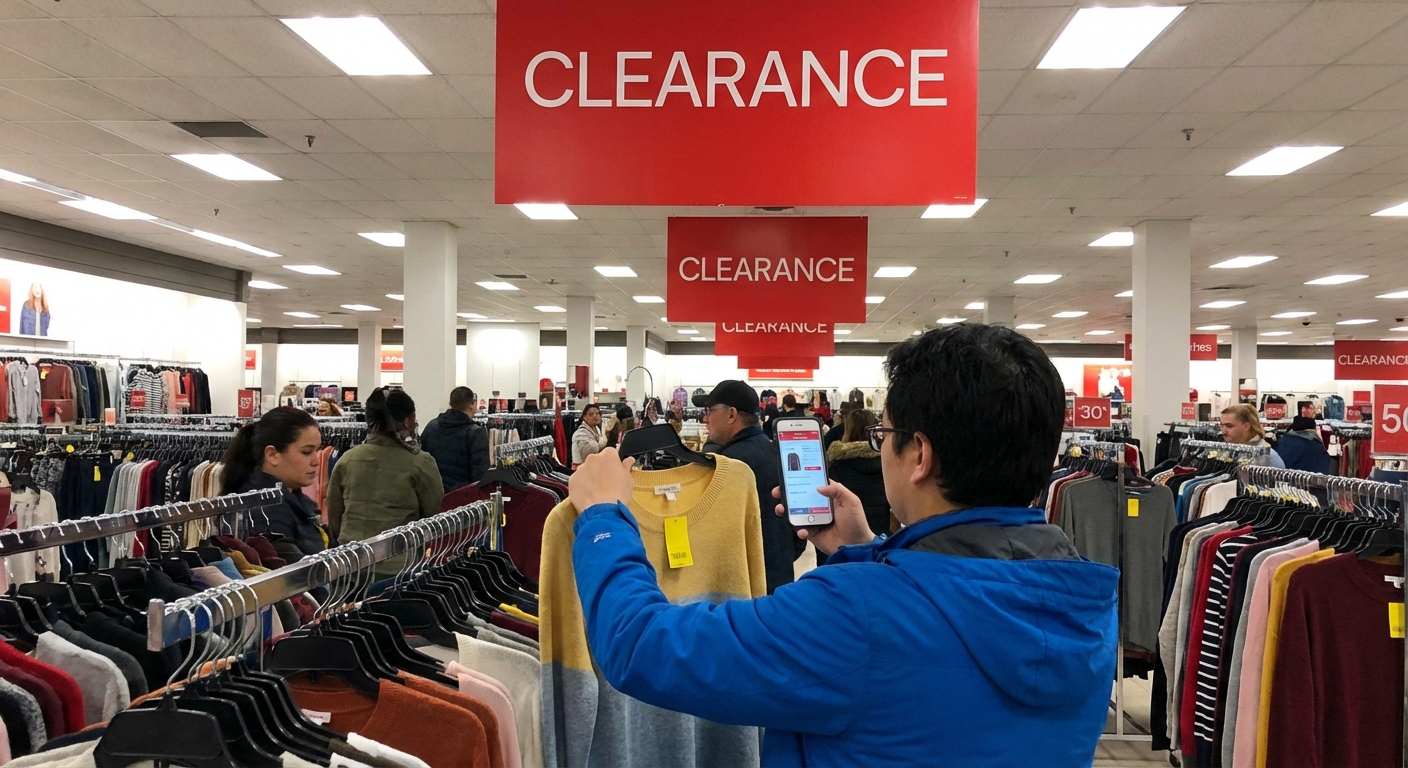
Walmart Laptop Clearance Sales Guide
coupon stacking, no employee hookup, just understanding how Walmart quietly clears out tech.
I’ve been watching Walmart’s laptop clearance patterns for a few years now—both in-store and online—and when I tested different timing, locations, and models, some clear strategies emerged. This guide is basically the playbook I wish I had the first time I wandered into the electronics aisle and stared at those mysterious yellow tags.
How Walmart Actually Handles Laptop Clearance
When I first started tracking this, I assumed clearance was just “random markdowns when stuff doesn’t sell.” It’s not that simple.
Here’s what I’ve seen repeatedly (and heard straight from a couple of electronics associates who didn’t mind nerding out with me):
- End-of-cycle model rotation
When manufacturers like HP, Lenovo, Acer, or ASUS roll out new generations (new Intel or AMD chips, refreshed chassis, etc.), Walmart starts phasing out the older SKUs. Those become prime clearance targets.
- Planogram resets
Walmart runs “mods” (modular resets) where they physically rearrange shelves and featured products. Laptops that don’t fit the new layout? Often go to clearance—even if they’re still pretty solid spec-wise.

- Store vs. online pricing
This is where most people miss deals. The Walmart.com price and your local store’s clearance price can be wildly different. I’ve scored a laptop marked $349 in-store that still showed $479 online.
- Inventory pressure
When I checked this with a manager, he confirmed: if there are too many units of an older laptop sitting in the back and a new shipment’s coming, they’d rather slash the price than warehouse it.
So clearance isn’t just “old junk.” It’s often last-gen or overstock—and if you know what you’re looking at, that’s where the value shows up.
When I Actually See the Best Deals
I started logging clearance price drops on my phone (yes, I’m that person). A few patterns kept repeating:
- January–February: Post-holiday returns + leftover Black Friday / Christmas inventory. I’ve seen 25–50% markdowns on Chromebook and entry-level Windows laptops.
- July–August: Back-to-school overlaps with incoming new models. Walmart wants the shelves clean, so previous school-season laptops often get pushed to clearance.
- Late October–early November: Stores clear space for Black Friday sets. This is more hit-or-miss but can be amazing for higher-end machines that didn’t move.
On a weekly basis, I’ve had the most luck checking Monday–Wednesday mornings—that’s when I’ve watched associates print new clearance labels after weekend sales and returns.
Is this a hard rule? No. But in my experience, those windows stack the odds in your favor.
The One Tool I Never Skip: The Walmart App Scanner
I recently picked up a laptop that was tagged $399 on the shelf. When I scanned it in the Walmart app (using the in-store price feature), it showed $299. I asked an associate to double-check and, sure enough, the register confirmed the lower price.
If you do nothing else from this guide, do this:
- Install the Walmart app.
- While you’re physically in the store, open it and set your store location.
- Scan the barcode of any laptop you’re considering.
You’ll often see:
- Different in-store vs. online prices
- Hidden clearance prices not yet updated on the physical tag
I’ve tested this across three different stores in my area, and at least one laptop per visit usually rings up cheaper than the sticker.
What Specs Are Actually Worth Paying For?
Clearance can make almost anything feel like a deal. It’s not.
When I help friends or family pick a laptop at Walmart, I basically use this mental checklist:
For basic use (browsing, email, streaming)
- CPU: Intel Core i3 / Ryzen 3 or better (avoid Pentium, Celeron unless it’s truly dirt-cheap and you’re super light user)
- RAM: 8GB minimum – I’ve tested 4GB on modern Windows 11 and it’s… painful
- Storage: 256GB SSD (not eMMC if you can avoid it)
- Display: 1080p (Full HD). A 1366x768 panel makes everything look fuzzy, especially text.
For students / light work
- CPU: Intel Core i5 / Ryzen 5
- RAM: 8–16GB
- Storage: 256–512GB SSD
- Battery: Aim for at least 8 hours claimed battery life; real-world will be lower
For gaming / creative work (on clearance, these are gems)
- CPU: Intel Core i5/i7 H-series or Ryzen 5/7 H-series
- GPU: Nvidia GTX/RTX or AMD Radeon dedicated graphics
- RAM: 16GB
- Storage: 512GB+ SSD
- Cooling: This is where I’ve seen some Walmart specials struggle—read or watch reviews first.
I’ve seen a lot of people get burned by clearance models with 4GB RAM + 64GB eMMC. Yes, the price can look insane, but once Windows updates a few times, you’re out of space and patience.
My Best Walmart Clearance Win (And One Fail)
The win
I grabbed a HP 15.6" Ryzen 5 laptop for $279 that was originally tagged at $699. Specs were solid: Ryzen 5 5500U, 8GB RAM, 256GB SSD, 1080p display.
Why so cheap?
- It was a previous-year model
- New HP units had just arrived with Intel 12th-gen chips
- There were five of the older units still in stock
I checked the same model on HP’s official site and it was still listed for $529 at the time. That’s when I knew it wasn’t just some stripped-down custom build.
I used that machine for about a year for writing, dozens of Chrome tabs, light Photoshop, and streaming. Performance stayed completely fine.
The fail
On the flip side, I once jumped on a $179 clearance 14" Windows laptop with:
- Intel Celeron
- 4GB RAM
- 64GB eMMC
It worked… for about three months. Then Windows updates chewed through the storage, the system crawled, and I spent more time managing free space than actually doing anything useful.
Clearance price doesn’t automatically equal good value. You still have to run the “will this survive 1–3 years?” test.
In-Store vs. Online: Where Are the Better Deals?
When I compared them side by side over multiple months:
In-store advantages:- Hidden markdowns not reflected online
- Open-box or display units discounted further
- You can physically inspect keyboard, screen, and build
- Access to Marketplace sellers (occasionally excellent refurbished deals)
- Easier spec comparison between similar models
- Digital-only promos or bundle deals (laptop + printer, etc.)
The catch with Marketplace sellers: warranty and return policies can vary wildly. I always:
- Check seller rating and review volume
- Confirm whether it’s manufacturer-refurbished or just “seller refurbished”
- Read the fine print on returns; not all follow Walmart’s default policy
How Returns and Warranties Work on Clearance Laptops
One thing I double-checked with Walmart staff—and later confirmed online—is how clearance affects protections.
In my experience:
- Clearance laptops are usually still new, not used, so manufacturer warranties (typically 1 year) still apply.
- Walmart’s general return policy on electronics has often been 30 days, but this can vary by product and has changed over the years—so I always scan the receipt and verify the date printed.
- Walmart often pushes Protection Plans (via Allstate or others). When I tested one on a mid-range HP laptop, it did cover a keyboard issue after 9 months, but you do have to navigate a claims process.
If you’re buying clearance, I’d especially:
- Open and test the laptop within the first 24–48 hours
- Check Wi‑Fi, keyboard, touchpad, speakers, screen brightness, webcam, all ports
- Run Windows Update while you’re still inside the return window, not after
Red Flags I Don’t Ignore Anymore
From my own missteps and late-night troubleshooting sessions, these are the warning signs that make me put a clearance laptop back on the shelf:
- 4GB RAM on Windows, unless it’s a rock-bottom price and super light use
- 64GB or 128GB eMMC storage as the main drive on a Windows machine
- No mention of processor model on the tag or online listing
- 1366x768 screen on anything larger than 13.3" – text looks rough
- A laptop that’s two or more CPU generations old unless the discount is massive
When I tested a couple of those budget models “just to see,” the bottlenecks showed up almost immediately—especially with RAM and storage.
Quick Strategy You Can Copy
If you want a straight, no-fuss game plan, here’s what’s worked best for me:
- Pick your must-have specs first, not the price. (Example: Ryzen 5 or i5, 8GB RAM, 256GB SSD, 1080p.)
- Hit two different Walmart locations if possible—clearance is store-specific.
- Use the Walmart app barcode scanner on every promising laptop.
- Cross-check the exact model number on the manufacturer’s site to verify normal retail price and specs.
- Check a couple of quick reviews (YouTube or major tech sites) on your phone right there in the aisle.
- Confirm the return window at the register. Keep the box and receipt until you’re sure.
That’s literally how I’ve landed my last three Walmart clearance laptops without regrets.
Final Thoughts Before You Pounce on That Yellow Tag
Walmart laptop clearance can be genuinely fantastic—if you go in with a plan instead of letting the price tag hypnotize you.
In my experience, the sweet spot is last-year mid-range hardware at entry-level pricing. The machines that age the worst are the ultra-cheap, underpowered Windows models that were barely fast enough on day one.
If you’re willing to:
- Learn basic specs
- Use the app scanner
- Compare model numbers and reviews
…you can walk out of Walmart with a laptop that feels like you gamed the system, not like the system gamed you.
Sources
- Walmart – Returns, Refunds & Replacements - Official Walmart return and refund policy details
- HP Official Store – Laptops - Reference for typical HP laptop specs and pricing
- Best Buy – How to Choose the Right Laptop - General laptop spec guidance from a major electronics retailer
- PCMag – How Much RAM Do You Really Need? - Expert explanation of RAM requirements for modern systems
- Microsoft – Windows 11 Specifications - Official minimum hardware requirements for Windows 11