Walmart Laptop Clearance Savings Guide
t’s clearance section – where I snagged a mid-range Lenovo for under $250 – I fell deep into the rabbit hole of Walmart laptop deals.
This is the guide I wish I had before I started hunting.
How Walmart’s Laptop Clearance Really Works
When I first started tracking Walmart’s laptop prices, I assumed clearance just meant “random sale.” Nope. There’s a method to the markdown madness.
From what I’ve seen (and confirmed by store employees over a few overly-chatty checkout conversations), Walmart laptop pricing usually falls into three buckets:
- Everyday Rollbacks – Regular sales funded by Walmart or the brand. Not clearance.
- Online-only discounts – Dynamic pricing that changes fast based on demand and inventory.
- True Clearance – End-of-line models, open-box returns, or overstock the store wants gone.
Clearance is where the real savings are, especially in-store. Online deals can be strong, but the hidden gems are often behind that dusty glass case in electronics.
When I started tracking prices with a spreadsheet (yes, I went that far), I saw patterns: models would drop gradually, then suddenly plummet with a yellow clearance tag once newer generations hit shelves.

The Sweet Spot: When to Shop Walmart Laptop Clearance
I tested this over about eight months (yes, I’m that nerd), checking the same stores every few weeks. Patterns started to show up:
- January–February: Post-holiday leftovers get marked down hard. I saw a 10th-gen Intel HP go from $399 to $249 in one week.
- July–September: Back-to-school overlap. They clear old models to make room for “student laptops.”
- Late October–November: Pre–Black Friday resets. Older “Black Friday” models from the previous year quietly hit clearance.
In my experience, the biggest drops happen when:
- There’s a new CPU generation (e.g., Intel 11th-gen to 12th-gen)
- A laptop’s packaging design changes
- A model’s online page quietly disappears, but it’s still in stores
I recently watched a 15.6" Ryzen 5 laptop sit at $399 online while the exact same SKU was $279 in my local store with a tiny orange clearance tag. That’s when I realized: you can’t rely on the website alone.
Online vs In-Store: Where the Real Deals Hide
When I tested this, I visited three different Walmarts in the same city and compared them to Walmart.com. Here’s what I found:
Online (Walmart.com)
Pros:- Wider selection (including third-party sellers)
- Easy to filter by processor, RAM, screen size
- User reviews to filter out trash-tier machines
- Prices change daily and sometimes hourly
- Third-party sellers sometimes list ancient laptops at terrible prices
- “Clearance” tags online can be… generous
In-store
Pros:- Real clearance stickers (often bigger cuts than online)
- Open-box / display models that never go online
- Local managers sometimes discount slow movers more aggressively
- Inventory is hit-or-miss
- Some laptops stay locked up; you have to flag someone down
- Specs on the shelf label can be outdated or incomplete
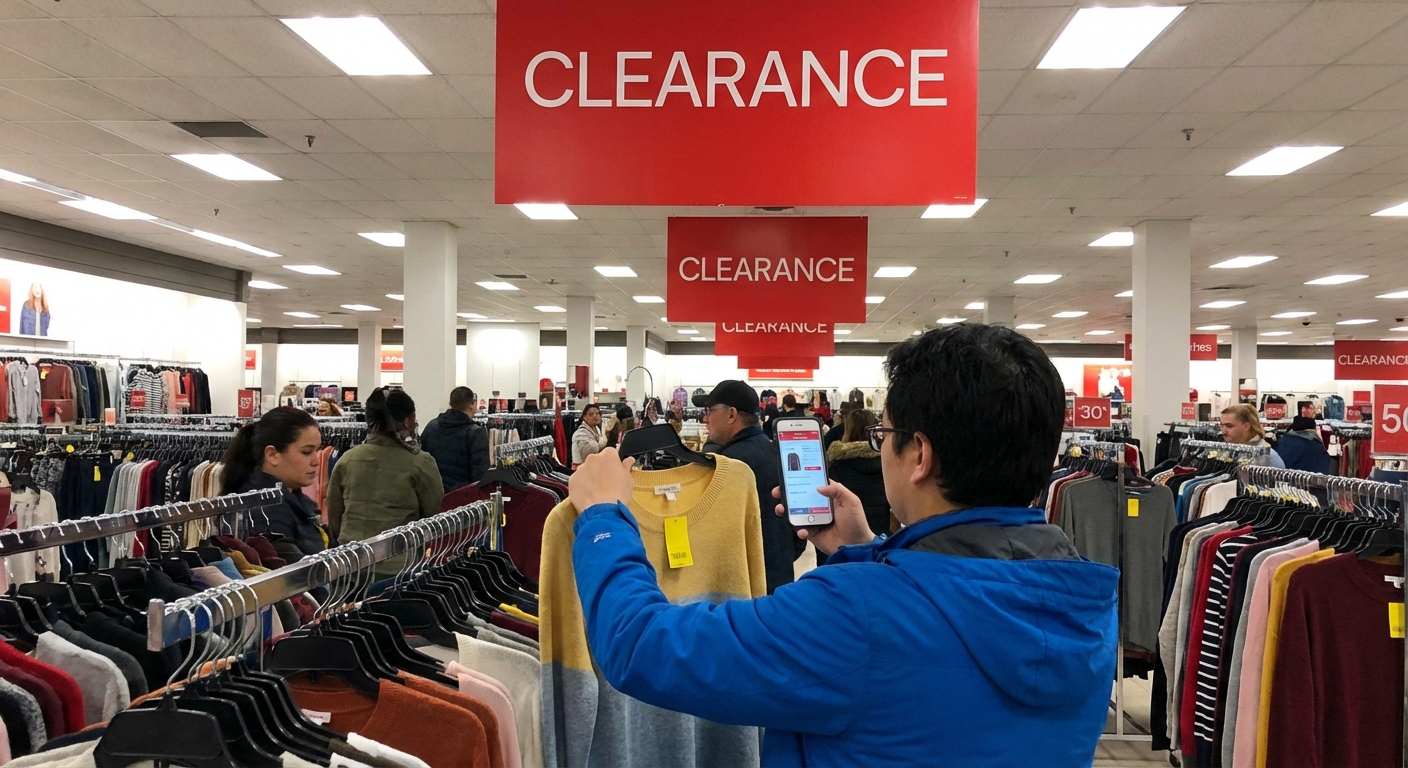
There was one moment that sold me on in-store hunting. I found an Acer Aspire labeled at $399 on the shelf. I scanned it with the Walmart app and it rang up at $259. The associate literally said, “Wow, that’s lower than I thought – guess they want it gone.”
If you take nothing else from this guide: always scan clearance tags with the Walmart app. Sometimes the system has dropped the price before the sticker does.
How to Spot a Legit Deal (Without Getting Stuck With Junk)
I’ve made one bad clearance purchase: a cheap Celeron-based laptop that choked on basic Zoom calls. Since then, I’ve used a simple checklist to quickly separate deals from disasters.
When I’m standing in the aisle, here’s what I look for:
Minimum Specs I Aim For (2024 and beyond)
For general use (browsing, streaming, work, school):
- CPU: Intel Core i3 / i5 (10th gen or newer), AMD Ryzen 3 / 5 (4000 series or newer)
- RAM: 8GB minimum (4GB only for light Chromebook use)
- Storage: 256GB SSD minimum (avoid 32GB eMMC on Windows – it’s painful)
- Display: 1080p (1920x1080). 1366x768 looks soft on 15" screens.
For light gaming or content creation:
- CPU: Intel Core i5 / i7, AMD Ryzen 5 / 7
- GPU: At least an entry-level dedicated GPU (NVIDIA GTX / RTX, AMD Radeon) or a newer Ryzen APU with strong integrated graphics
- RAM: 16GB preferred, or 8GB in a system that’s easy to upgrade
When I tested a few “too good to be true” clearance laptops, the main issues were:
- Old dual-core CPUs (Pentium, Celeron) that made Windows laggy
- 4GB RAM soldered to the board, no upgrade path
- Spinning hard drives instead of SSDs, which made boot times miserable
A quick way to cross-check: I’ll Google the exact model number + “review” right there in the aisle. If big reviewers like PCMag, CNET, or Laptop Mag basically called it slow when it was new, I skip it.
Hidden Gold: Open-Box, Display Units, and Manager’s Specials
The best deal I’ve ever gotten at Walmart on a laptop was a display model. It was a 14" Ryzen 5 laptop, stickered at $349 on clearance. The box was long gone, but when I asked an associate about it, they knocked it down to $299 because it had been on the shelf for months.
Since then, I’ve learned a few tricks:
- Ask about display units. If the model number is on clearance but there’s only a demo unit left, politely ask if they can discount it further. I’ve seen an extra 10–20% off.
- Check for missing chargers or packaging. Sometimes they’ll discount more if bits are missing.
- Inspect the keyboard, ports, and hinges. Display units get handled a lot. I’ve walked away from a few with cracked hinge covers.
Open-box laptops can be a wild card: some are basically new returns, others… not so much. I always:
- Turn it on in-store if possible
- Check the battery health in Windows (or at least the wear level with a quick `powercfg /batteryreport` or a third-party tool later)
- Look for scratches on the screen under bright light
Pros and Cons of Chasing Walmart Laptop Clearance
In my experience, clearance hunting can save serious cash, but it’s not perfect.
What’s great:- You can score 30–60% off last year’s mid-range models
- Perfect for students, casual users, or a second “sofa laptop”
- Some models still get years of security updates and full warranty support
- You might get older CPUs that’ll feel dated sooner
- Limited configuration options – what’s on the shelf is what you get
- Color or model you actually wanted might never go on clearance
- Return policies on clearance can vary by store and region – you have to read (and sometimes ask) carefully
I’ve found Walmart’s standard return policy to be pretty fair (their online policy for electronics usually gives you 30 days), but I always confirm at the register for clearance items because local managers can tighten or relax the rules.
How to Double-Check You’re Actually Saving Money
One final thing I started doing that changed how I shop: cross-checking every “deal” with a couple of quick comparisons.
When I find a promising clearance laptop, I’ll:
- Search the model on Google Shopping to see if Best Buy, Target, or Amazon has it cheaper.
- Compare to current-gen equivalents. If a newer model with a better CPU is only $40–60 more, I’ll often skip the clearance.
- Check historical pricing on sites like CamelCamelCamel (for Amazon) or just by quickly scanning older reviews that mention launch MSRP.
I recently avoided a “fake deal” this way: a 2-year-old Core i3 laptop was on clearance for $329. A current-gen Chromebook with a better display and faster storage was $299 down the aisle. That $30 difference was not worth buying an outdated machine.
Final Thoughts From Someone Who’s Spent Way Too Long in the Electronics Aisle
After months of testing, scanning, and mildly annoying Walmart employees with questions, here’s my honest take:
- Walmart laptop clearance can be incredible if you know basic specs and are willing to visit stores instead of just browsing online.
- The best deals are usually last-gen mid-range models, not the absolute cheapest machines.
- You shouldn’t compromise on RAM, storage, or CPU generation just because there’s a yellow clearance tag.
If you treat clearance laptops like “value hunting” instead of “cheapest possible,” you can walk out with a machine that lasts for years – without paying full price.
And yes, I’m still that friend who gets the screenshots. But now I just send them this guide.
Sources
- Walmart Return Policy – Electronics - Official Walmart page outlining return windows and conditions.
- Laptop Buying Guide – Consumer Reports - Independent overview of specs and features that matter.
- Intel Processor Numbers: Laptops - How to decode Intel CPU generations and model numbers.
- Best Laptop Processors 2024 – PCMag - Expert breakdown of current laptop CPUs and performance tiers.
- Managing Windows 10 Performance: Microsoft Docs - Official system requirements and considerations for Windows performance.