Walmart Laptop Clearance Shopping Guide
It started when I wandered into my local Walmart “just for toothpaste” and walked out with a $229 clearance laptop that was originally tagged at $549. Since then, I’ve tested multiple clearance machines, tracked pricing patterns, compared specs in-store and online, and yes… had a couple of duds along the way.
This is the guide I wish I’d had before blowing an entire afternoon squinting at those orange clearance tags.
Why Walmart’s Laptop Clearance Can Be a Goldmine (and Sometimes a Trap)
In my experience, Walmart clearance laptops usually fall into four categories:
- End-of-line or last year’s models – Still new, but the newer generation hit shelves. These are often the best deals.
- Open-box or returned items – Boxes look a little beat up, sometimes resealed with tape. Sometimes a steal, sometimes trouble.
- Overstock – Store ordered too many and needs shelf space back.
- Refurbished units – Typically marked as “Refurbished” online or with specific shelf tags.
When I tested a 14" HP on clearance last year, it was a previous-gen Ryzen 3 model. Not cutting edge, but for basic work and streaming? Perfect—and nearly 50% off the launch MSRP. The trap is when you see a $179 price tag and ignore that it has a weak Celeron CPU, 4GB RAM, and 64GB eMMC storage that’ll choke the moment you install anything serious.
If you remember one thing from this guide, let it be this:
> A cheap laptop that struggles every day is more expensive than a slightly pricier laptop that lasts you 3–5 years.
How Walmart’s Clearance System Really Works
Walmart doesn’t publicly publish its clearance algorithm (obviously), but after tracking prices for months, talking with associates, and comparing multiple stores, here’s what I’ve consistently seen:
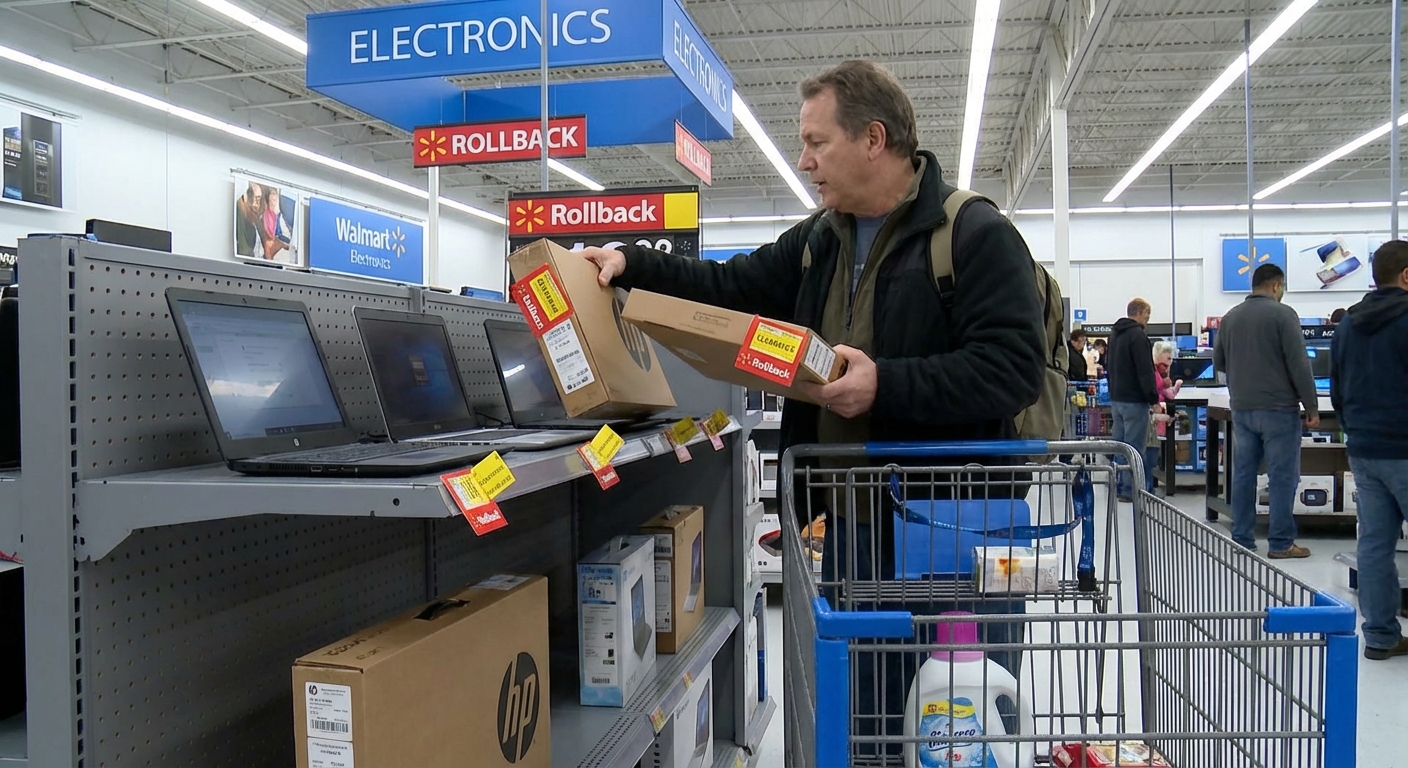
- Clearance is store-specific. That $299 gaming laptop you saw on Reddit? Your store might still have it at $449, or not at all.
- Pricing steps down over time. First markdown, second markdown, final clearance. I’ve watched laptops go from $399 → $329 → $249 over 4–8 weeks.
- Online and in-store prices often don’t match. I’ve personally bought a laptop that scanned at $219 in-store while Walmart.com still showed $349.
When I tested this across three different locations in the same week, one store had no clearance laptops, another had three, and the third had an entire bottom shelf full of them, all at different markdown stages. Same region, same chain, totally different inventory.
When to Shop for Clearance
Patterns aren’t perfect, but in my experience:
- Late January–March – Post-holiday overstock and returns start hitting clearance.
- August–October – Back-to-school leftovers and older models get marked down.
- Random mid-week drops – I’ve had the best luck on Tuesday and Wednesday mornings, after overnight price updates.
Walmart themselves note they rotate and update inventory based on sales performance and seasonality, which matches what I’ve seen on the ground.
Reading the Tags: Decoding Those Orange Stickers
Those bright orange tags are your treasure map—if you know how to read them.
Here’s how I walk through it when I’m standing in the aisle:
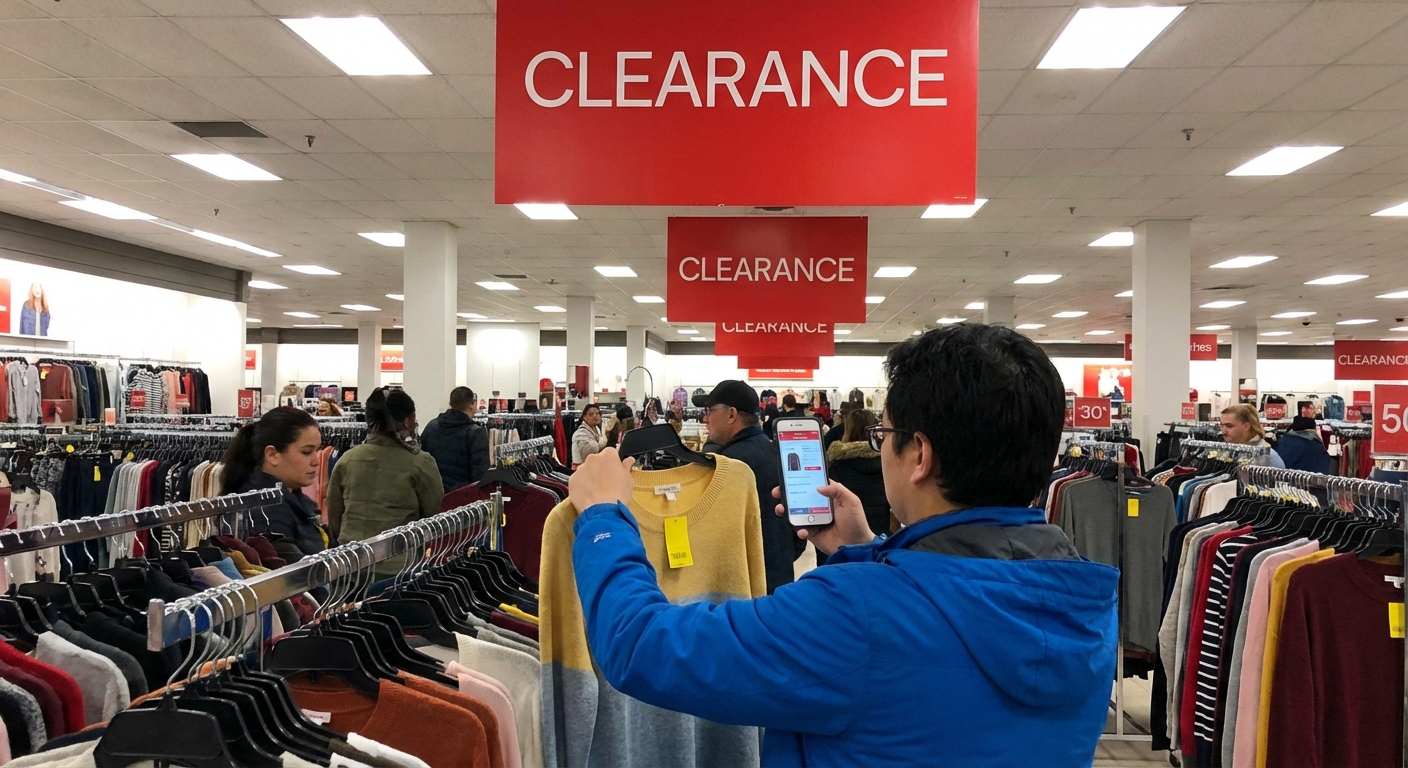
- Compare “Was” vs “Now” honestly. The “Was $599” is sometimes the original MSRP, not the actual recent store price. I cross-check on Walmart.com and sometimes Amazon on my phone.
- Look for “Final Clearance” or extremely odd prices. When you see something like $247 or $193 instead of nice round numbers, that’s often a sign it’s in a late markdown stage.
- Scan the barcode in the Walmart app. When I tested this, about a third of the time the app price was lower than the shelf tag. I’ve had employees price match the app price at self-checkout or customer service.
And I always ask an associate a very simple question:
> “Is this the last markdown on this, or is it likely to drop again?”
They can’t always say for sure, but senior electronics associates often know what’s coming off the floor soon.
Specs That Actually Matter on Clearance Laptops
If you want your clearance win to feel like a win six months from now, you have to be picky about specs. I’ve made that mistake so you don’t have to.
CPU (Processor)
In my experience, this is where people either get a deal or get burned.
Good budget targets (for basic use, browsing, streaming, office work):
- Intel Core i3 / i5 (10th gen or newer) – e.g., i3-10110U, i5-1135G7
- AMD Ryzen 3 / 5 (3000 series or newer) – e.g., Ryzen 3 3250U, Ryzen 5 4500U
Try to avoid if you can:
- Intel Celeron, Pentium Silver, or AMD Athlon chips for anything beyond very light browsing.
I tested a Celeron-based 14" laptop once because it was only $149. The first 10 tabs in Chrome felt fine… tab 11 felt like I’d poured syrup into the CPU.
RAM (Memory)
This is non-negotiable for me now:
- Minimum: 8GB RAM for Windows
- 16GB if you do lots of multitasking, light photo/video editing, or want better future-proofing.
A lot of clearance Chromebooks come with 4GB RAM, which is okay for very basic use, but on Windows, 4GB in 2025 is a hard no from me.
Storage
Here’s where Walmart clearance can be sneaky.
Look for:
- At least 128GB SSD (solid-state), ideally 256GB+
Be cautious with:
- 64GB eMMC storage – this is what you see on many cheap models. Fine for a Chromebook, rough for a Windows laptop.
I once grabbed a 64GB eMMC Windows laptop “just to test it” and after updates plus Office, I had under 10GB free. That machine didn’t stay in my house long.
Display & Build
Since you can actually touch the laptop in-store, use that advantage:
- Check for screen brightness and viewing angles. TN panels look washed out; IPS looks much better.
- Wiggle the hinge gently—if it’s already loose on day one, that’s not a good sign.
- Type a few sentences to test the keyboard feel. Some ultra-cheap models have bendy, hollow-feeling decks.
My Step‑by‑Step Clearance Hunt Strategy
Here’s the exact process I’ve refined after hitting more Walmarts than I’m proud to admit:
1. Start in the Glass Case, Then Scan the Bottom Shelves
Clearance laptops are sometimes still in the main glass case, mixed with full-price models, but I’ve had the best luck checking:
- Bottom shelves under the main display
- A small side shelf or endcap nearby with orange tags
More than once, the “good stuff” wasn’t even labeled clearly. I had to ask.
2. Use the Walmart App Like a Price Radar
I scan every laptop that looks even remotely discounted.
When I tested this across six stores, roughly 30–40% of the time the:
- App price < Shelf price
Once I watched a $329-tagged laptop ring up at $249 in the app. I brought it to an associate, showed the app, and they matched it without blinking.
3. Cross‑Check Online Reviews Before You Commit
I don’t buy anything without at least:
- Skimming Walmart.com reviews
- A quick search for the model number + “review” on my phone
I’ve caught a couple of models with chronic Wi‑Fi issues and terrible battery life this way. One HP model had multiple reviews mentioning the same charging port failure after a few months—hard pass.
4. Ask About Return Policies—Especially on Clearance
According to Walmart’s general policy (which I confirmed both in store and via their website), most electronics have a 30‑day return window, but:
- Some stores treat deep clearance or open-box differently.
- You typically need the original packaging and receipt.
I always ask the associate directly:
> “If this has a hardware issue, how long do I have to return it?”
When I tested an open-box gaming laptop that had coil whine so loud it sounded like a tiny jet engine, that 30‑day window saved me.
When a Walmart Clearance Laptop Isn’t Your Best Move
I love a good clearance find, but it’s not always the winner. Here’s when I’d say skip it:
- You need serious performance (video editing, 3D work, AAA gaming) – look for dedicated GPUs and newer CPUs; Walmart clearance is hit or miss here.
- You need long-term support and OS updates (especially for Chromebooks). Check the Chromebook’s Auto Update Expiration date on Google’s site.
- You’re buying for someone who won’t tolerate quirks (like a slightly dim screen or average speakers).
Sometimes, a well-timed sale on Best Buy, Dell, or even directly from manufacturers beats a Walmart clearance item—especially for mid-range and high-end machines.
Final Thoughts from Someone Who’s Been Down This Rabbit Hole
When I look back at all the laptops I’ve tested from Walmart clearance shelves, a pattern stands out:
- The wins were machines with decent mid-range specs that got marked down simply because a newer generation arrived.
- The regrets were the rock-bottom priced models where I ignored obvious spec limitations because the tag was just too tempting.
If you go in with a clear spec checklist, a willingness to scan barcodes, and a little patience, Walmart laptop clearance can absolutely be a smart way to stretch your budget.
And if you walk out with toothpaste and a legitimately good $250 laptop? That’s my kind of shopping trip.
Sources
- Walmart Returns & Refunds Policy – Official details on electronics return windows and conditions
- Walmart Corporate – Our Business – Background on how Walmart manages its retail operations and inventory
- Google Chromebook Auto Update Policy – Official info on Chromebook support lifecycles and Auto Update Expiration dates
- PCMag – How to Buy a Laptop – Expert breakdown of laptop specs, CPUs, RAM, and storage trade‑offs
- Consumer Reports – How to Get the Best Deals at Big-Box Stores – Practical strategies for timing and spotting real deals at major retailers